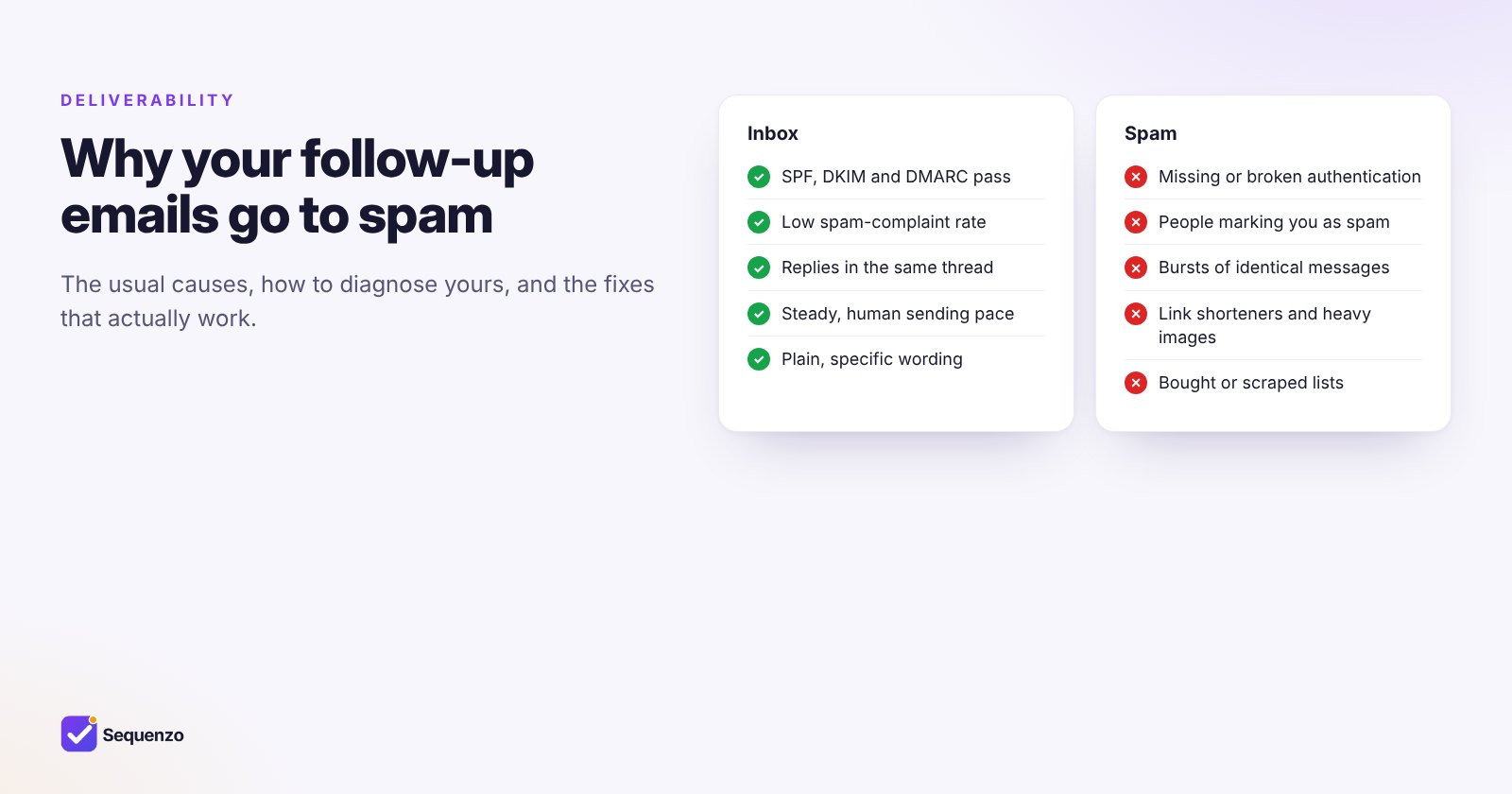
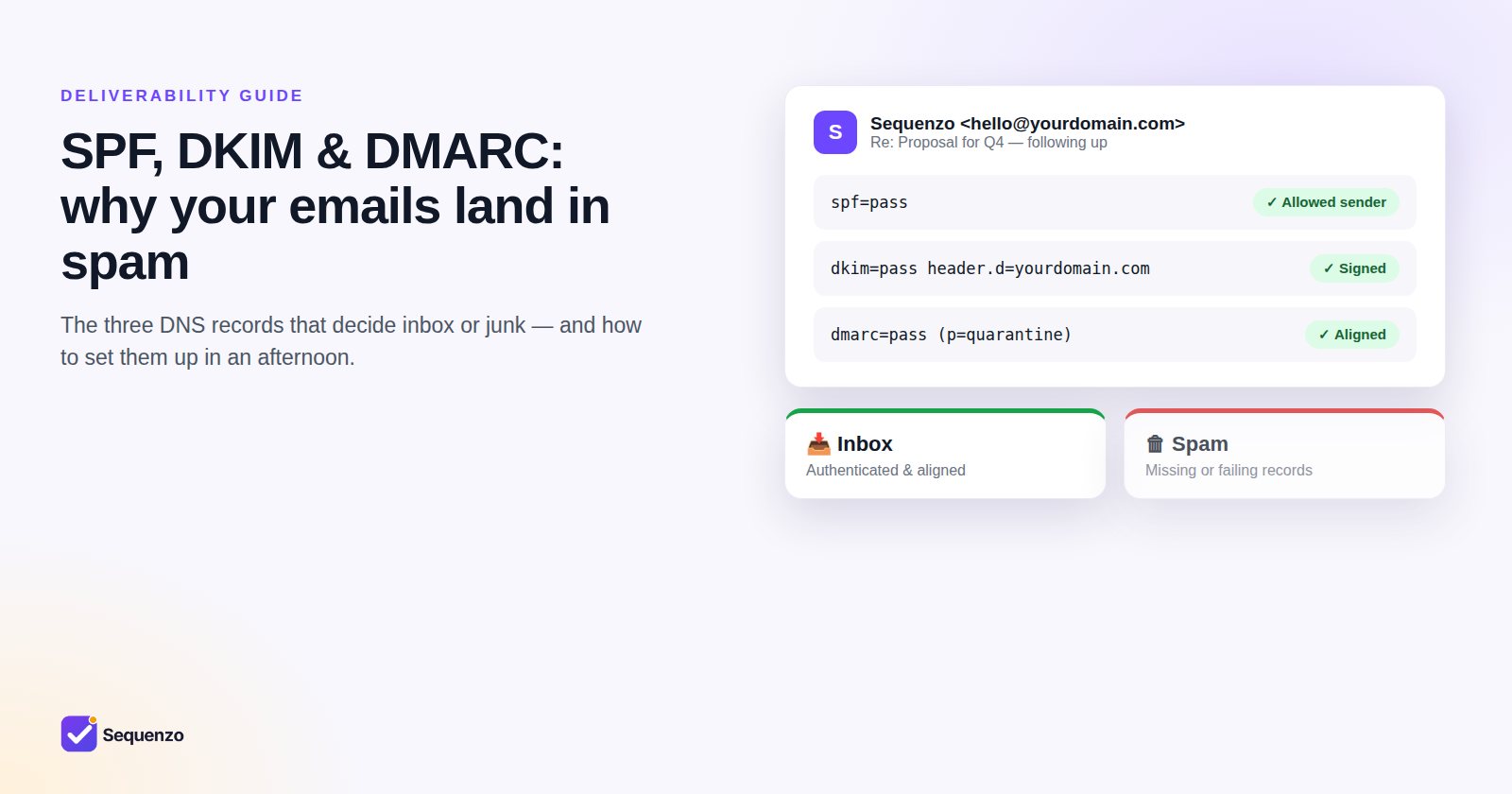
Most "my emails go to spam" problems start in DNS, not in the email itself. Gmail, Yahoo and Microsoft now expect every sender to prove who they are with three records: SPF, DKIM and DMARC. If any of them is missing or broken, your mail is more likely to land in junk, or be rejected outright.
This checker looks up your domain's public DNS and grades the whole setup in one go:
- MX: who receives your mail, so replies don't bounce.
- SPF: which servers may send for you, including a full count of nested DNS lookups. More than 10 makes SPF fail, a limit that catches many companies out.
- DKIM: whether a signing key is published on 25+ common selectors, and how long it is.
- DMARC: your policy, reporting addresses and alignment settings.
- MTA-STS, TLS reporting and BIMI: optional extras that strengthen security and branding.
How to use the email health check
- Enter your domain (yourcompany.com) or any email address on it.
- If you know your DKIM selector, add it (find it in a sent email: Show original → DKIM-Signature →
s=). - Click Check domain and read the grade and each result.
- Use the fix under each failing item, then check again after your DNS updates (usually minutes, sometimes a few hours).
Accuracy and privacy
Results come from live, public DNS lookups made from our server at the moment you click. We do not store the domains you check. DKIM can only be confirmed on the selectors we try; if your provider uses an unusual selector, enter it. The grade is our own weighting of the checks to help you prioritise. It is not a score used by Gmail or Microsoft, and no checker can guarantee inbox placement.
Frequently asked questions
Q01What does an email health check test?
It looks up the public DNS records that tell other mail servers how to treat email from your domain: MX, SPF, DKIM, DMARC, and optionally MTA-STS, TLS reporting and BIMI.
Q02Why does my SPF fail when the record looks right?
The most common reason is going over the limit of 10 DNS lookups, which counts every include, a, mx and redirect, including those inside the records you include. This checker counts them all.
Q03Why can't the checker find my DKIM key?
DKIM keys live under a selector name chosen by your provider. We try more than 25 common ones. If yours is different, find the s= value in the DKIM-Signature header of an email you sent and enter it.
Q04How long do DNS changes take to show up?
Often a few minutes, but up to the record's TTL, and occasionally up to 48 hours. Check again later if a fix does not appear straight away.