Candidates are in other processes
Good candidates talk to more than one recruiter. If you are slow to follow up, they may accept another offer first.
Shortlists stall, candidates stop answering and feedback never arrives. Sequenzo follows up with candidates and clients from your own mailbox, in the same thread, and stops when they reply.
Sends from your own Gmail, Outlook or IMAP mailbox · stops when they reply · free plan

Good candidates talk to more than one recruiter. If you are slow to follow up, they may accept another offer first.
CVs sit unread in a busy manager's inbox. A polite reminder gets you the feedback you need to keep the process going.
With dozens of candidates across several roles, reminders kept by hand will miss somebody sooner or later.
Pick a flow when you send the first email (from your inbox, the dashboard or Gmail compose) and Sequenzo sends the follow-ups after it.
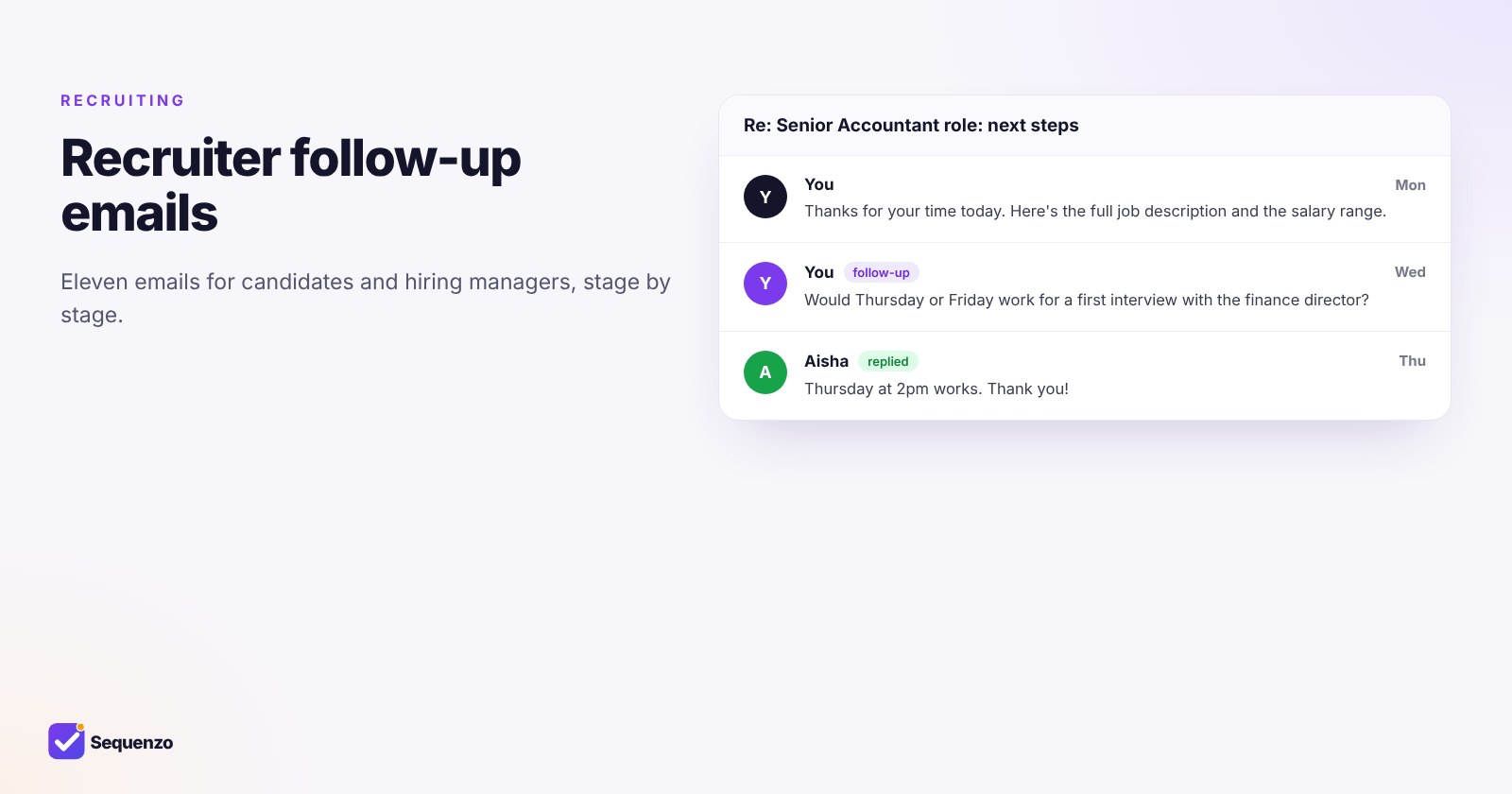
Set up your first flowFollow up to check they are interested, answer questions and book a call.
Ask for feedback on day 2 and day 4 so you don't lose your strongest candidates.
Get feedback from both sides and tell everyone what happens next.
Stay in touch with the candidate and answer their questions until the contract is signed.
Sent from your own mailbox to the hiring manager, in the same thread as the CVs.
Hi {{first_name|there}}, here are the three strongest candidates for the role, with a short note on each. I'm happy to talk them through.
Hi {{first_name|there}}, did any of the three stand out? Two of them are interviewing elsewhere, so a quick yes or no would really help.
If it's easier, I can hold some 20-minute slots on Thursday for first interviews. Shall I book in the candidates you like?
Should I keep these candidates on hold, or has the role changed? A one-line reply either way helps me plan.
{{first_name|there}} = merge field with a safe fallback. Want more? Browse 50 free follow-up email templates or draft your own with the follow-up email generator.
Candidates and clients hear from you rather than a no-reply address, in a thread they already know.
A reply from a candidate or a manager cancels the remaining follow-ups straight away.
Merge fields with fallbacks and small variations in wording mean each follow-up reads like one you wrote.
Share candidate and client flows across your desk. Every recruiter still sends from their own mailbox.
A recruiter follow-up email should make people want to answer soon without pushing them. Candidates and hiring managers both respond best to clear information and an obvious next step.
Follow up within a day of sending a role, with the details they care about: salary range, location, flexibility and what happens next. If they go quiet, a short "still interested?" on day 3 is fine.
Tell them why timing matters ("two of them are interviewing elsewhere") and offer to do the legwork, whether that's booking interviews, sending a summary or setting up a call.
Get feedback from both sides within 48 hours. This is the stage where good candidates are most often lost to delays.
Three or four follow-ups is enough. Keep each one short and make it easy to say no. For subject line ideas, see follow-up email subject lines.
Follow-up emails for both sides of the desk: candidates who go quiet, hiring managers who forget feedback, offers waiting for a signature. A timing table and eleven templates.
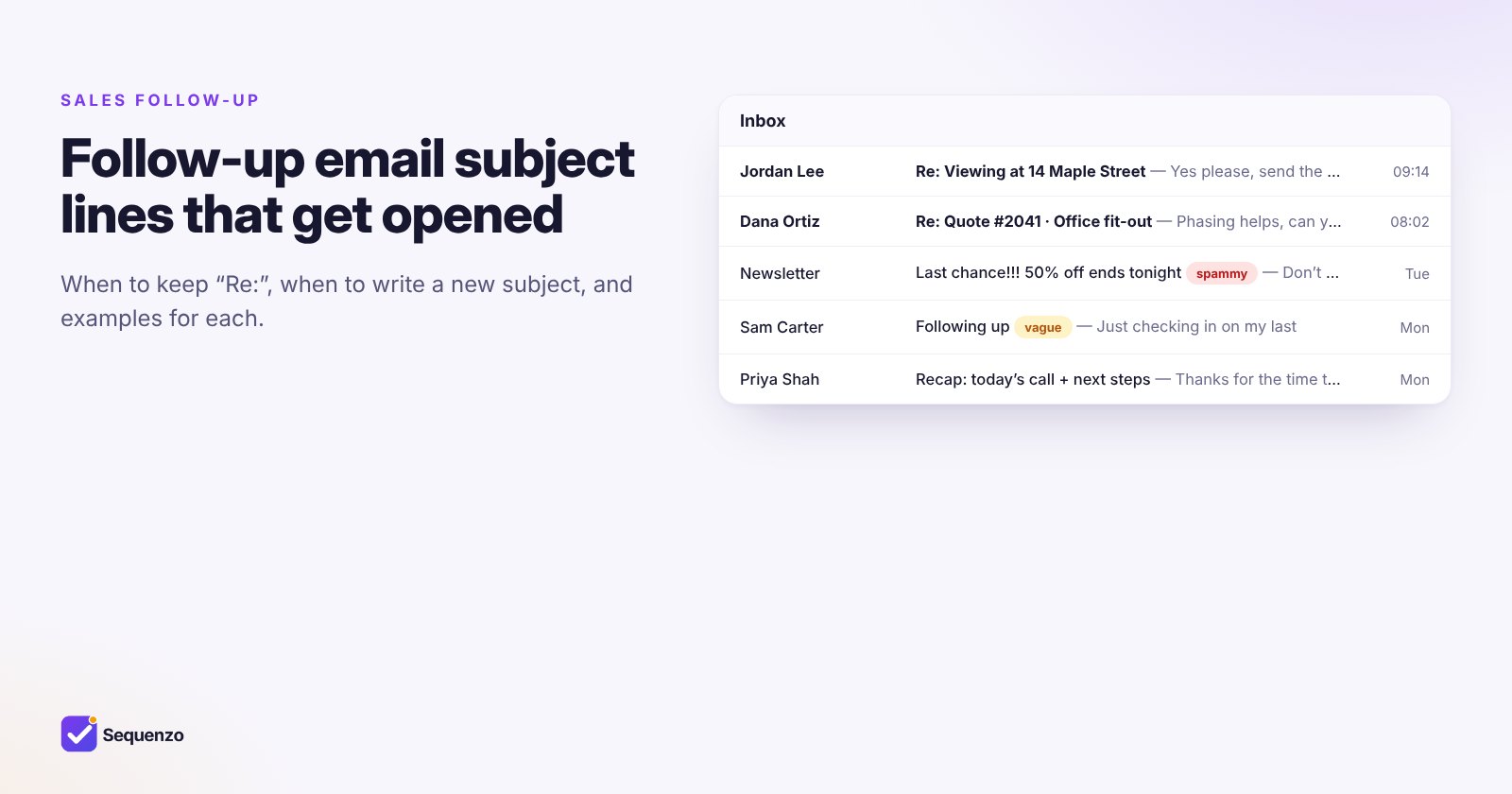
Most follow-ups should keep the original subject and stay in the thread. When to write a new subject line instead, 25 examples, and eight complete follow-ups with their subjects.
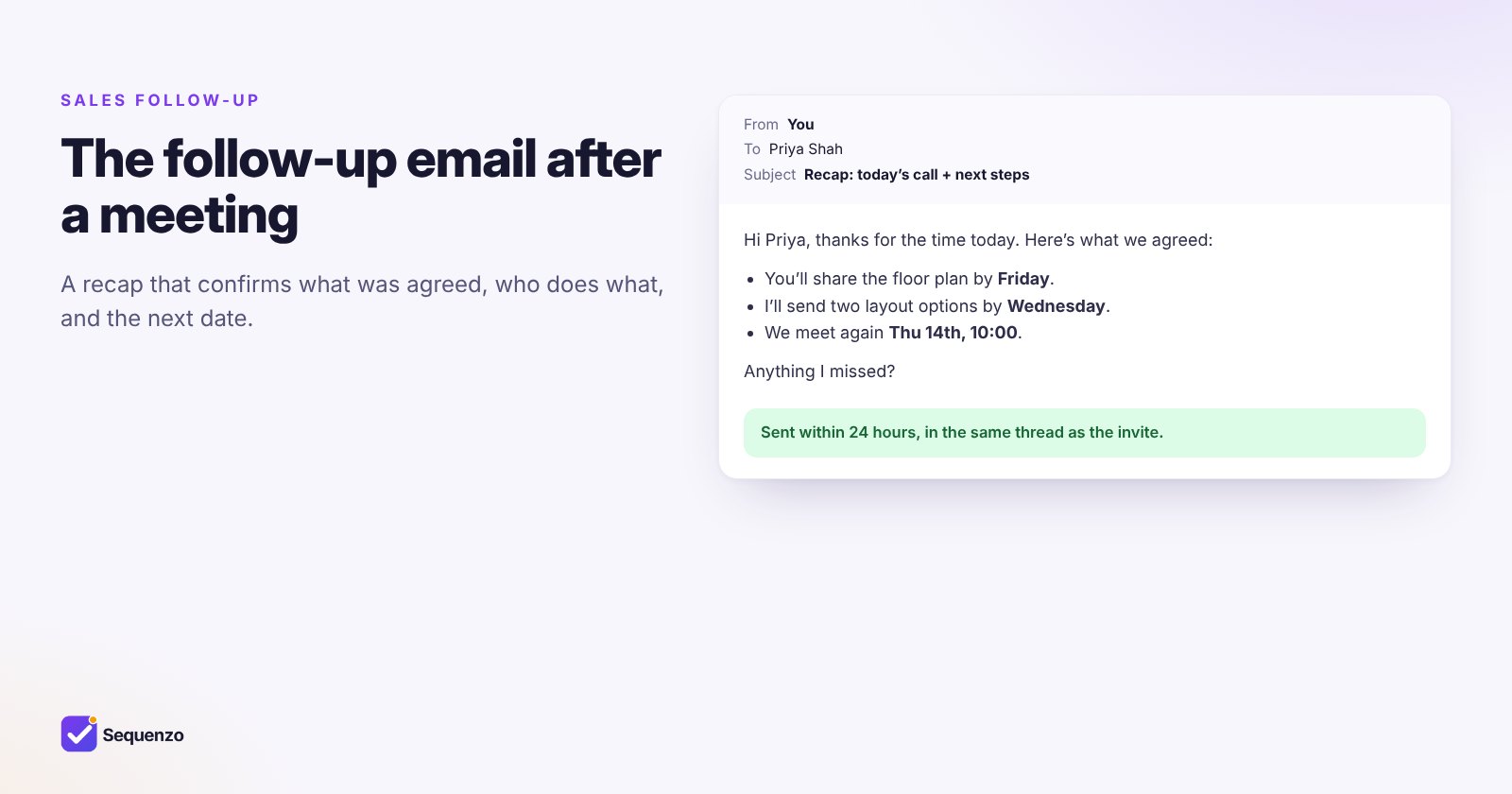
How to write the recap email after a meeting or call: what to include, when to send it, nine templates, and how to follow up when the next step slips.
Something else? Contact the Sequenzo team and a person will answer within one working day.
Yes. Set up separate flows for candidates and hiring managers, and pick the right one when you send the first email.
No. Sequenzo only follows up on conversations you started. It doesn't scrape, buy or blast lists.
No. Follow-ups come from your own mailbox, in the same thread, with your signature.
Use auto-BCC to copy every follow-up into any system that accepts email, and outbound webhooks to connect other tools.
Yes. On Business, flows and templates are shared and each recruiter sends from their own mailbox.
Free plan, no card. Pro starts with a 14-day free trial. Cancel any time.