The proposal goes out, then nothing
Decision-makers are busy. A proposal with no follow-up planned often sits there until a competitor's arrives.
Sequenzo lets your team agree on one way of following up and then sticks to it. Each rep sends from their own inbox, follow-ups land in the original thread, and they stop once the prospect replies.
Sends from your own Gmail, Outlook or IMAP mailbox · stops when they reply · free plan

Decision-makers are busy. A proposal with no follow-up planned often sits there until a competitor's arrives.
One rep chases three times and another never does. Whether a lead gets followed up depends on who picked it up.
Calendar reminders and sticky notes work for a handful of deals. Past that they fall apart, and they leave with the rep.
Pick a flow when you send the first email (from your inbox, the dashboard or Gmail compose) and Sequenzo sends the follow-ups after it.
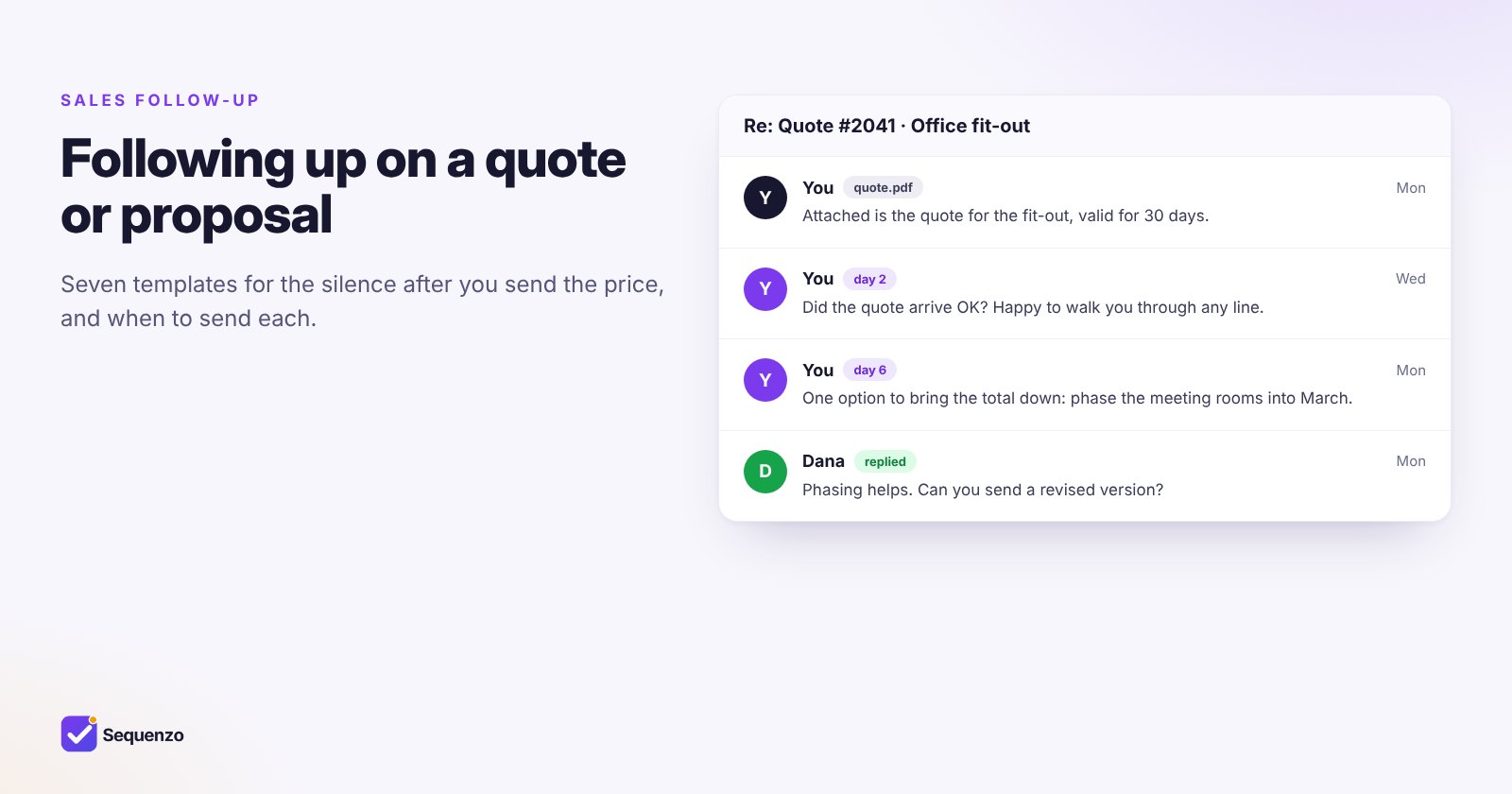
Set up your first flowFollow up on day 2 with a short summary, on day 5 with a question about fit, and on day 10 with a decision date.
Check it arrived, deal with objections early, and remind them how long the price is held.
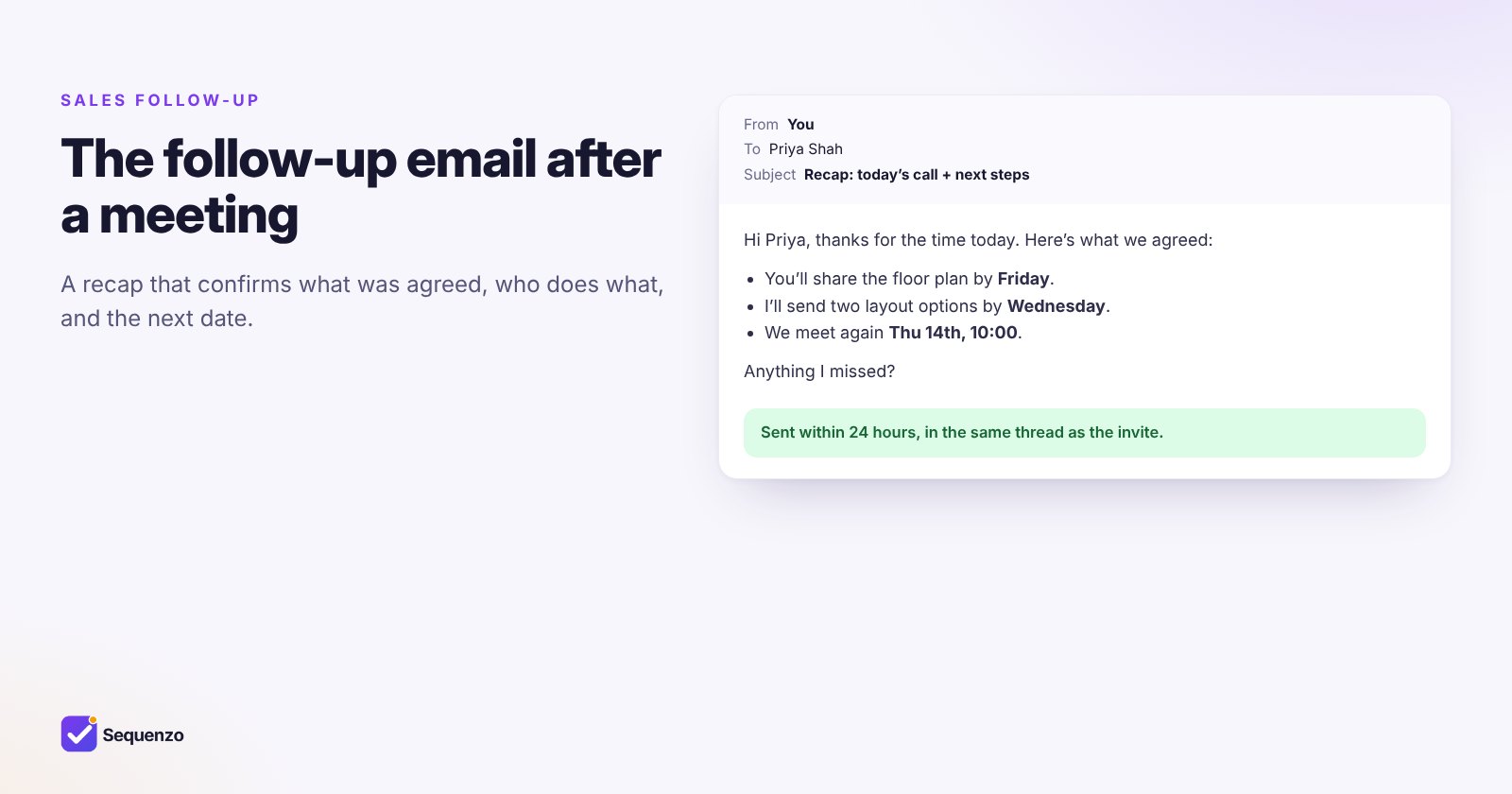
Send the recording and next steps, then check in with the people who weren't on the call.
A few short, friendly nudges keep the signature moving without sounding desperate.
Share it with the team once. Each rep then sends it from their own mailbox, under their own name.
Hi {{first_name|there}}, here's the proposal with the options we discussed. I'm happy to walk you through it.
Hi {{first_name|there}}, did the proposal come through OK? If a 15-minute walk-through with your team would help, I'm free Thursday or Friday.
One question: which of the two options is closer to what you need? I can adjust the scope either way.
Should I keep this open, or is now not the right time? Either answer helps me plan.
{{first_name|there}} = merge field with a safe fallback. Want more? Browse 50 free follow-up email templates or draft your own with the follow-up email generator.
Set up flows and templates once. Every rep uses them from their own inbox, with their own name and signature.
See who was followed up, who opened and who replied, across the whole team.
Choose who can export, send, delete or manage members, and see a record of every change.
See which flows and steps get the most replies, then adjust the playbook based on that.
A sales follow-up email after a proposal should help the prospect decide. A plain reminder that the proposal exists rarely does that. They have plenty of other things to deal with, so make yours the easiest one to answer.
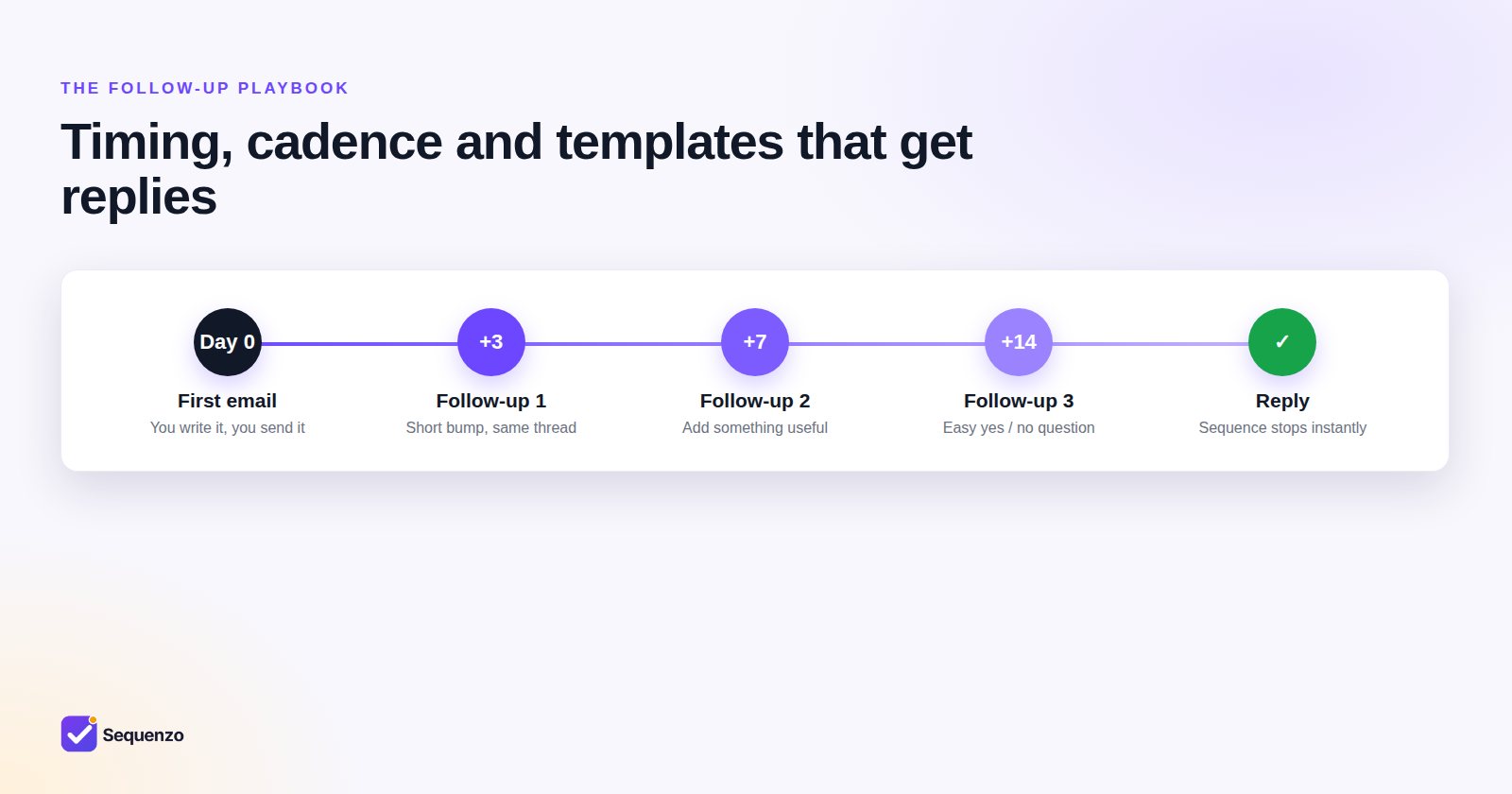
Day 2, day 5 and day 10 is a reasonable default. Add a fourth step only for a large deal or a big buying group. The follow-up email cadence playbook has other patterns.
"Which option is closer?" or "Should I keep this open?" gets more replies than "Any thoughts?". A yes/no or either/or question takes seconds to answer.
Proposals often stall with people you have never met. Offer a short walk-through for the team, and send a summary they can forward.
In a small team, one of the quickest wins is getting every rep to follow up the same way. Shared flows do that, and the reports show which steps get replies. For wording, read follow-up email after sending a quote.
Ten follow-up emails for the silence after you send a quote or proposal, a day-by-day timing table, and the small changes that turn "we'll think about it" into a decision.
How long to wait, how many follow-ups to send, and what to write in each one - with copy-and-paste templates for proposals, quotes, invoices and interviews.
How to write the recap email after a meeting or call: what to include, when to send it, nine templates, and how to follow up when the next step slips.
Something else? Contact the Sequenzo team and a person will answer within one working day.
No. Each rep connects their own mailbox. Flows and templates are shared, but each follow-up is sent by the rep who owns the conversation.
Shared flows, templates and contacts belong to the team, so nothing disappears when someone moves on.
Yes. Auto-BCC your CRM on every follow-up. HubSpot users can also connect a private-app token to log replies and statuses on the contact timeline.
Yes. Pro and Business include A/B testing on sequence steps, along with open, reply and per-step reports.
No. Sequenzo follows up on conversations your team started, such as proposals, quotes and demos. It is not for bought lists.
Free plan, no card. Pro starts with a 14-day free trial. Cancel any time.