Clients compare several quotes
Your quote is usually sitting next to two or three others. If you explain how yours differs and then follow up, you have a better chance of winning the policy.
Clients compare quotes and put decisions off. Sequenzo follows up on your quotes, renewals and review meetings from your own mailbox, in the same thread, and stops when the client replies.
Sends from your own Gmail, Outlook or IMAP mailbox · stops when they reply · free plan

Your quote is usually sitting next to two or three others. If you explain how yours differs and then follow up, you have a better chance of winning the policy.
Insurance rarely feels urgent until it suddenly is. Without a reminder, a good quote can sit unanswered until the renewal date has passed.
When dozens of renewals fall in the same month, personal follow-up is the first thing to slip.
Pick a flow when you send the first email (from your inbox, the dashboard or Gmail compose) and Sequenzo sends the follow-ups after it.
Set up your first flowFollow up to explain the cover, answer questions and confirm a start date.
Get in touch early, offer a review, and follow up again before the policy lapses.
Ask whether anything has changed, like a new home, a new car or a new family member, that means the cover needs updating.
Politely chase the forms or details you need before the policy can start.
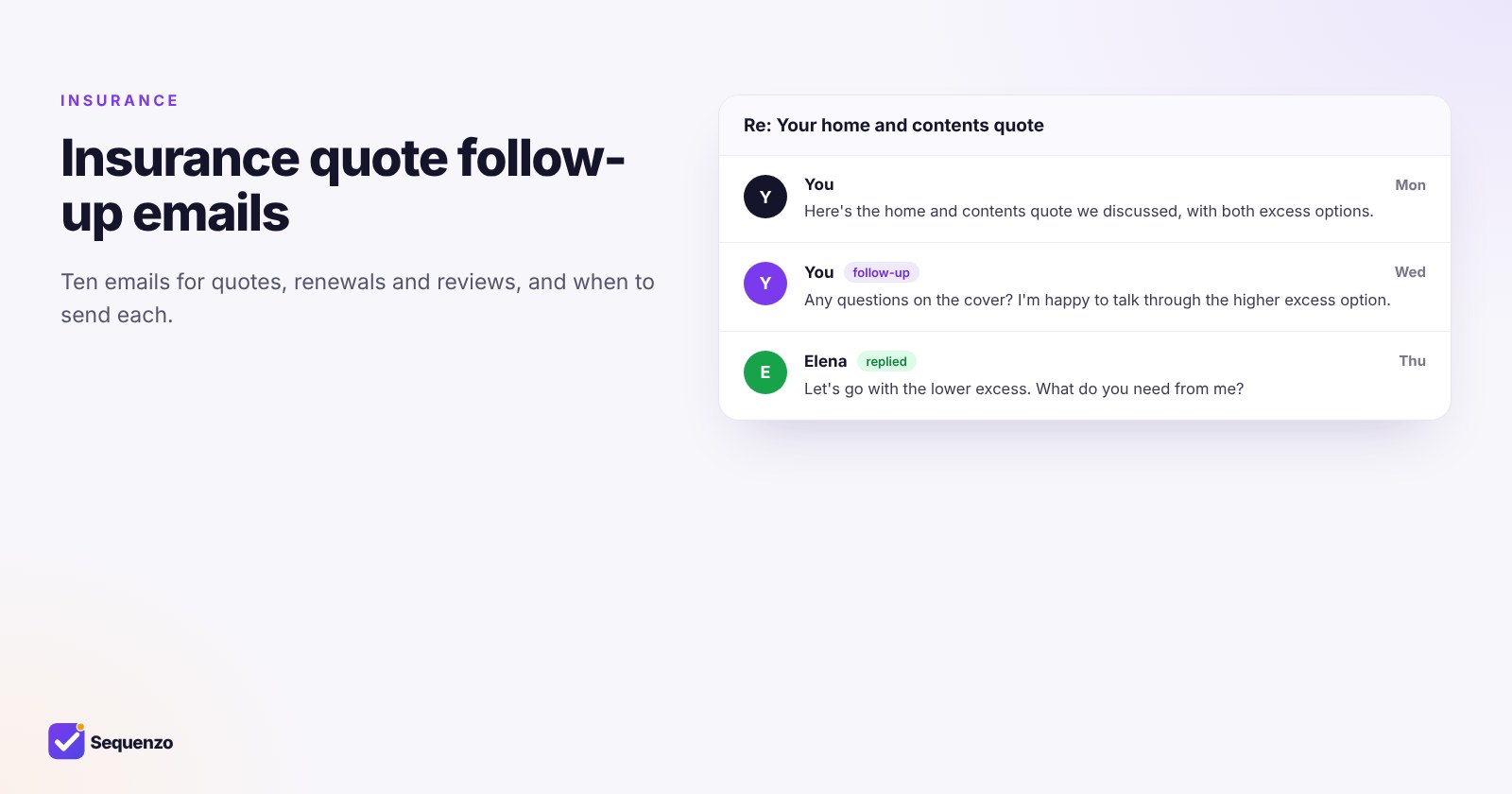
Clear and helpful, with no pressure. Each step goes out in the original thread from your own mailbox.
Hi {{first_name|there}}, here's the quote we discussed, with the cover and excess options side by side. If you have any questions, just reply.
Hi {{first_name|there}}, have you had a chance to look at the options? I'm happy to explain what each one covers in plain English.
Just a reminder that this quote is held until the end of the month. If you need cover to start on a particular date, let me know.
I'll close this quote for now so I'm not filling your inbox. If you want to pick it up again, reply and I'll refresh the figures.
{{first_name|there}} = merge field with a safe fallback. Want more? Browse 50 free follow-up email templates or draft your own with the follow-up email generator.
Clients get follow-ups from the agent they spoke to, in the original thread, with your usual signature.
Sending hours, gaps between emails and a daily cap mean your follow-ups trickle out at a normal pace instead of all at once.
Every follow-up has a one-click unsubscribe link, and anyone who uses it is never emailed again.
An auto-reply pauses the flow until the client is back, so reminders don't pile up unread.
An insurance follow-up email works best when it helps the client understand what they are choosing. Most people who go quiet aren't avoiding you. They aren't sure which option is right, so they put the decision off.
Use the first follow-up to make the cover clear: what the excess means, what is and isn't included, and how the options differ. The second one can bring up timing, such as when the quote expires or when cover needs to start.
Begin renewal follow-ups four to six weeks before the date. Offer a short review, then follow up twice more before the policy lapses.
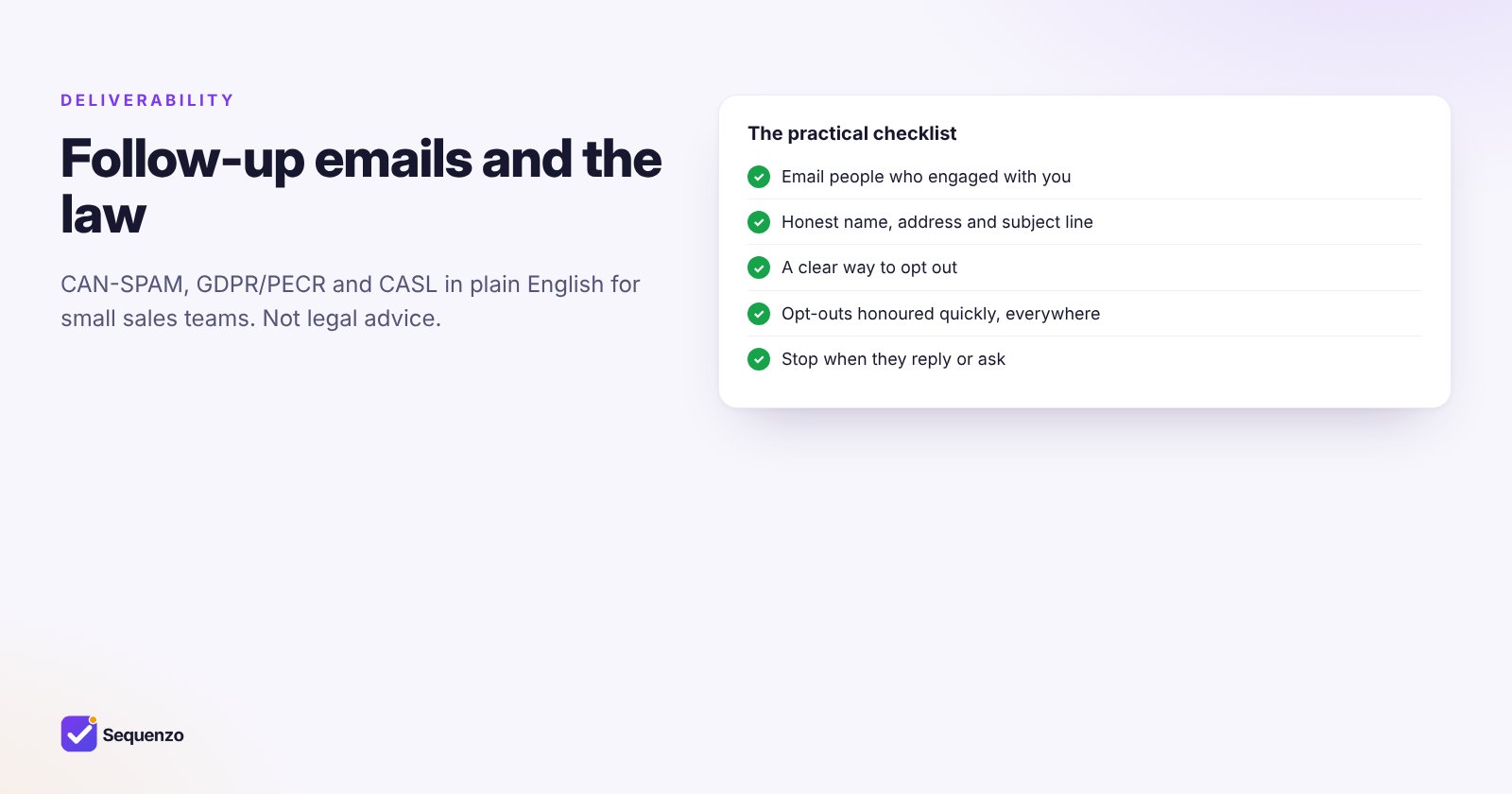
Only follow up with clients and prospects who asked for a quote or already hold a policy with you. Include a clear way to opt out and keep a record of what you sent. Follow-up email laws: CAN-SPAM and GDPR covers the basics. This isn't legal advice, so check your own regulator's rules too.
Aim for three short paragraphs at most, with one question at the end. A client should be able to answer from their phone in ten seconds.
How insurance agents and brokers can follow up on quotes, renewals and annual reviews without sounding like a script: a timing table, ten templates and notes on staying compliant.
What US, UK, EU, Canadian and Australian email laws mean for sales follow-ups: when you need consent, which follow-ups count as marketing, what every email must include, and how to handle opt-outs.
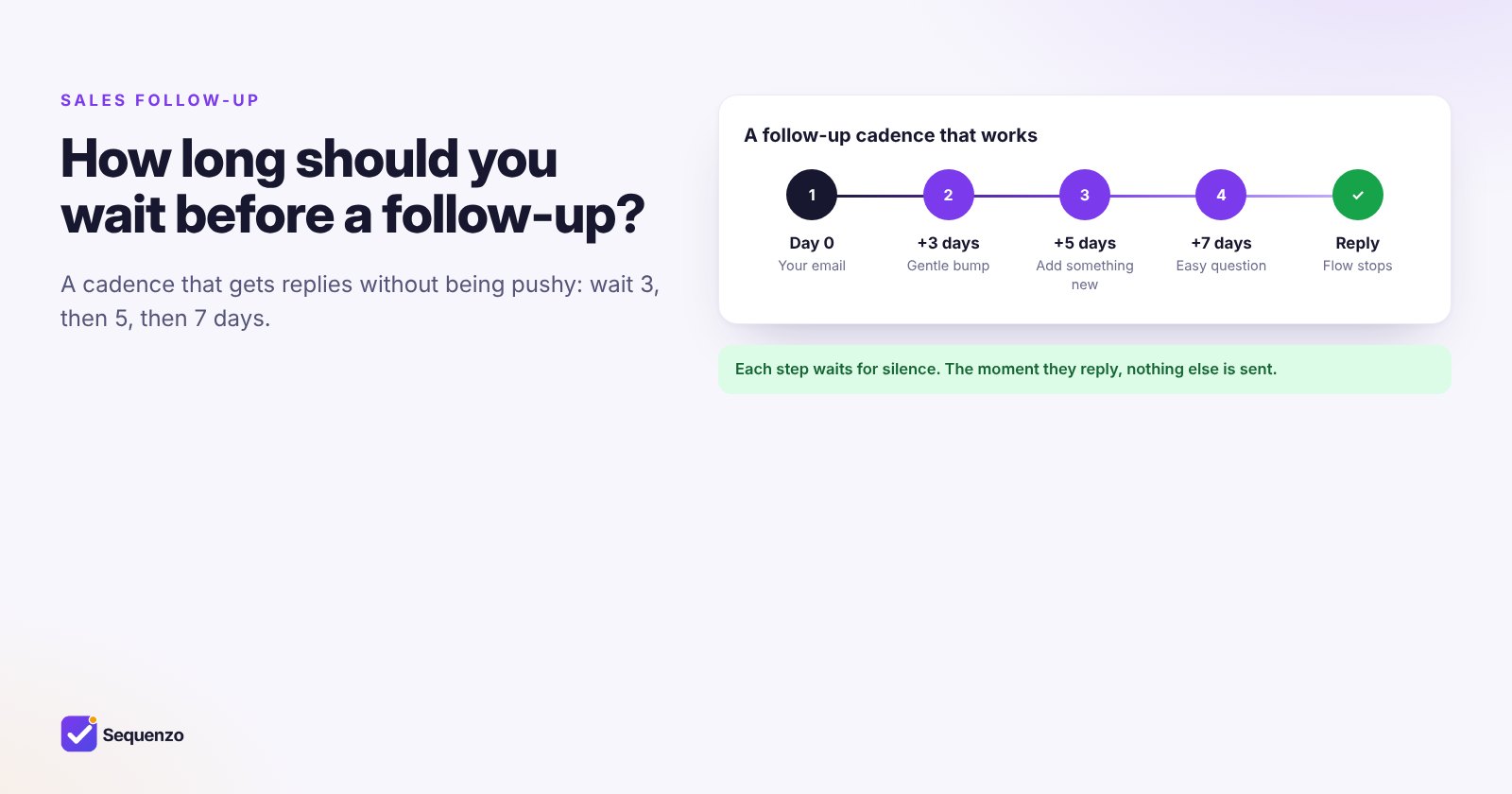
How many days to leave between follow-up emails, why the gaps should get longer, and when to stop.
Something else? Contact the Sequenzo team and a person will answer within one working day.
Yes. Send the renewal email from your inbox, pick a renewal flow, and Sequenzo follows up on the dates you choose until the client replies.
No. Mailbox access is used only to send your follow-ups and to read the thread so a reply can be spotted. Nothing is sold, shared or used to train AI models.
Yes. Outlook and Microsoft 365 connect through Microsoft's own sign-in. Gmail, Zoho and other IMAP mailboxes connect with an app password.
Yes. Every follow-up includes a one-click opt-out, and anyone who unsubscribes is suppressed automatically.
Yes. Business adds team seats, shared flows and a team pipeline, and each agent still sends from their own mailbox.
Free plan, no card. Pro starts with a 14-day free trial. Cancel any time.