Customers get three quotes
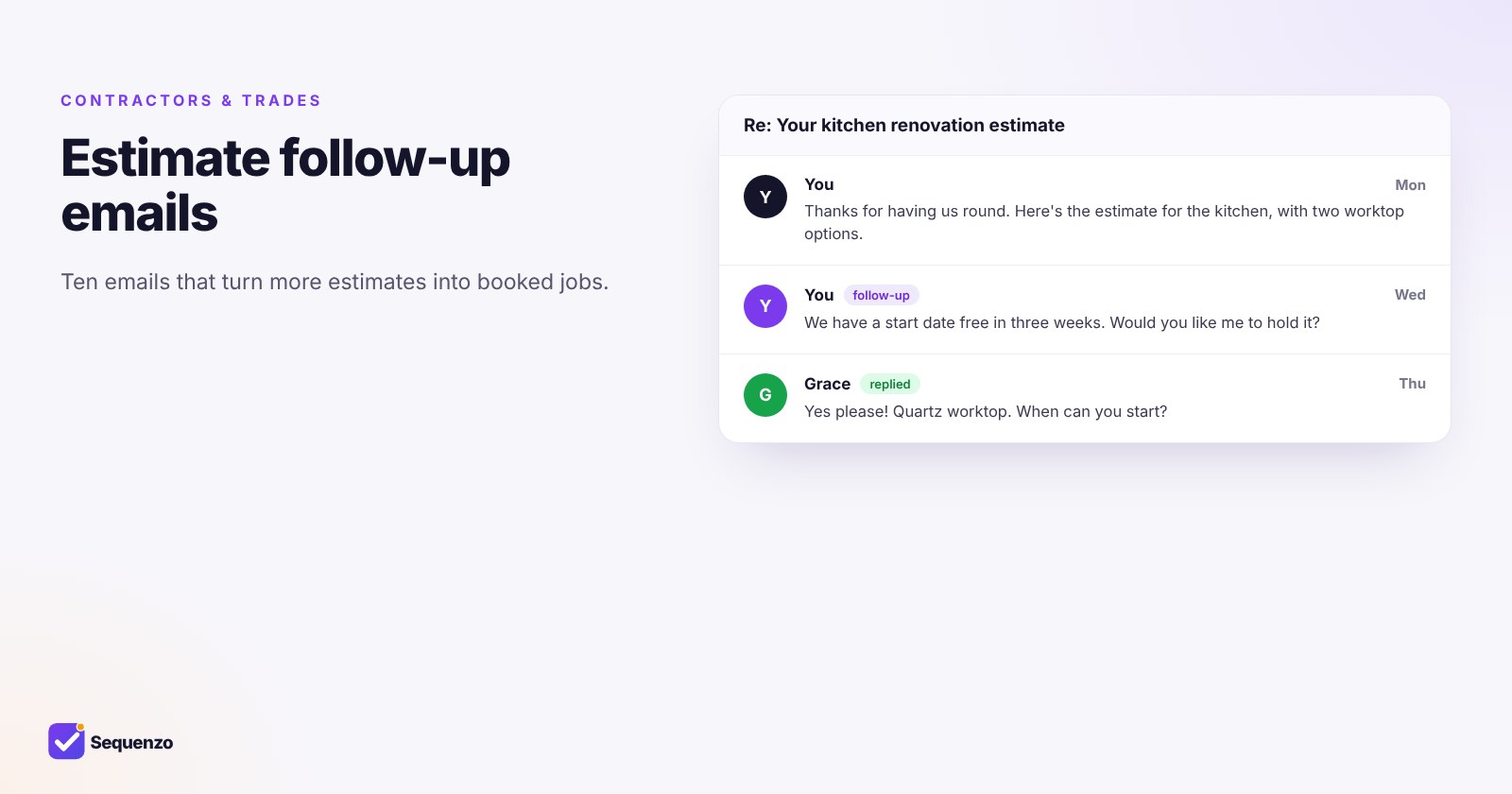
Homeowners compare. The contractor who follows up with clear answers and a start date usually gets the job.
Homeowners usually get three quotes and often book whoever gets back to them properly. Sequenzo follows up on each estimate from your own inbox, in the same thread, and stops as soon as the customer replies.
Sends from your own Gmail, Outlook or IMAP mailbox · stops when they reply · free plan

Homeowners compare. The contractor who follows up with clear answers and a start date usually gets the job.
Following up means evenings at the laptop, so a lot of quotes never get a second email.
Customers who think a quote is too high often just say nothing. A follow-up gives them an opening to raise it, and that conversation can save the job.
Pick a flow when you send the first email (from your inbox, the dashboard or Gmail compose) and Sequenzo sends the follow-ups after it.
Set up your first flowFollow up on day 2 with answers, on day 5 with availability, and on day 10 with a friendly close.
Confirm the appointment and send a reminder the day before.
Thank the customer, then ask for a review a few days later.
Remind past customers when the boiler service, gutter clean or yearly check is due.
Written for busy trades: short, friendly, and always with a clear next step.
Hi {{first_name|there}}, thanks for having us round. I've attached the estimate with the options we talked about. If you have questions, just reply.
Hi {{first_name|there}}, did the estimate make sense? I can explain any line on it, or price up a simpler option.
We have a start date free in the next few weeks. Would you like me to hold it for you?
I'll close this estimate for now. If you want to go ahead later, reply and I'll check when we're free.
{{first_name|there}} = merge field with a safe fallback. Want more? Browse 50 free follow-up email templates or draft your own with the follow-up email generator.
Follow-ups go out during your business hours while you are on site, so you don't have to do them in the evening.
Emails come from your own address with your signature, in the same thread as the estimate.
When the customer replies, the rest are cancelled. Nobody gets a reminder after they have already booked.
Make a quote or invoice with our free generators, then let Sequenzo do the follow-up.
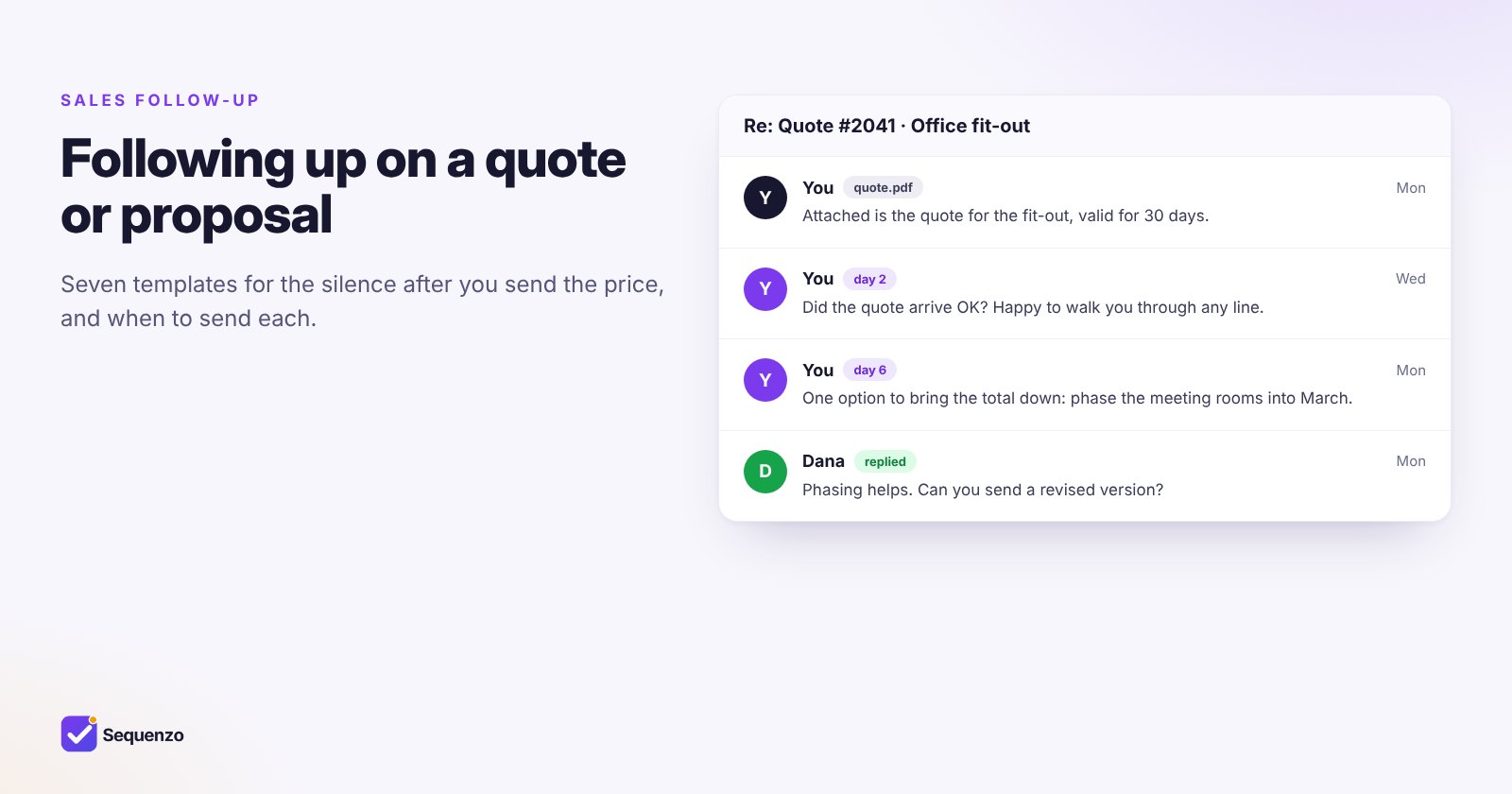
A good quote follow-up email answers two questions the customer probably hasn't asked out loud: is this a fair price, and when can you start? Answer both and you will win more jobs.
Once homeowners have their quotes in, they tend to decide quickly. A follow-up on day 2 keeps you in the running while they compare.
If price is the sticking point, suggest a cheaper material or doing the job in stages before you cut your rate. Jobs that would otherwise go quiet are often saved this way.
"We can start on the 14th" persuades people better than any sales line. A real date also gives them a reason to decide.
Send a short thank-you with a review link a few days after the job. Those reviews help you win the next quote. There are more ideas in follow-up email after sending a quote.
Homeowners get several estimates and often book whoever follows up properly. What to send after an estimate, when, how to handle "too expensive", and ten templates for trades.
Ten follow-up emails for the silence after you send a quote or proposal, a day-by-day timing table, and the small changes that turn "we'll think about it" into a decision.
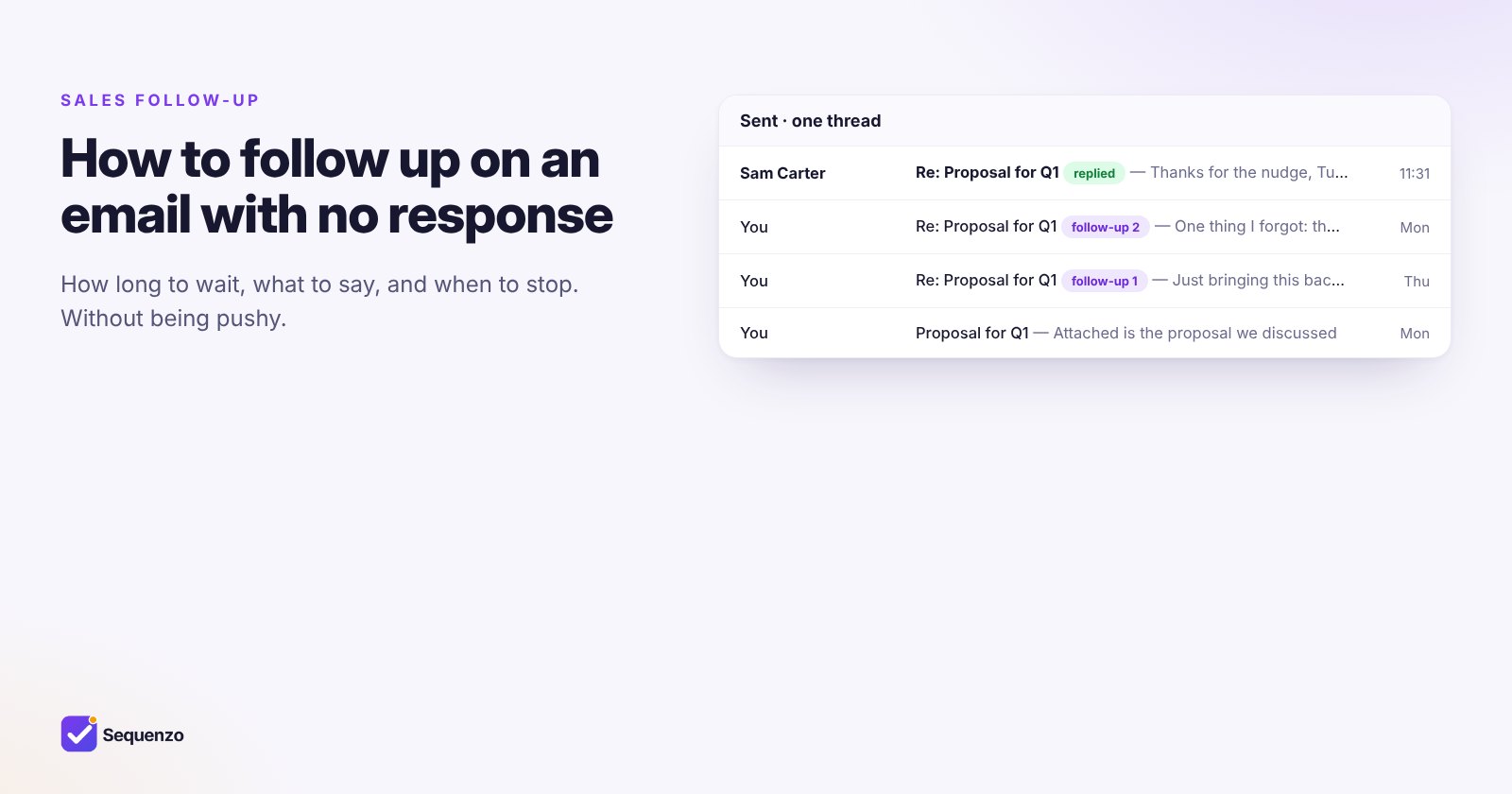
How long to wait, how many times to follow up, and ten short emails for when someone goes quiet, with a timing table you can copy.
Something else? Contact the Sequenzo team and a person will answer within one working day.
Yes. The free plan covers one mailbox and takes a few minutes to set up. Pro adds unlimited sequences and contacts for $8.99 a month.
Yes. It works with Gmail, Google Workspace, Outlook, Microsoft 365, Zoho, Fastmail or any mailbox with IMAP and SMTP.
You send the first email as usual and Sequenzo sends the follow-ups on schedule, so there is nothing to do on your phone.
No. A reply stops the flow automatically, and you can stop any contact with one click.
Yes. Use the free quote generator and invoice generator on this site. You don't need an account.
Free plan, no card. Pro starts with a 14-day free trial. Cancel any time.