Every email carries a hidden record of its journey: which servers handled it, how long each step took, and what the receiving server concluded about authentication. When a message lands in spam or arrives late, the headers usually explain why.
This analyzer reads them for you. It shows the SPF, DKIM and DMARC results recorded by the receiving server, whether each one is aligned with the From address, spam scores such as Microsoft's SCL, the full delivery path with the delay at each hop, and the headers that matter (Return-Path, Message-ID, List-Unsubscribe).
Where to find the headers
- Gmail: open the email → ⋮ (More) → Show original → Copy to clipboard.
- Outlook on the web: open the email → … → View → View message source.
- Outlook desktop: open the email → File → Properties → Internet headers.
- Apple Mail: View → Message → All Headers (or Raw Source).
How to use the email header analyzer
- Copy the full headers from the recipient's copy of the email (not your Sent folder).
- Paste them into the box and click Analyse headers.
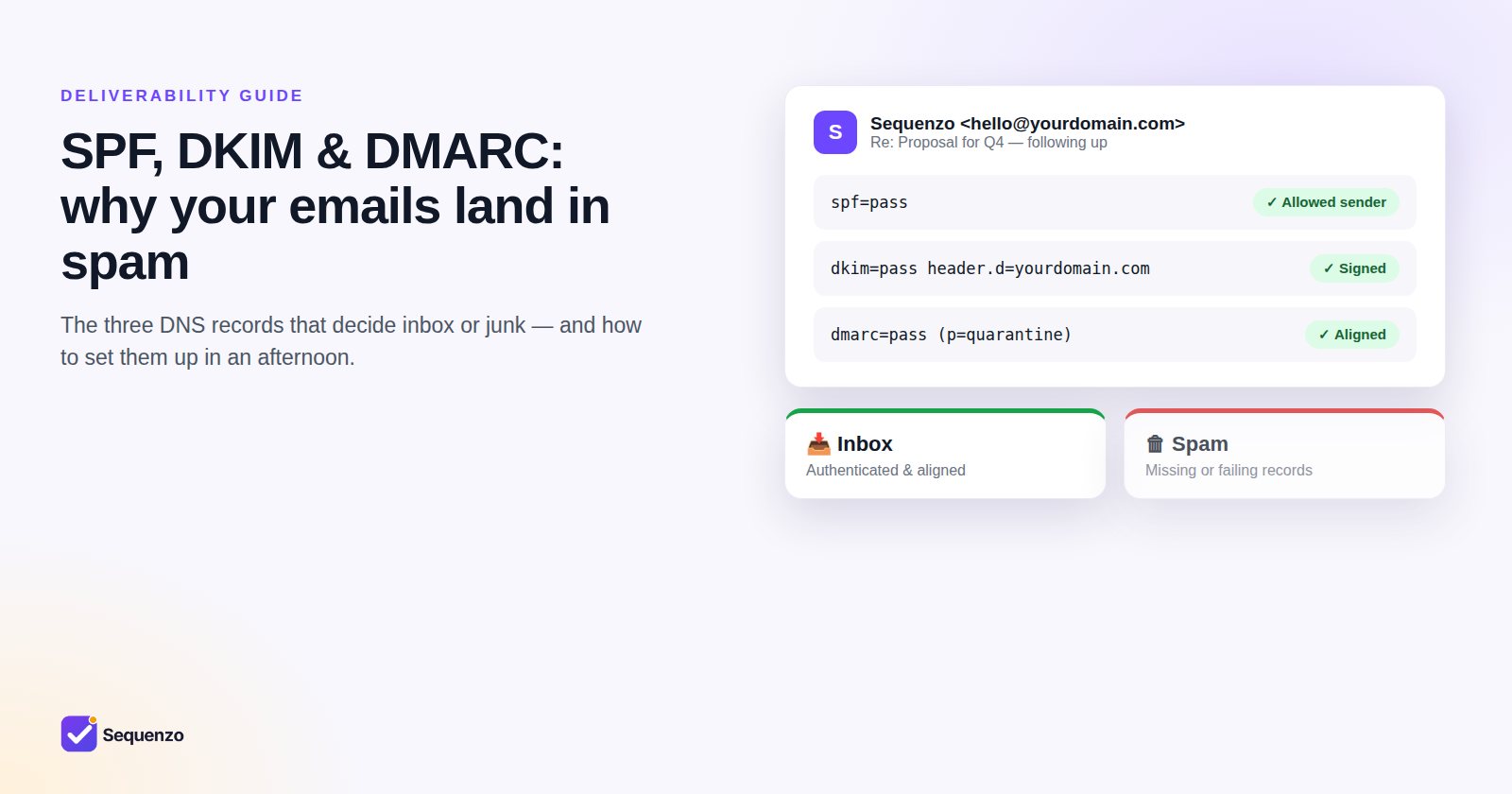
- Check the authentication table first: all three should pass and be aligned.
- Look at the delivery path for long delays, and read the plain-English notes.
Accuracy and privacy
Headers are analysed entirely in your browser and never uploaded. Results reflect what the receiving server wrote into the headers; we do not re-run the checks. Times are shown in UTC; small negative delays usually mean the servers' clocks differ slightly.
Frequently asked questions
Q01What can email headers tell me?
Who really sent the message, which servers it passed through and when, whether SPF, DKIM and DMARC passed, spam scores added by the receiving system, and technical details such as the Message-ID and unsubscribe headers.
Q02Why do I see no Authentication-Results?
You probably copied headers from your own Sent folder. Authentication results are added by the receiving server, so copy them from the recipient's mailbox.
Q03What does "not aligned" mean?
The check passed for a different domain than the one in the From address, for example your email service's domain. DMARC needs at least one aligned pass.
Q04Is it safe to paste my headers here?
Yes. The analysis runs in your browser and nothing is sent to our server. Headers can contain email addresses and server names, so avoid pasting them into tools that upload them.