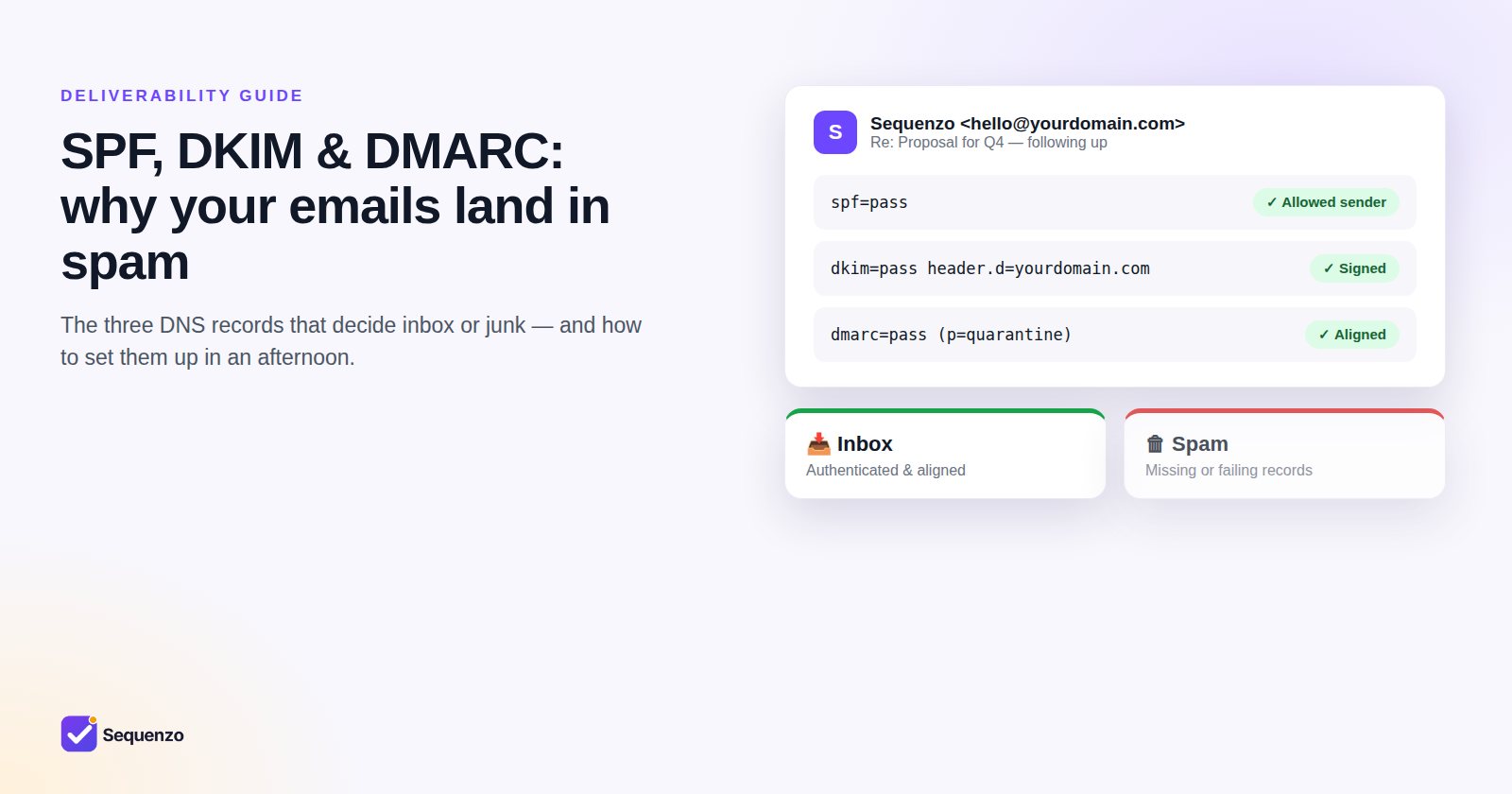
DMARC tells receiving mail servers what to do with email that claims to be from your domain but fails SPF and DKIM checks, and sends you reports about who is sending as you. Gmail, Yahoo and Outlook require it from bulk senders, and it is the main defence against people spoofing your domain.
The safe way to roll it out:
- Start with
p=noneand a reporting address. Nothing changes for delivery, but you start seeing reports. - Fix any legitimate service that fails (usually a tool that sends without DKIM).
- Move to
p=quarantine, thenp=reject.
How to use the dMARC record generator
- Enter your domain and choose a policy (start with "none" if DMARC is new to you).
- Add an address for aggregate (rua) reports.
- Adjust the advanced options only if you have a reason to.
- Publish the record as a TXT record at
_dmarc.yourdomain.com. - Paste any record into "Explain an existing record" to check it.
Accuracy and privacy
The generator follows the DMARC specification (RFC 7489). It runs in your browser and does not look up DNS. To confirm your published record, use the email health check. If reports go to an address on a different domain, that domain must authorise it; report services do this for you.
Frequently asked questions
Q01What DMARC policy should I start with?
Start with p=none plus a rua reporting address. It changes nothing for delivery but shows you every service sending as your domain. Move to quarantine and then reject once reports are clean.
Q02Will DMARC stop my emails being delivered?
p=none never affects delivery. quarantine and reject only affect mail that fails both SPF and DKIM alignment, which is why you fix legitimate senders first.
Q03What is DMARC alignment?
DMARC passes only if SPF or DKIM passes for a domain that matches the visible From address. Relaxed alignment (the default) also accepts subdomains.
Q04Where do I put the DMARC record?
As a TXT record on the host _dmarc of your domain, for example _dmarc.yourcompany.com.