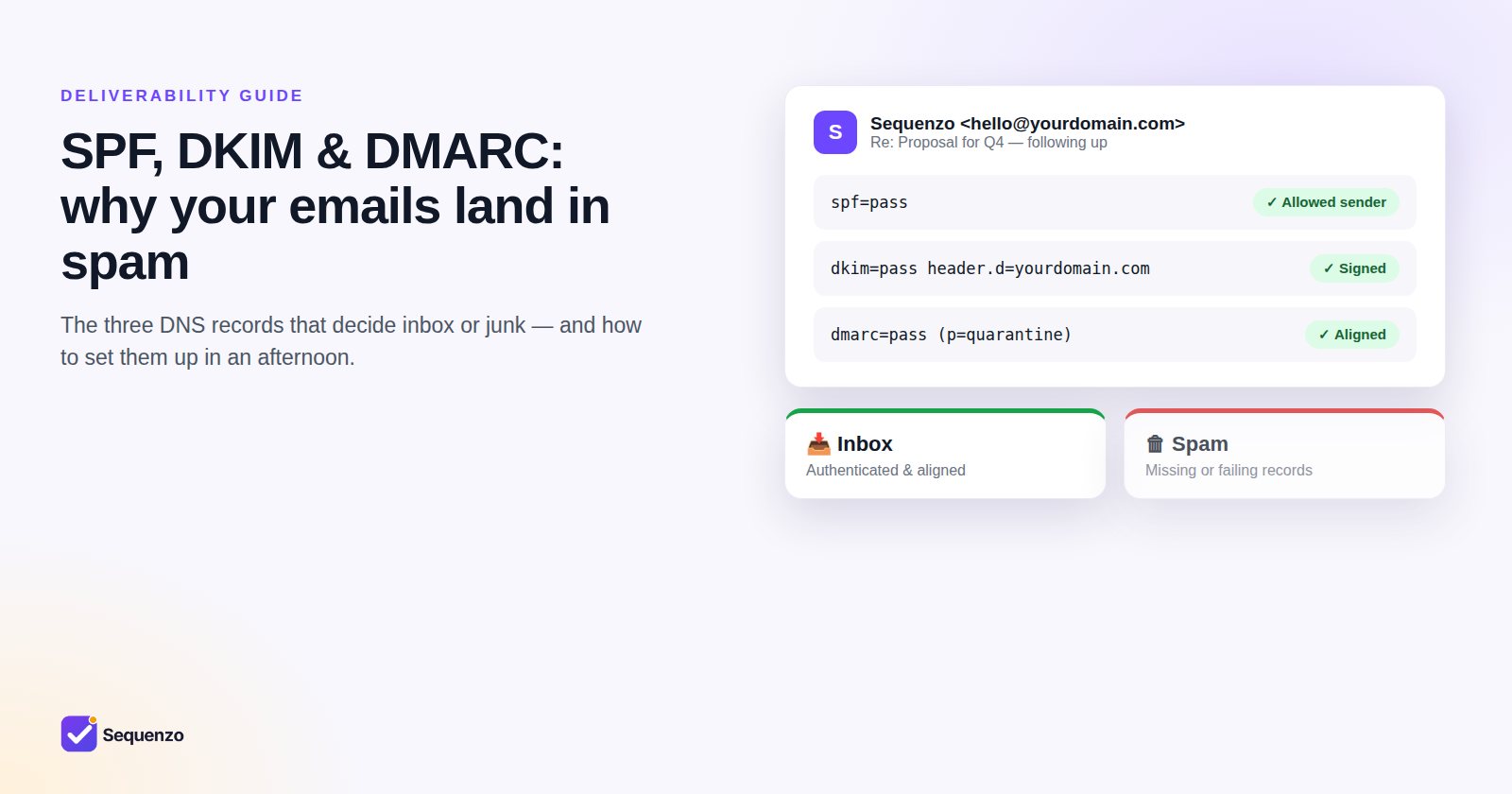
An SPF (Sender Policy Framework) record is a TXT record that lists every server allowed to send email for your domain. Receivers check it on every message. Get it wrong and your own emails can fail authentication.
The rules that trip people up:
- Only one SPF record per domain. Two separate
v=spf1records is a permanent error. - No more than 10 DNS lookups, counting every
include,aandmx, including nested ones. - End with
~allor-all, never+all.
This generator builds one clean record from the services you use, can merge with a record you already have, and warns you as you approach the lookup limit.
How to use the sPF record generator
- Enter your domain.
- Tick every service that sends email as your domain, and add any of your own server IP addresses.
- Already have an SPF record? Paste it under "Merge with an existing SPF record" and import it.
- Copy the record and publish it as a TXT record at the root (@) of your domain, replacing the old one.
- Run the email health check to confirm it passes and to count nested lookups.
Accuracy and privacy
Provider include values come from each provider's own documentation (checked November 2026) but can change, so confirm them in your provider's setup guide. Some services, such as Brevo, Shopify and Mailchimp marketing emails, authenticate with DKIM/CNAME records and do not need an SPF include. The generator runs entirely in your browser.
Frequently asked questions
Q01Can I have two SPF records?
No. A domain must have exactly one SPF record. Two v=spf1 records cause a permanent error, and receivers treat SPF as failed. Combine all includes into one record.
Q02Should I use ~all or -all?
~all (soft fail) is the common, safe choice when you also use DMARC, which decides what happens to failing mail. -all (hard fail) is stricter and fine once you are sure every sending service is listed.
Q03What is the SPF 10 lookup limit?
SPF may trigger at most 10 DNS lookups. Each include, a, mx, ptr, exists and redirect counts, including those inside included records. Over 10, SPF returns a permanent error.
Q04Where do I add the SPF record?
In your domain's DNS settings (at your registrar or DNS host) as a TXT record with the host @ (the root of the domain).