On this page 11 sections
- Symptoms and likely causes
- Diagnose it in this order
- What Google and Yahoo's sender rules mean for small senders
- Causes that are specific to follow-ups
- Checking a message's headers in Outlook
- Quick fixes that usually work
- Warming up a new domain or mailbox
- A checklist you can run in ten minutes
- If it's only one recipient
- Report spam versus unsubscribe
- What not to do
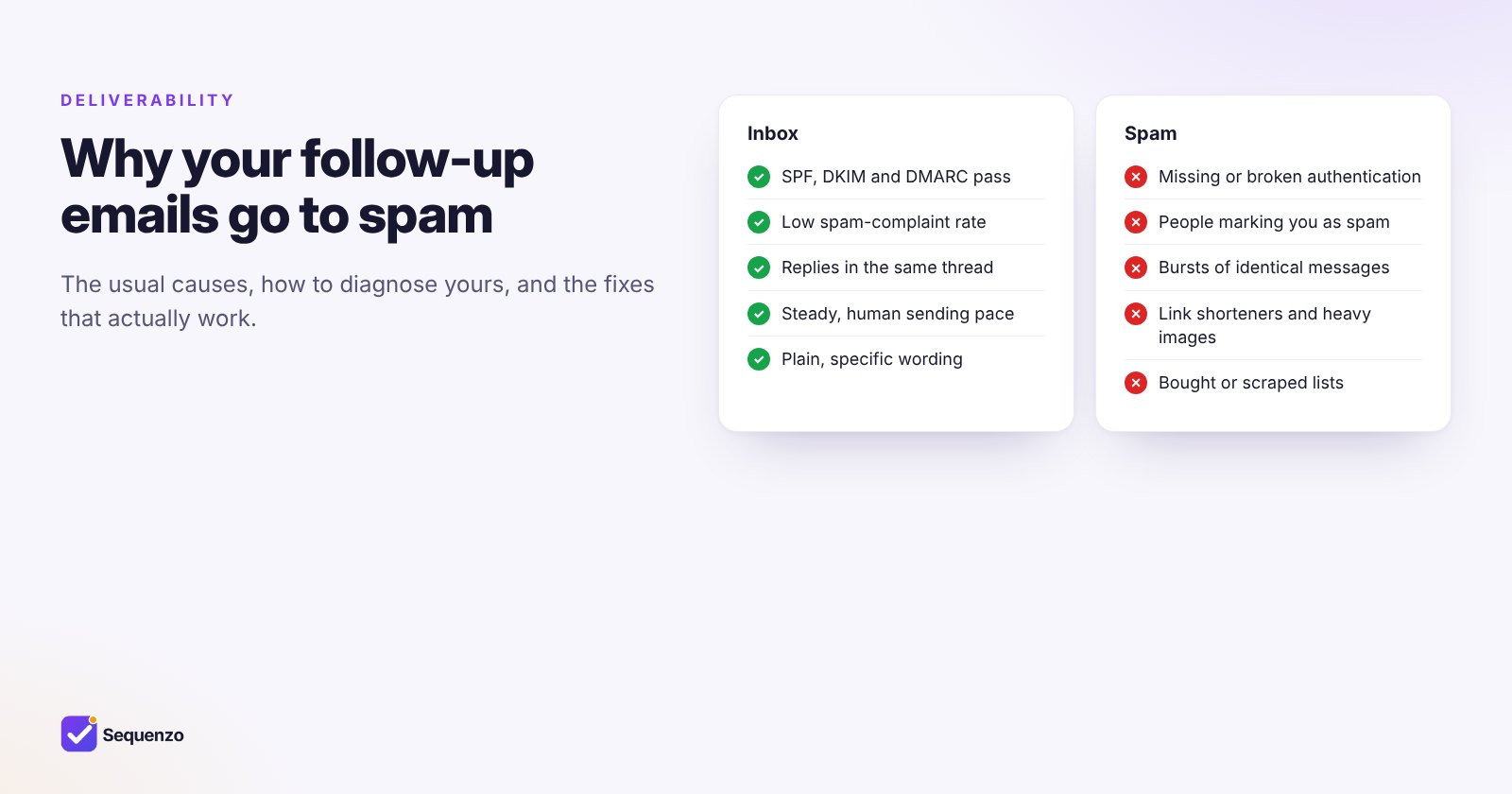
You sent a follow-up to someone who is expecting to hear from you, and it landed in their spam folder. It's tempting to blame a word in the subject line. The cause is usually somewhere else. Mailbox providers mostly decide where an email goes based on who sent it (and whether they can prove it), how recipients have reacted to that sender before, and how the email was sent. The wording matters least.
This guide is for people sending one-to-one follow-ups from their own Gmail, Google Workspace, Outlook or Microsoft 365 mailbox. If you send newsletters or cold campaigns, the same principles apply, but you'll also need things this guide doesn't cover, such as list hygiene and one-click unsubscribe for marketing mail.
Symptoms and likely causes
| What you see | Most likely cause | First thing to check |
|---|---|---|
| Everything from your domain goes to spam | Authentication failing | SPF, DKIM and DMARC results in "Show original" |
| First email lands, follow-ups go to spam | Follow-ups started new threads, or contain a link the first email didn't | Whether follow-ups are replies in the same thread |
| Fine at Gmail, spam at Outlook (or the reverse) | One provider's reputation or rules | That provider's sender requirements |
| Started suddenly after a busy week | Complaints or a burst of volume | How many emails went out and to whom |
| Only one recipient's company | That company's own filter | Ask them to check their quarantine and allow your address |
Diagnose it in this order
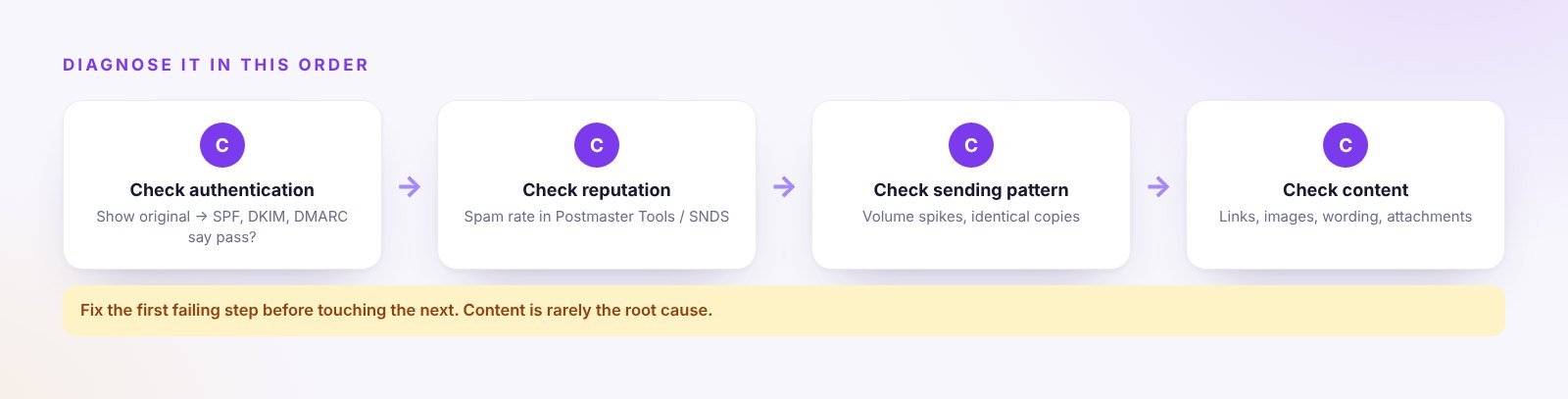
1. Authentication: can they prove it's you?
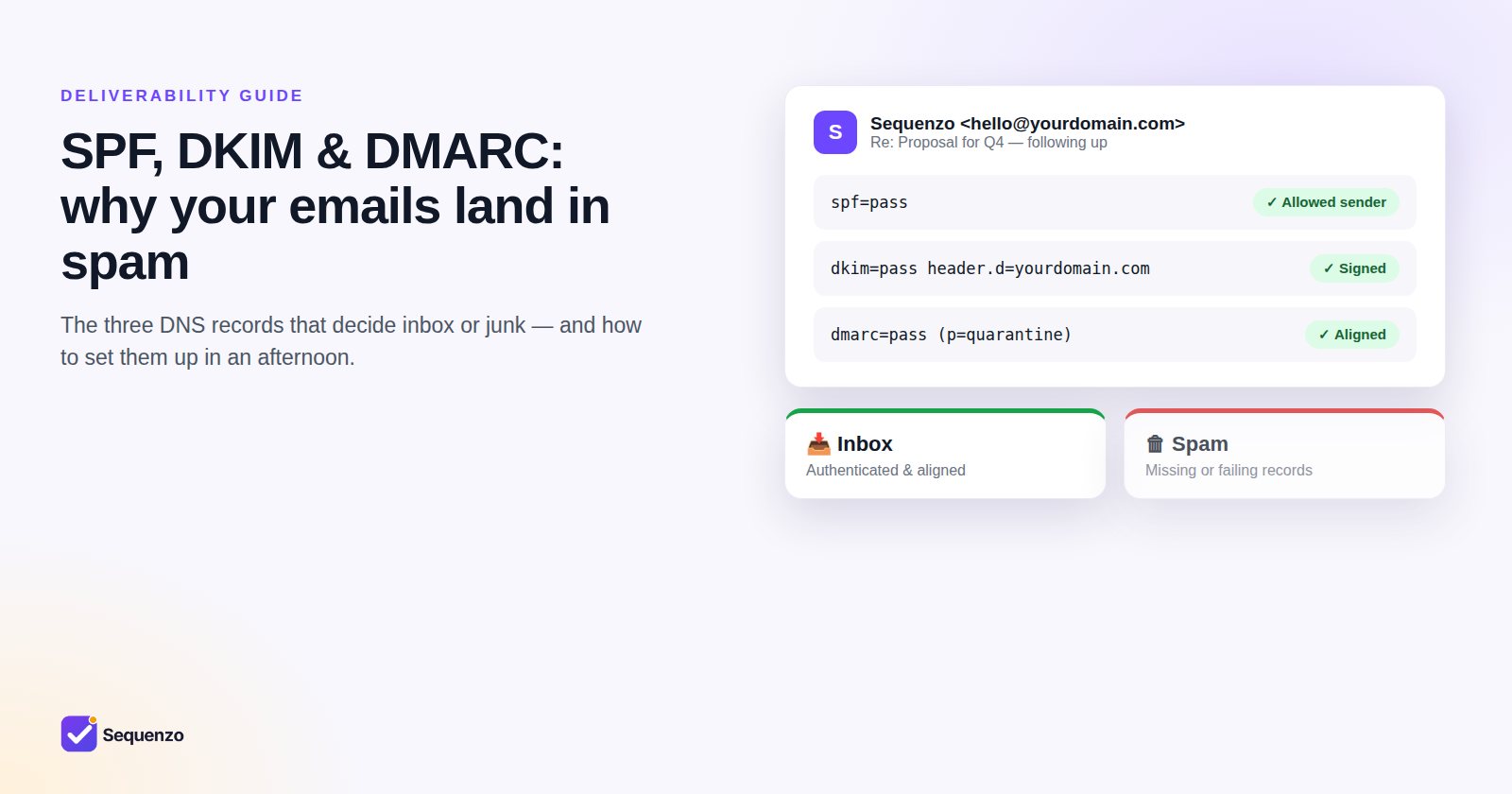
Open one of your sent follow-ups in the recipient's account (or send one to a Gmail address you own) and use Show original. Look for spf=pass, dkim=pass and dmarc=pass. If any fail, that's almost certainly your problem.
Google's email sender guidelines require every sender to set up SPF or DKIM, and larger senders to have SPF, DKIM and DMARC. Yahoo's sender best practices are similar, and Microsoft rejects high-volume mail to Outlook.com that doesn't comply. Our guide SPF, DKIM and DMARC explained shows what to publish.
If you send from a free address like @gmail.com through a third-party tool, you can't publish these records for gmail.com. That's a strong reason to send business follow-ups from your own domain.
2. Reputation: how do recipients react?
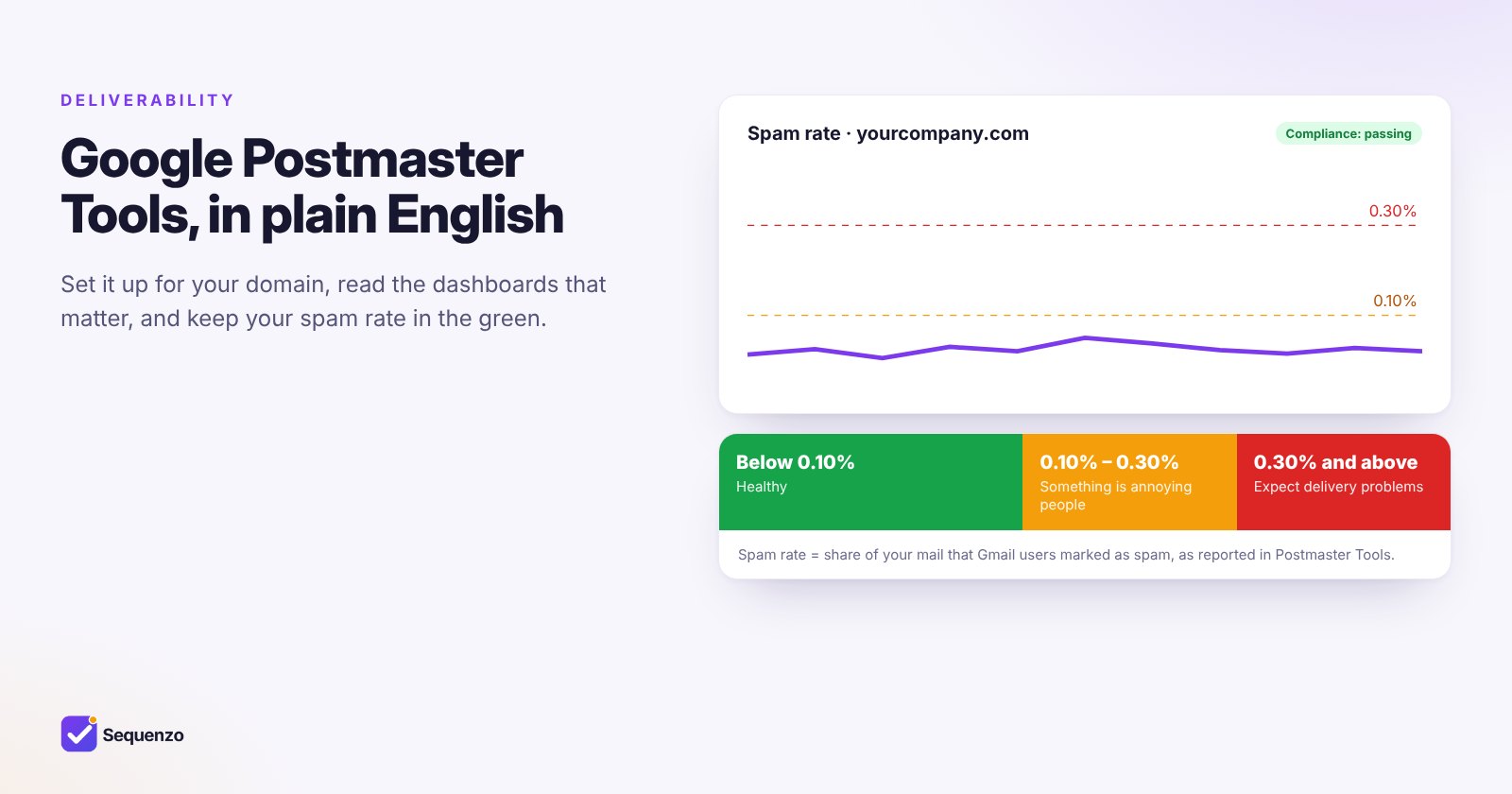
Every time someone marks your email as spam, your sender reputation drops. Google asks senders to keep the spam rate reported in Postmaster Tools below 0.3%, and recommends staying below 0.10%. Set up Google Postmaster Tools to see your rate (it needs enough volume to show data).
With follow-ups, complaints mostly come from emailing people who never asked to hear from you, following up too often, or following up after someone has replied.
3. Sending pattern: does it look like a person?
- Bursts: 200 near-identical emails at 9:00 look like a campaign.
- New mailbox, high volume: start low and increase gradually.
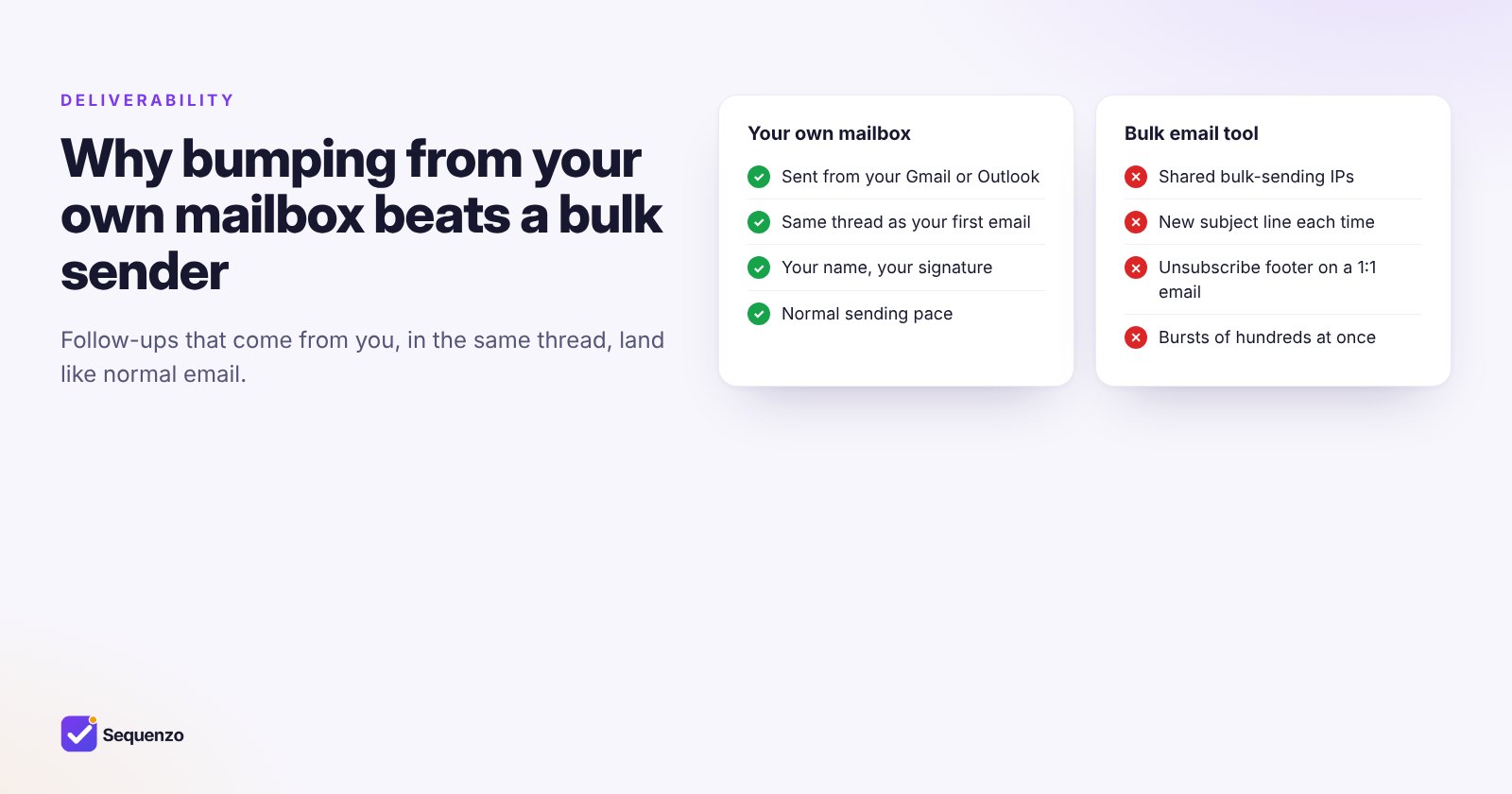
- New thread every time: follow-ups that start a new conversation look like marketing. Reply in the same thread. See why bumping from your own mailbox works.
- Bounces: sending to invalid addresses hurts reputation. Remove bounced contacts immediately.
4. Content: the last thing to check
- Link shorteners and links to domains with poor reputation.
- A mismatch between link text and the real link.
- Heavy images, attachments on cold-ish contacts, or one big image instead of text.
- Pressure language and lots of punctuation in the subject. See follow-up subject lines.
- Tracking domains shared with thousands of other senders. A custom tracking domain on your own domain helps, or turn tracking off.
What Google and Yahoo's sender rules mean for small senders
Since February 2024, Google and Yahoo have required all senders to authenticate their mail, and senders of more than 5,000 messages a day to their users to meet extra rules, including DMARC, one-click unsubscribe for marketing mail, and a low spam rate. Most people following up from their own mailbox are nowhere near 5,000 a day. The parts that still apply to everyone are: SPF or DKIM must pass, the sending server must have valid forward and reverse DNS (handled for you by Google and Microsoft), mail should use TLS, and the spam rate should stay low. See Google's email sender guidelines.
Causes that are specific to follow-ups
- Too many steps. Six or seven follow-ups to someone who never replied is when people start pressing "Report spam".
- Identical wording to many people at once. One-to-one email varies naturally. If fifty people get exactly the same follow-up at 9:00, it looks like a campaign.
- Following up with old contacts. Reviving a list of people you last spoke to two years ago brings bounces and complaints.
- Following up after a reply. Nothing annoys people more, and they say so with the spam button.
- A different sending identity. If the first email came from your mailbox and the follow-ups come from a tool's server or a new domain, receivers see two different senders.
Checking a message's headers in Outlook
In Outlook on the web, open the message, choose the three-dot menu, then "View" and "View message details". In the desktop app, open the message and look under File, then Properties, for "Internet headers". Look for spf=pass, dkim=pass and dmarc=pass in the Authentication-Results line, just as you would in Gmail.
Quick fixes that usually work
- Fix SPF, DKIM and DMARC on your domain.
- Only follow up with people who have dealt with you: enquiries, customers, people you met.
- Reply in the same thread and stop as soon as they answer.
- Lower your daily volume and spread it out.
- Ask a recipient who found you in spam to mark it as "Not spam" and add you to contacts.
Warming up a new domain or mailbox
A domain or mailbox with no history has no reputation yet. Start with email to people who expect to hear from you, keep volume low for the first couple of weeks, and raise it gradually. Ask a few colleagues or friendly clients to reply to your first emails. Replies are one of the clearest signs to mailbox providers that your mail is wanted. Avoid paid "warm-up" networks that send artificial emails between mailboxes; they don't change how real recipients treat you.
A checklist you can run in ten minutes
- Send a follow-up to a Gmail address you own and check SPF, DKIM and DMARC all pass in "Show original".
- Run the free email health check on your domain.
- Confirm follow-ups are replies in the same thread, from the same address as the first email.
- Check how many emails went out yesterday and whether any were to old or bought addresses.
- Remove any link shorteners and check every link points where its text says.
- Make sure follow-ups stop on a reply and that there's an easy way to opt out.
If it's only one recipient
When one client keeps finding your emails in junk while everyone else gets them, the problem is usually that client's own filter. Ask them to mark one of your emails as "Not spam" and add you to their contacts. In a company, their IT team may need to allow your domain in their filter. It's worth asking politely, because once it's fixed it stays fixed.
Report spam versus unsubscribe
When people don't want your emails and can't see an easy way to stop them, they press "Report spam". That hurts your reputation far more than an unsubscribe does. For one-to-one follow-ups a plain line such as "If you'd rather I didn't follow up, just say so" is usually enough, and it should be honoured straight away.
What not to do
- Don't buy "inbox placement" tricks or hidden text. They make things worse.
- Don't switch domains to escape a bad reputation. Fix the cause.
- Don't trust anyone who guarantees the inbox. No sending tool can.
Sequenzo's Deliverability page grades your SPF, DKIM and DMARC, applies a warm-up ramp and daily limits to each mailbox, pauses a mailbox automatically if complaints or bounces climb, and runs a spam-risk check on each step. Follow-ups go out from your own mailbox in the original thread. See plans.
Frequently asked questions
Q01Why are my follow-up emails going to spam?
The most common causes are missing or failing authentication (SPF, DKIM, DMARC), recipients marking your emails as spam, and sending patterns that look like bulk email, such as bursts of identical messages. Wording is usually a smaller factor.
Q02How do I check if my emails pass SPF, DKIM and DMARC?
Send an email to a Gmail address you own, open it, choose Show original, and check that SPF, DKIM and DMARC all show PASS.
Q03What spam rate is too high?
Google asks senders to keep the spam rate reported in Postmaster Tools below 0.3% and recommends staying below 0.10%.
Q04Can a follow-up tool guarantee my emails reach the inbox?
No. No sending tool can guarantee inbox placement. Good authentication, wanted email and a human sending pattern give you the best chance.