On this page 5 sections
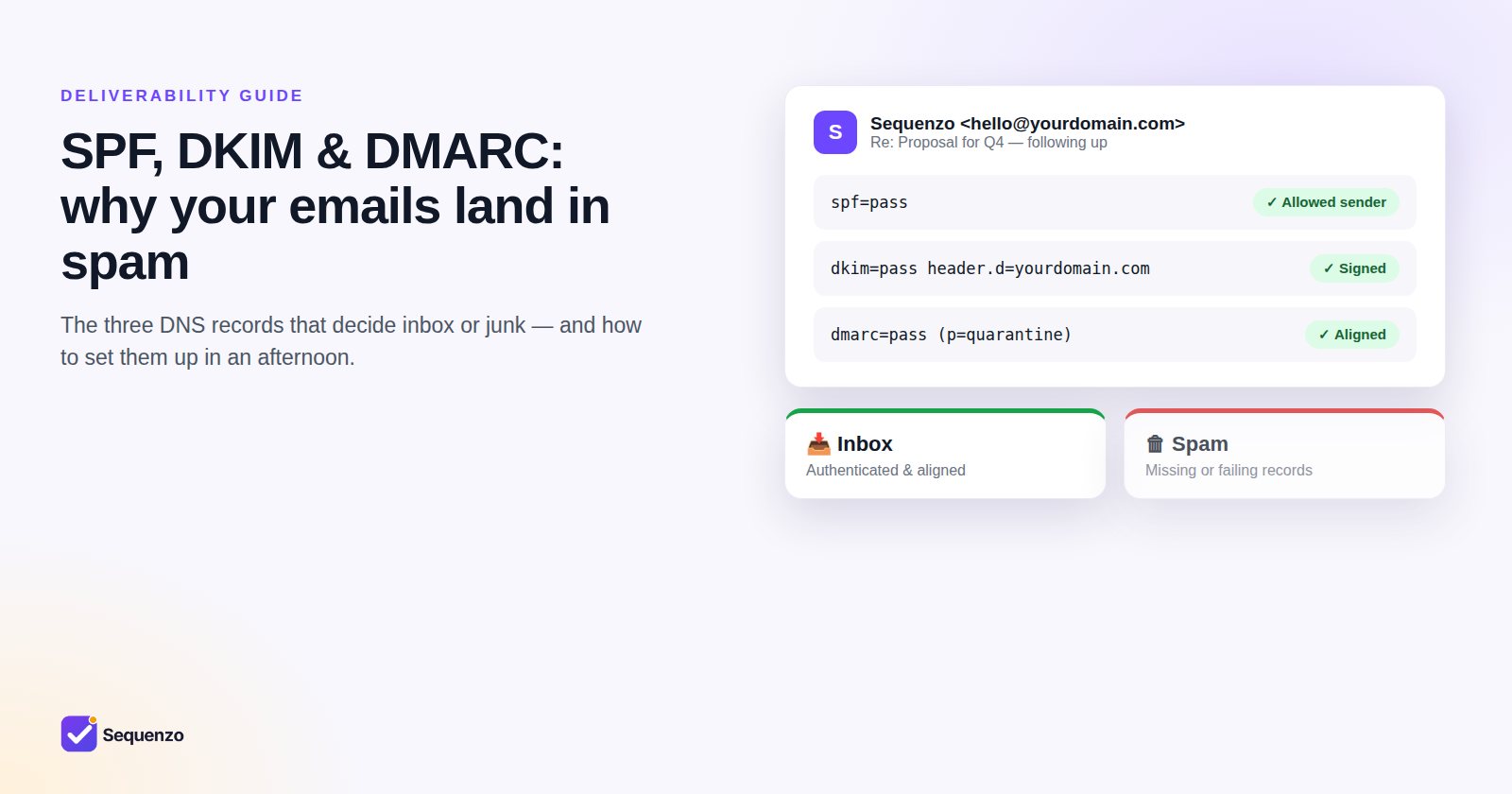
Publishing a DMARC record with p=none is enough to meet Google's and Yahoo's sender requirements, and for most small businesses it's where things stop. Moving to p=reject goes further: it tells receiving servers to refuse mail that claims to come from your domain but fails authentication. That protects customers from people spoofing your address, and it's also a requirement for BIMI, the standard that lets your logo appear next to your emails in some inboxes.
It's worth doing carefully, because a strict policy will also block your own legitimate mail if a service you use isn't set up properly. Here is the order we'd suggest.
1. Find everything that sends as your domain
Start with p=none and an rua address so you receive aggregate reports:
v=DMARC1; p=none; rua=mailto:[email protected]Leave it for two to four weeks. The reports (or a free report viewer) will list every server sending as your domain: your mailbox provider, your website's contact form, your invoicing tool, a newsletter service you forgot about. Each one needs to pass SPF or DKIM with your domain before you tighten the policy.
2. Keep SPF under ten lookups
SPF allows at most ten DNS lookups when a receiver checks your record (RFC 7208). Every include:, a, mx and redirect counts, including the ones nested inside other providers' records. Go over the limit and SPF returns a permanent error, which DMARC treats as a fail. Remove services you no longer use, and check the count with an SPF checker after each change. Our SPF record generator can help you rebuild the record.
3. Give each sending service its own DKIM selector
DKIM is the more reliable of the two for DMARC, because it survives forwarding. Most providers give you a selector and a public key to publish, such as google._domainkey or selector1._domainkey. Use 2048-bit keys where the provider allows it. Separate selectors mean you can rotate or revoke one service's key without touching the others.
4. Tighten the policy in steps
Once the reports show your real mail passing, move to p=quarantine, then to p=reject:
v=DMARC1; p=reject; rua=mailto:[email protected]You can add adkim=s; aspf=s for strict alignment, but only if every service sends from exactly your domain. Strict alignment fails mail sent from a subdomain such as mail.yourdomain.com, and relaxed alignment (the default) is fine for most businesses. Keep the rua address so you notice when a new tool starts failing. Our DMARC record generator builds the record for you.
5. Add BIMI if you want your logo shown
BIMI needs a DMARC policy of quarantine or reject. You then publish a TXT record at default._bimi.yourdomain.com pointing to your logo:
v=BIMI1; l=https://yourdomain.com/bimi/logo.svg; a=https://yourdomain.com/bimi/certificate.pemThe logo has to be in a restricted SVG format called SVG Tiny Portable/Secure. Gmail only shows the logo if you also have a certificate: a Verified Mark Certificate (VMC), which needs a registered trademark, or a Common Mark Certificate (CMC), which doesn't. Both are paid and come from a small number of certificate authorities. Apple Mail and Yahoo have their own requirements, so check each provider's current documentation.
BIMI is about recognition. It doesn't change spam filtering or which tab an email lands in, and it won't fix a deliverability problem. If your follow-ups are going to spam, start with why follow-up emails go to spam.
Frequently asked questions
Q01Is DMARC p=none enough?
For Google's and Yahoo's sender requirements, yes. A stricter policy protects your domain from spoofing and is required for BIMI.
Q02What happens if SPF has more than ten lookups?
Receivers return a permanent error for SPF, and DMARC treats that as a fail. Your mail can then only pass DMARC through DKIM.
Q03Do I need a trademark for BIMI?
For a Verified Mark Certificate, yes. A Common Mark Certificate does not need a registered trademark, and Gmail accepts either.
Q04Does BIMI improve inbox placement?
Not directly. It shows your logo in supporting inboxes once you already pass DMARC at enforcement. It does not change spam filtering.