On this page 5 sections
Changing email provider is one of those jobs that goes fine nine times out of ten and badly the tenth. The bad version usually looks like this: the MX records change, some senders still deliver to the old server for a day, and nobody checks it. If you follow up with customers by email, that's exactly where the replies you were waiting for disappear. Here is a careful order of work.
1. Lower the TTLs a few days before
DNS records have a time-to-live that tells other servers how long to cache them. If your MX record has a TTL of 24 hours, some servers will keep using the old value for a day after you change it. A few days before the move, lower the TTL on your MX and SPF records to something like 300 seconds (five minutes). The old TTL has to expire before the new, shorter one takes effect, which is why this needs doing well in advance.
2. Copy existing mail before the switch
Create the mailboxes on the new provider and copy the old mail across while everything still runs on the old system. Google and Microsoft both have their own migration tools, and imapsync works between almost any two IMAP servers. Run the copy once in advance, then again after the cutover to pick up anything that arrived in between.
3. Deliver to both systems during the switch
Google Workspace and Microsoft 365 both support forms of dual or split delivery, where incoming mail is accepted by one system and also passed to the other. Setting this up for the migration window means a message lands in the new mailbox whichever server it reaches first. If your old host can't do this, a simple forward from the old mailbox to the new one for a week does most of the same job.
4. Cut over, then check
Change the MX records, update SPF to include the new provider, and set up DKIM signing on the new provider before you send from it. Then send test messages from an outside account and confirm they arrive. Leave the old mailboxes running and forwarding for at least a week.
What happens to existing threads?
Email threads are held together by the Message-ID, In-Reply-To and References headers, and those travel with each message when you copy it. A reply to an email sent before the move still threads correctly in the new mailbox. Folder IDs and IMAP UIDs do change, so any tool connected to the old mailbox needs reconnecting. In Sequenzo, update the mailbox in Email accounts with the new provider and run Test connection, so reply detection is watching the new mailbox before the next follow-up is due.
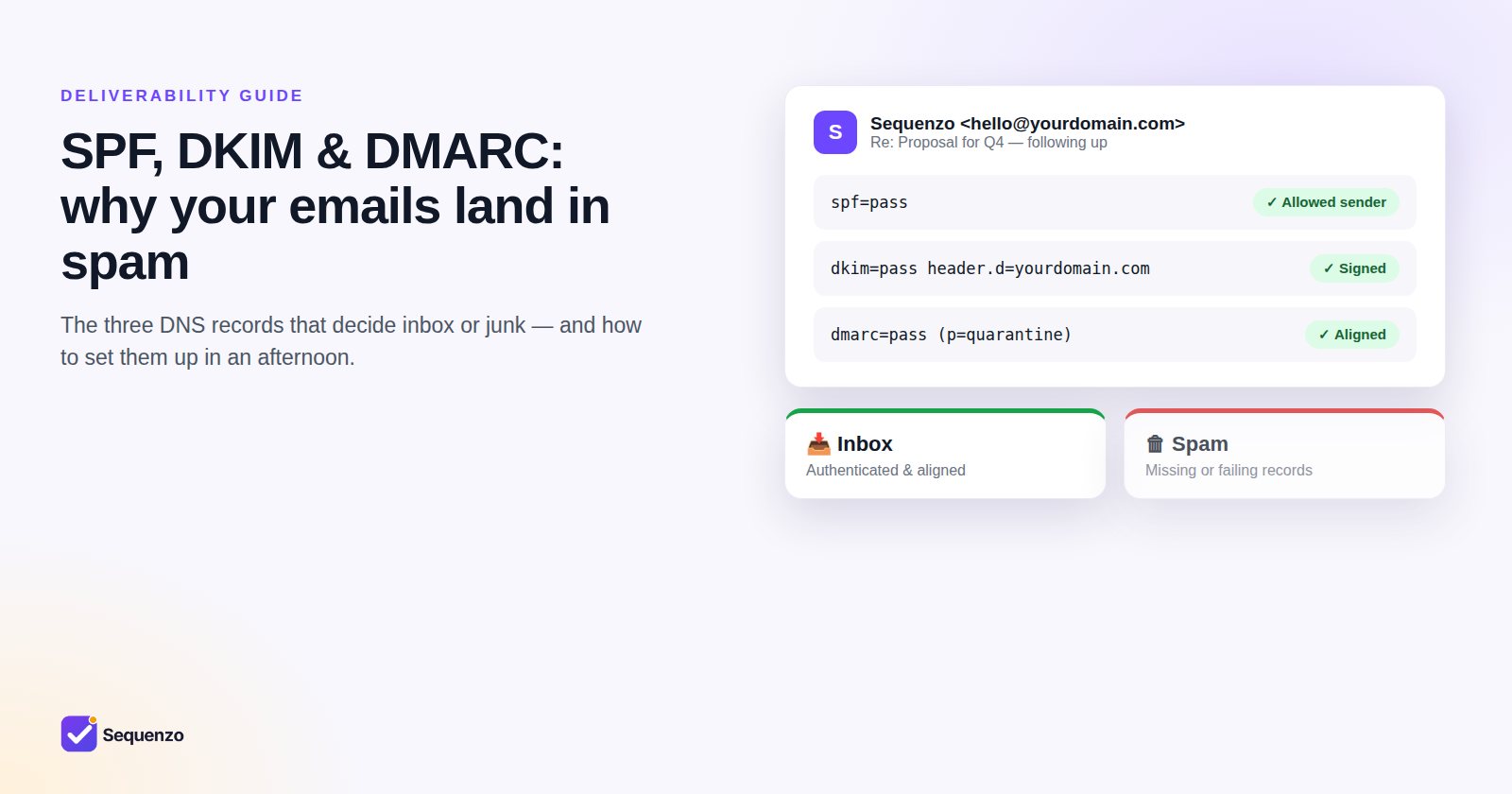
After the move, check that authentication passes for the new provider. See SPF, DKIM and DMARC explained.
Frequently asked questions
Q01How far ahead should I lower MX TTLs?
At least as long as the current TTL, and preferably a couple of days, so that every server has picked up the shorter value before you change the record.
Q02Will old email threads break after a migration?
No, as long as the messages are copied whole. Threading relies on the Message-ID and References headers, which move with the message.
Q03What is dual delivery?
A setup where incoming mail is delivered to two systems at once, so mailboxes on the old and new provider both receive it during a migration.
Q04Do I need to reconnect follow-up tools after moving email?
Yes. The mailbox address may stay the same, but the server and its internal IDs change, so reconnect the mailbox and test it.