On this page 4 sections
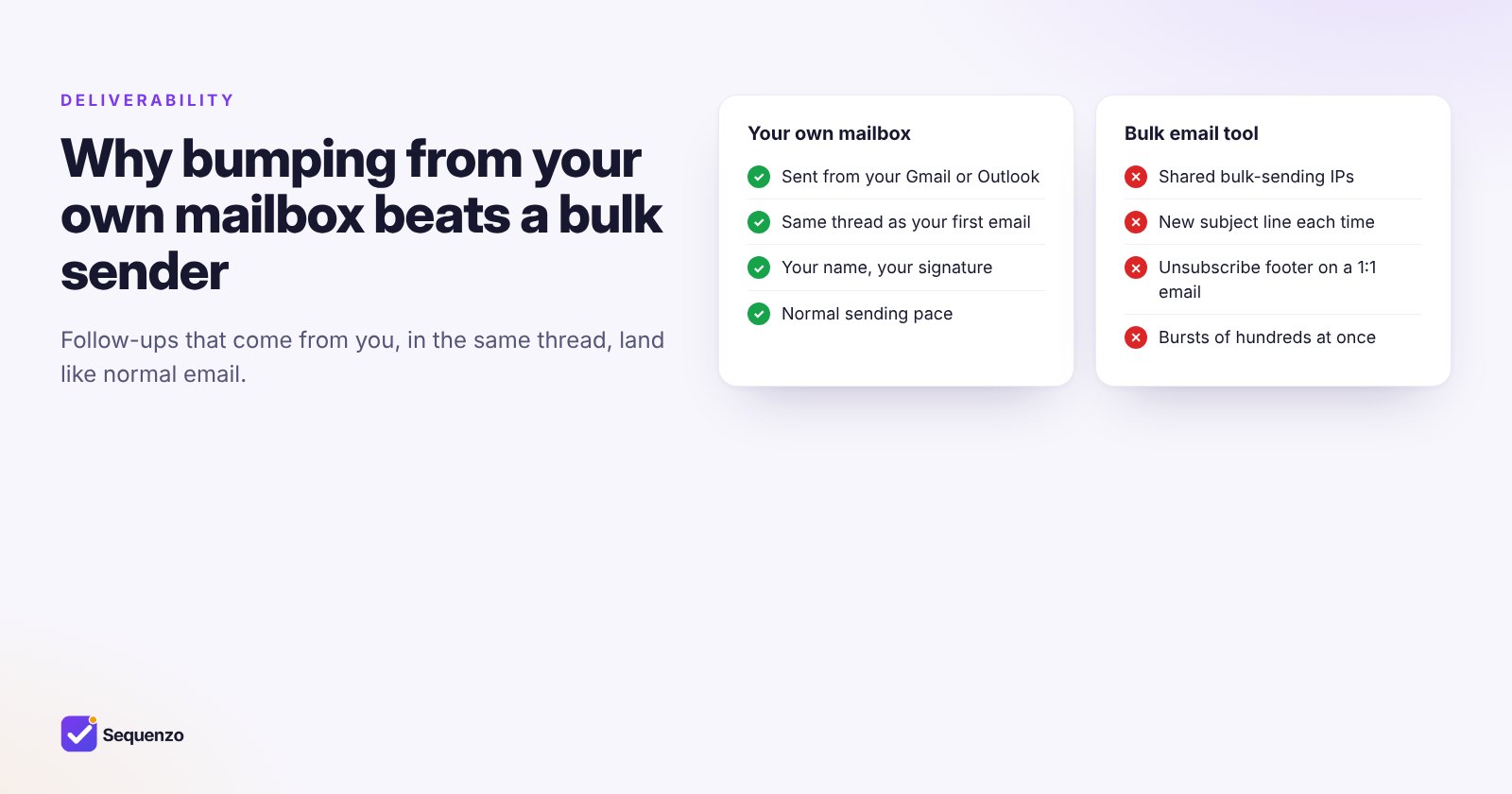
Most people who use Sequenzo never touch a mail server. Follow-ups go out through Gmail, Google Workspace or Microsoft 365, and those providers handle delivery. This article is for the smaller group who send through their own Postfix or Exim relay, perhaps because the company runs its own mail or because an app server relays outbound mail. If that's you, the default settings are fine for low volume but can cause trouble once you send a few hundred messages a day to the same providers.
The usual symptom is a temporary rejection from Gmail such as 421-4.7.28, which Google uses when it sees an unusual rate of mail from your IP or domain. The mail isn't lost. It sits in your queue and is retried later. For follow-ups, though, "later" can mean the reminder arrives after the conversation has moved on.
Slow down per destination, not overall
Postfix opens several parallel connections to the same destination by default. Big providers treat bursts of connections from a small sender with suspicion. The simplest fix is a separate transport for the big mailbox providers with a delay between deliveries:
# /etc/postfix/master.cf
slow      unix  -       -       n       -       -       smtp

# /etc/postfix/main.cf
transport_maps = hash:/etc/postfix/transport
slow_destination_rate_delay = 1s

# /etc/postfix/transport
gmail.com     slow:
googlemail.com slow:
outlook.com   slow:
hotmail.com   slow:
Run postmap /etc/postfix/transport and reload Postfix afterwards. A non-zero rate delay already limits that transport to one delivery at a time per destination, so you don't need to set a separate concurrency limit as well. Mail to Google Workspace and Microsoft 365 customers on their own domains won't match these entries, because the transport map works on the recipient domain. If most of your mail goes to business domains, a small delay on the default transport (default_destination_rate_delay) is the blunter option.
In Exim the closest equivalents are remote_max_parallel in the main configuration and connection_max_messages on the smtp transport. Lowering them spreads deliveries out in a similar way.
Use current TLS versions
Outbound TLS on a relay is usually opportunistic: Postfix uses it when the other server offers it and falls back to plain text when it doesn't. That's still the right default for general mail. What you can do is stop offering versions nobody should use any more:
smtp_tls_security_level = may
smtp_tls_protocols = !SSLv2, !SSLv3, !TLSv1, !TLSv1.1
smtp_tls_session_cache_database = btree:${data_directory}/smtp_scache
These lines don't force TLS 1.3. They allow TLS 1.2 and 1.3, and the two servers agree on the best version they share. Gmail and Microsoft both support 1.3. The session cache lets Postfix reuse TLS sessions with servers it talks to often, which saves a little time on each connection. In Exim, tls_require_ciphers and the OpenSSL options on the transport do the same job.
Don't keep follow-ups in the queue for days
Postfix keeps retrying a deferred message for five days by default (maximal_queue_lifetime). For newsletters that's reasonable. For a follow-up that says "I can hold the car until Friday", it isn't. A shorter lifetime means a message that can't be delivered bounces back to you within a day, so you know to pick up the phone instead:
maximal_queue_lifetime = 1d
bounce_queue_lifetime = 1d
This applies to all mail on the server, so only shorten it if the relay mainly carries time-sensitive mail. In Exim, the retry rules in the begin retry section control the same thing.
Check the basics first
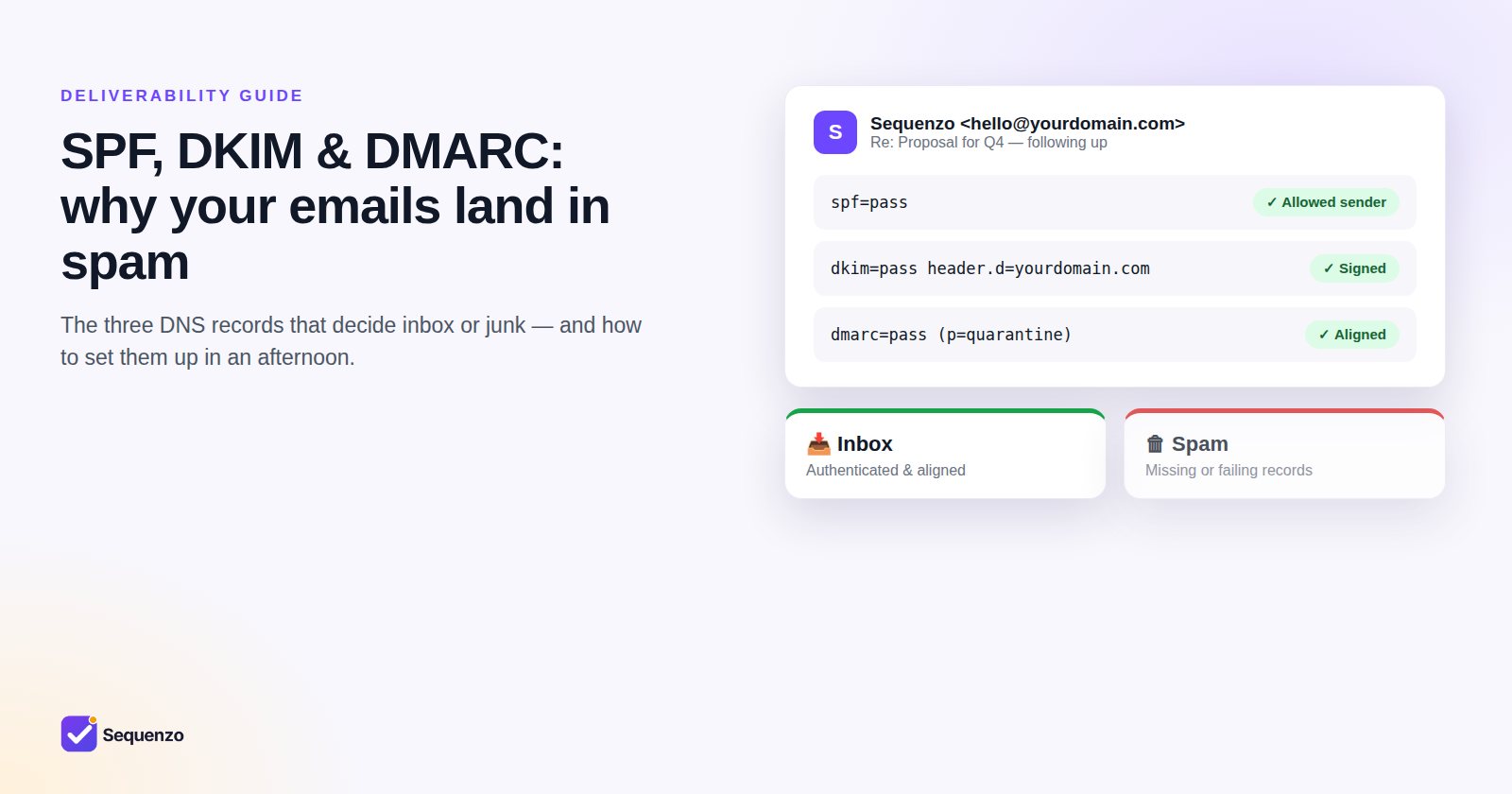
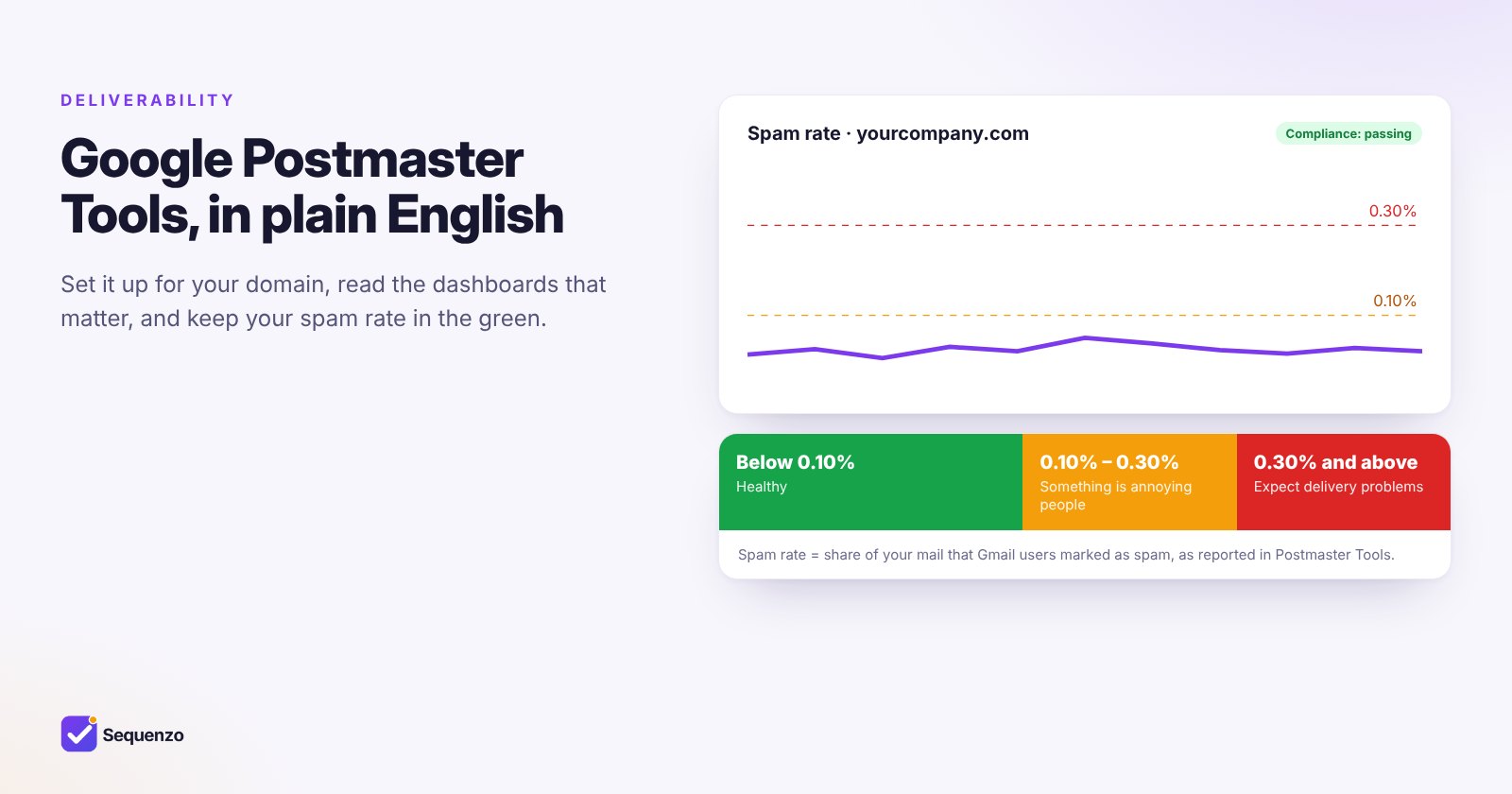
None of this helps if the server itself isn't trusted. Before you tune anything, make sure SPF, DKIM and DMARC pass (see SPF, DKIM and DMARC explained) and that the server's IP has matching forward and reverse DNS (see the mail server hosting checklist). If you're still getting deferrals after that, Google Postmaster Tools will usually show why.
Frequently asked questions
Q01What does Gmail error 421-4.7.28 mean?
It is a temporary deferral. Gmail has seen an unusual rate of mail from your IP address or domain and is asking your server to slow down and try again later. Fix authentication first, then lower the rate per destination.
Q02Do I need to tune Postfix if I send follow-ups through Gmail or Outlook?
No. If your follow-ups go out through Gmail, Google Workspace or Microsoft 365, those providers handle delivery and none of these settings apply.
Q03Does smtp_tls_protocols force TLS 1.3?
No. Excluding the old versions allows TLS 1.2 and 1.3, and the two servers agree on the highest version they both support.
Q04How long should Postfix keep retrying a follow-up?
For time-sensitive mail, about a day is reasonable. The default of five days suits newsletters better than follow-ups that mention dates.