On this page 5 sections
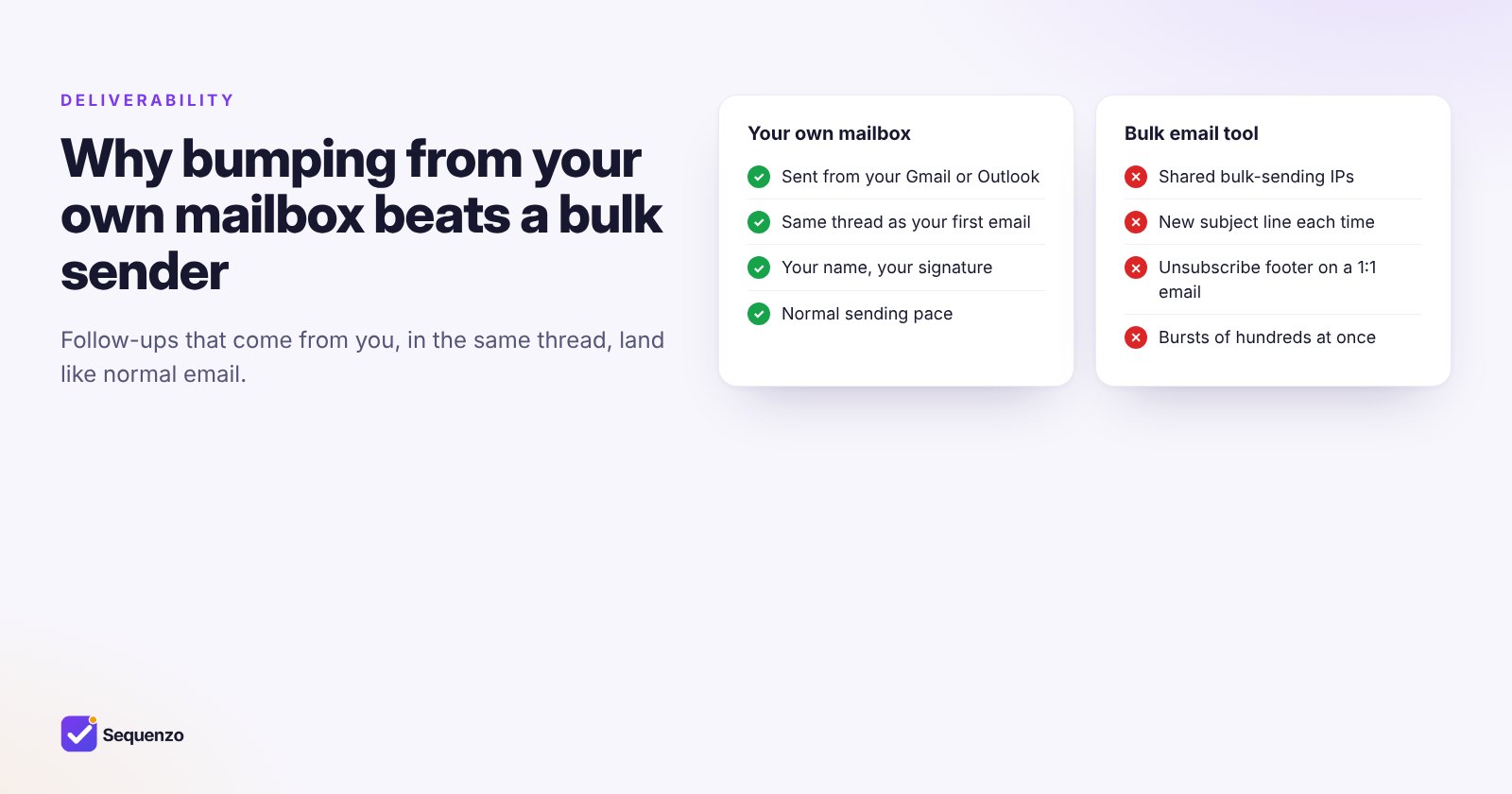
Sending email from your own server is possible, but it takes more care than hosting a website. Mailbox providers judge mail partly by the server it comes from, and a brand-new VPS starts with no reputation at all, or sometimes with a bad one left by a previous user. If you only need to send follow-ups, connecting your existing Gmail, Google Workspace or Microsoft 365 mailbox to Sequenzo is much simpler. If you do want to run your own server, these are the checks to make before sending anything.
1. Is outbound port 25 open?
Servers deliver mail to each other on TCP port 25. Many cloud and VPS providers block it outbound by default to stop spam from new accounts, and some only open it on request. Test it from the server:
nc -zv gmail-smtp-in.l.google.com 25If the connection times out, check your provider's documentation. Some will lift the block after a support request. If yours won't, you can relay outbound mail through an authenticated smart host on port 587, but then that service's reputation matters more than your server's.
2. Does reverse DNS match?
Google's email sender guidelines require sending IPs to have valid forward and reverse DNS. In practice that means forward-confirmed reverse DNS (FCrDNS):
- Your server's hostname, such as
mail.yourdomain.com, has an A (and AAAA, if you send over IPv6) record pointing to the server's IP. - The IP has a PTR record pointing back to that same hostname. You set the PTR in your VPS provider's control panel, not at your domain registrar.
- The name your server uses in its SMTP greeting (
myhostnamein Postfix) is that same hostname.
Check it with dig -x your.ip.address and dig mail.yourdomain.com. Both answers should agree.
3. Has the IP been used for spam before?
IP addresses get reused. Before you send, look the address up on the main public blocklists (Spamhaus has a free lookup). If it's listed, ask your provider for a different one rather than trying to clean up someone else's history.
4. Authenticate the domain
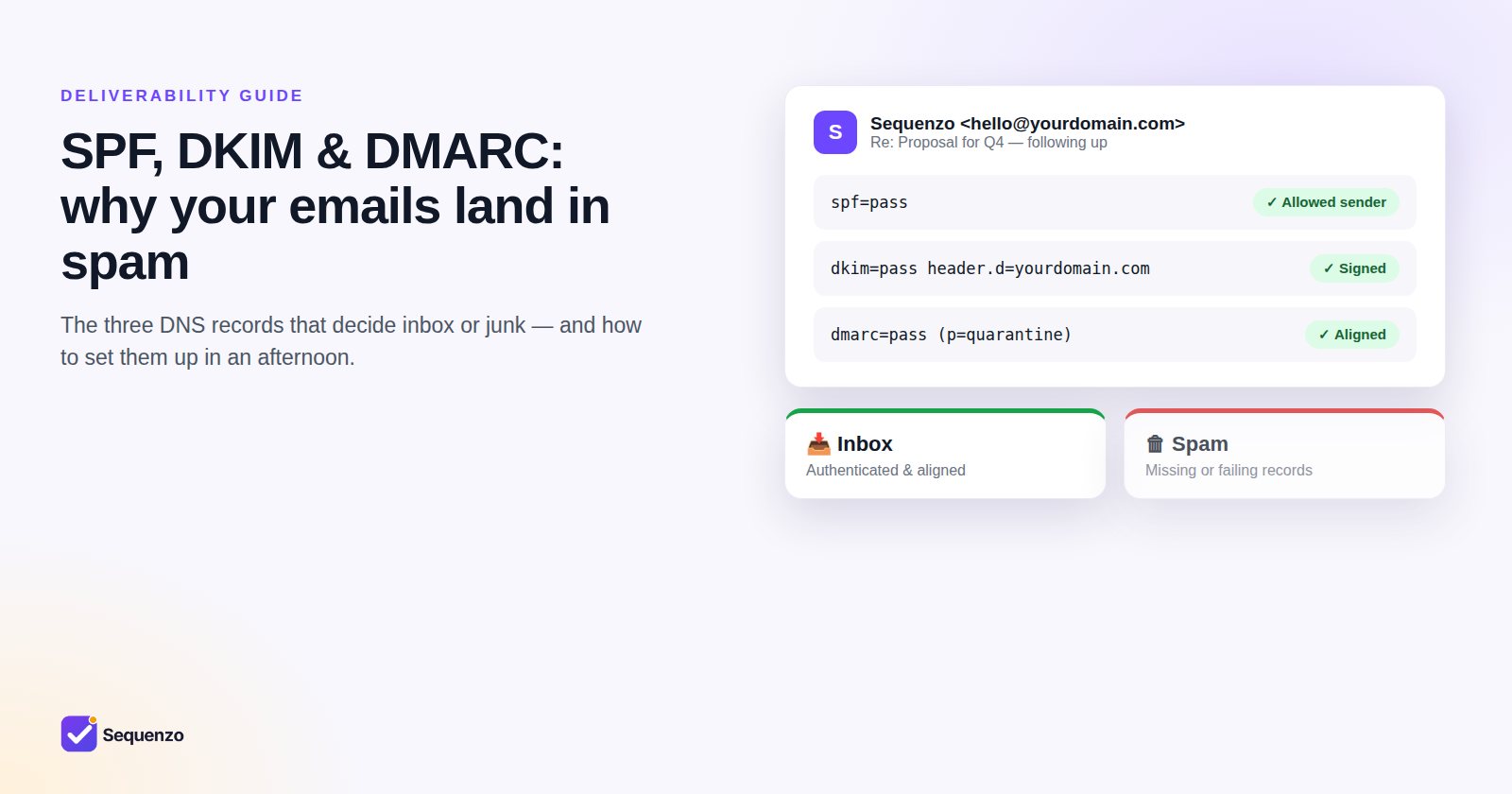
SPF, DKIM and DMARC still apply to your own server. Add the server to your SPF record, sign outgoing mail with DKIM (OpenDKIM works with Postfix), and publish DMARC. See SPF, DKIM and DMARC explained.
5. Start slowly
A new IP that suddenly sends thousands of messages will be throttled or blocked. Start with a small volume of mail people want, and raise it over a few weeks. If you send newsletters or other bulk mail, keep it on a separate subdomain and, ideally, a separate IP from your one-to-one mail, so a problem with one doesn't affect the other. One-to-one follow-ups should come from the same address the conversation started from.
Once the server is sending, the Postfix and Exim relay settings guide covers rate limits and queue lifetimes.
Frequently asked questions
Q01Why is port 25 blocked on my VPS?
Many providers block outbound port 25 on new servers to prevent spam. Check their documentation; some open it on request, and otherwise you can relay through an authenticated service on port 587.
Q02What is FCrDNS?
Forward-confirmed reverse DNS. The server's IP has a PTR record pointing to a hostname, and that hostname resolves back to the same IP.
Q03Where do I set the PTR record?
With whoever controls the IP address, which is usually your VPS or hosting provider, not your domain registrar.
Q04Should I send follow-ups from my own mail server?
Only if you already run one well. For most people, sending follow-ups from an existing Gmail, Google Workspace or Microsoft 365 mailbox is simpler and delivers better.