On this page 5 sections
Google Postmaster Tools is a free dashboard that shows how Gmail sees email from your domain: whether you meet Google's sender requirements, how often Gmail users mark your mail as spam, and whether your mail is authenticated. If you send business email from your own domain, it's worth ten minutes to set up.
Will it show anything for me?
Postmaster Tools only shows data once your domain sends enough daily email to Gmail users. A salesperson sending a few dozen follow-ups a day may see empty charts, and that's fine. Set it up anyway: as your volume grows, the data appears, and the compliance view can still be useful.
Setting it up
- Go to Postmaster Tools and sign in with any Google account.
- Add your sending domain (for example
yourcompany.com). - Verify ownership by adding the TXT record Google gives you to your domain's DNS.
- Wait for data. It can take a while to appear.
Google's Set up Postmaster Tools help page has the details.
The dashboards that matter
Google's Postmaster Tools dashboards page describes what each one shows. The most useful for small senders:
- Compliance status: whether your domain meets Google's sender requirements, such as authentication and, for bulk senders, unsubscribe.
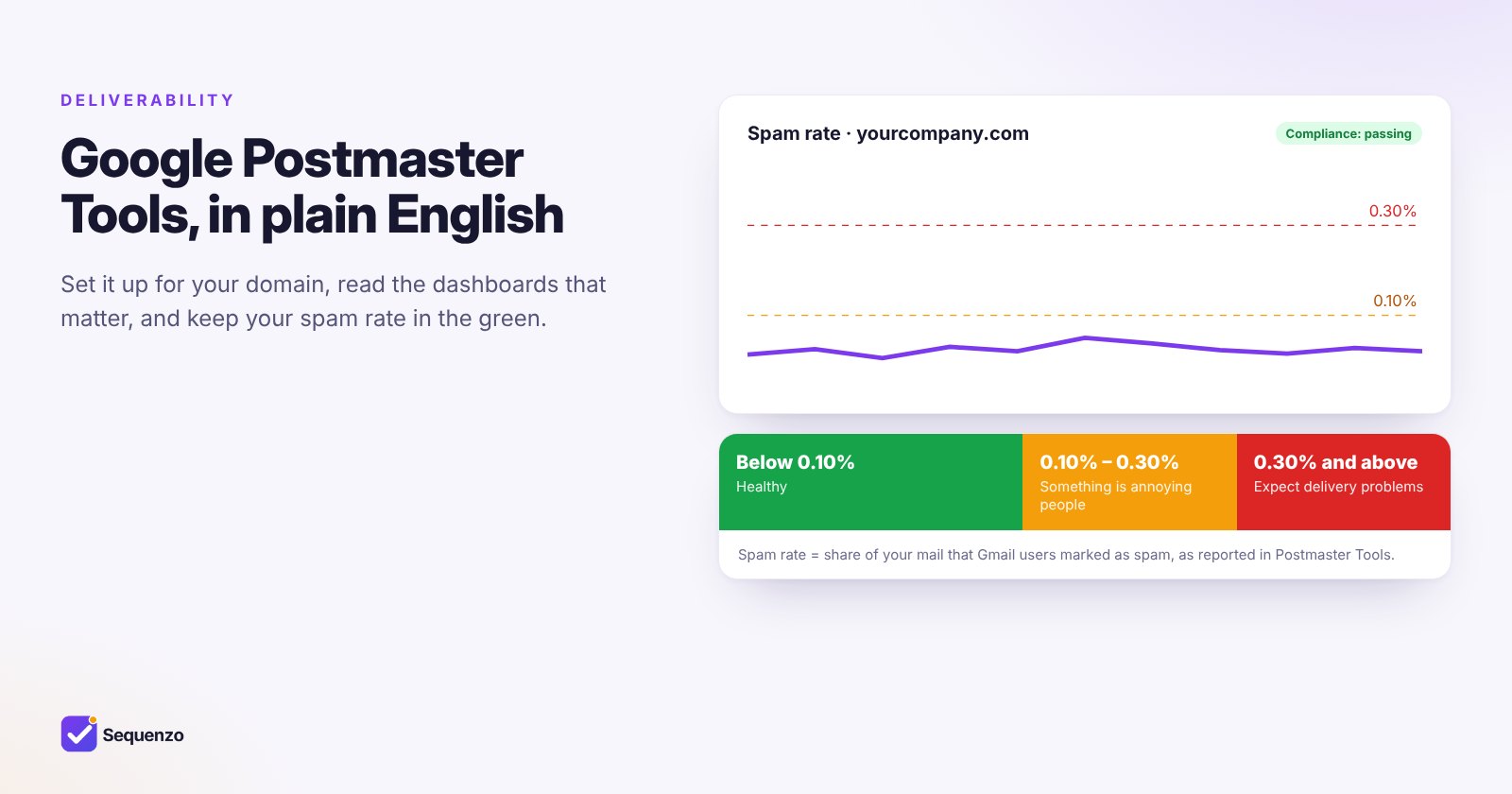
- Spam rate: the share of your email that Gmail users marked as spam.
- Authentication: how much of your traffic passed SPF, DKIM and DMARC.
- Delivery errors: why messages were rejected or temporarily delayed.
Older Postmaster Tools users will remember the Domain and IP Reputation dashboards. Google has announced that the old interface is being replaced by the new version launched in 2024 and that those reputation dashboards will be retired; at the time of writing, the retirement has been postponed with no date.
The spam-rate lines: 0.10% and 0.30%

Google's email sender guidelines say to keep spam rates reported in Postmaster Tools below 0.10% and to avoid ever reaching 0.30% or higher. Roughly:
- Below 0.10%: healthy. Keep doing what you're doing.
- 0.10%–0.30%: something is annoying recipients. Look at who you're emailing and how often.
- 0.30% and above: expect delivery problems. Google's FAQ says senders above this rate aren't eligible for mitigation if they ask for help.
What to do if your spam rate rises
- Stop emailing people who didn't ask to hear from you.
- Reduce follow-up frequency and make each one useful.
- Make sure follow-ups stop on reply (people often press "Report spam" when a reminder arrives after they've already replied).
- Make opting out easy. People who can't unsubscribe press "Report spam" instead.
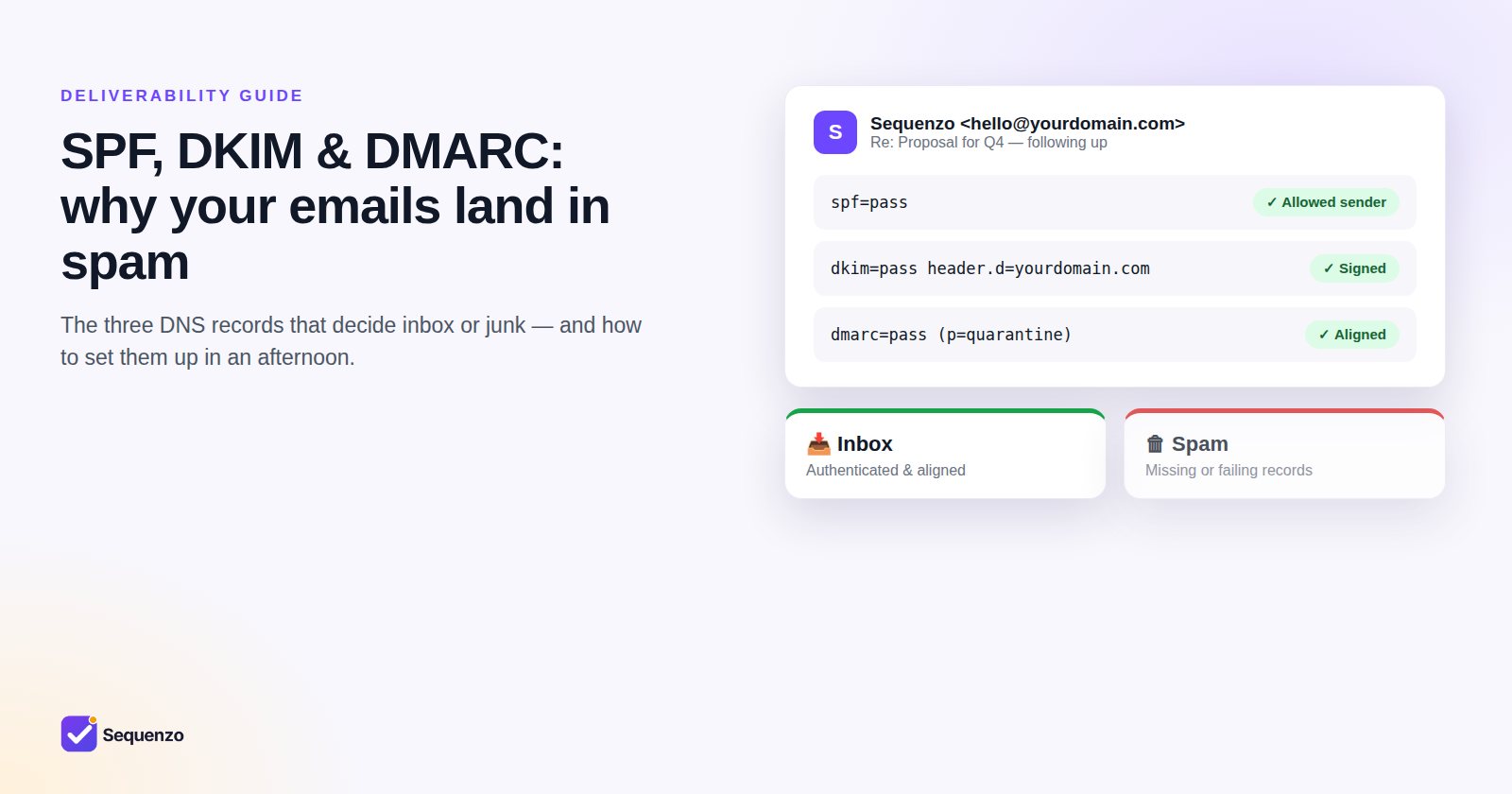
- Check authentication in the Authentication dashboard. See SPF, DKIM and DMARC explained.
Microsoft has a similar programme for Outlook.com (Smart Network Data Services), mainly useful if you send from your own IP addresses.
For the full troubleshooting checklist, read why follow-up emails go to spam. Sequenzo also watches complaint and bounce rates per mailbox and pauses sending automatically if they climb.
Frequently asked questions
Q01What is Google Postmaster Tools?
A free Google dashboard that shows how Gmail treats email from your domain, including your spam rate, authentication results, delivery errors and whether you meet Google's sender requirements.
Q02Why does Postmaster Tools show no data?
Data only appears once your domain sends enough daily email to Gmail users. Low-volume senders often see empty charts.
Q03What is a good spam rate in Postmaster Tools?
Google recommends keeping it below 0.10% and never reaching 0.30% or higher.
Q04Is the domain reputation dashboard going away?
Google has announced that the Domain and IP Reputation dashboards will be retired as part of moving to the new Postmaster Tools, but the retirement has been postponed with no date given.