On this page 15 sections
- Free Gmail (@gmail.com)
- Google Workspace
- How the limits apply to follow-ups
- What happens when you hit a limit
- The errors you'll see
- Free Gmail and Workspace side by side
- Will a follow-up tool get my Gmail account restricted?
- Checking how much you've sent
- Aliases and "Send mail as"
- Google's rules for bulk senders
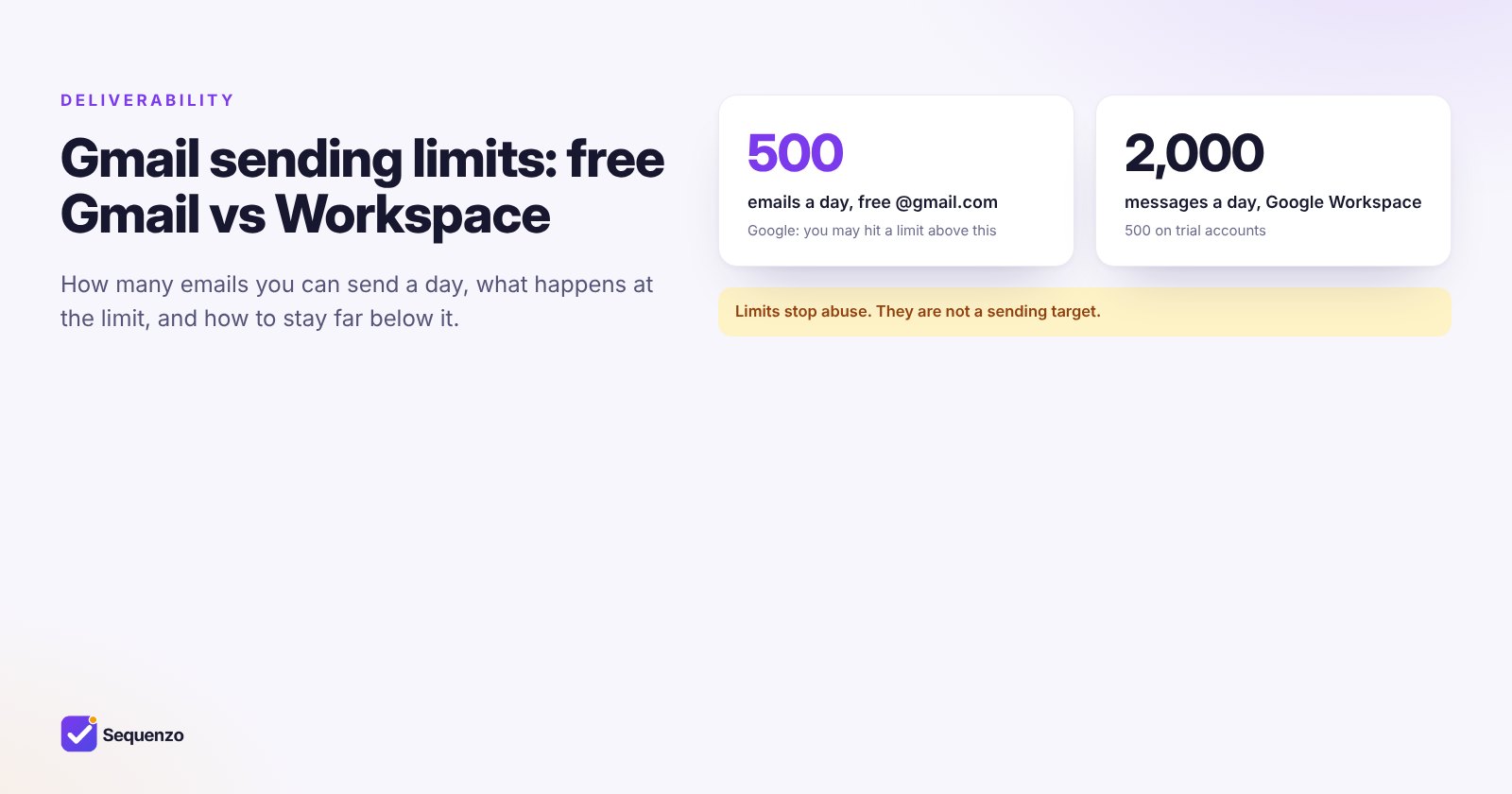
- Limits are not targets
- A worked example
- What to do if you really need more volume
- Planning follow-ups around the limits
- Free Gmail or Google Workspace for business follow-ups?
Gmail has daily sending limits, and if you send follow-ups from your own mailbox it helps to know them. For normal one-to-one sales and service email you're very unlikely to get anywhere near them. This guide covers the limits for free Gmail and Google Workspace, what happens if you hit one, and how to plan so you never do.
Google changes these numbers from time to time, so always check the official pages linked below for the current figures.
Free Gmail (@gmail.com)
According to Google's Limits for sending & getting mail, you may hit a limit if you send an email to more than 500 recipients in a single message, or send more than 500 emails in a day. Sending usually becomes available again within 1 to 24 hours.
Google Workspace
Google's Gmail sending limits in Google Workspace lists the limits per user account. The main ones:
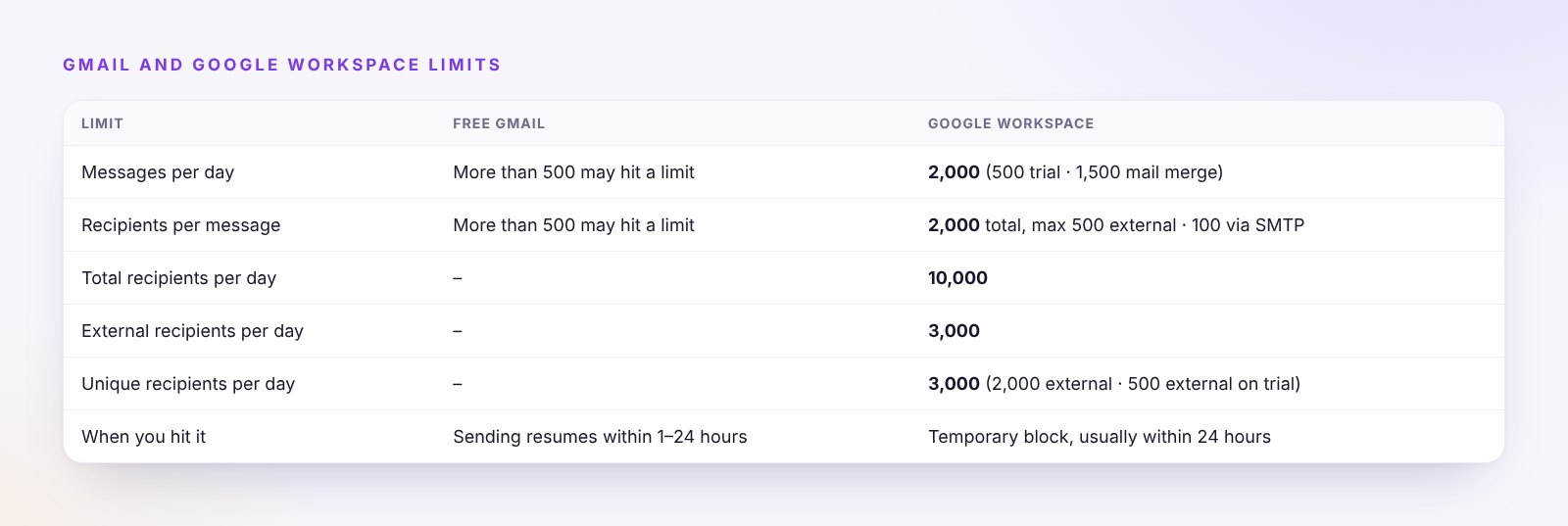
- Messages per day: 2,000 (500 for trial accounts, 1,500 for mail merge).
- Recipients per message: 2,000 in total, of which up to 500 external. Sending through SMTP from an email client (POP or IMAP users) is limited to 100 recipients per message.
- Total recipients per day: 10,000.
- External recipients per day: 3,000.
- Unique recipients per day: 3,000, of which 2,000 external (500 external for trial accounts).
How the limits apply to follow-ups
Every email that leaves your mailbox counts, whether you typed it or a tool sent it on your behalf. That includes each automated follow-up, each reply you send by hand, and every recipient on an email with several people in To or Cc. A single email to five people uses five recipients against the recipient limits, even though it's one message.
The limits are rolling rather than reset at midnight, so a burst of sending in the morning affects you for roughly the next 24 hours.
What happens when you hit a limit
Gmail temporarily stops you sending and returns an error. You can still receive mail. The block lifts on its own, usually within 24 hours. If you keep hitting the limit, you're probably using a personal mailbox for bulk sending, which it isn't built for.
The errors you'll see
When you go over a limit in the Gmail web app, you'll see a message saying you have reached a limit for sending mail. Mail sent through SMTP, for example from a follow-up tool or an email client, usually gets a bounce with a 550 error such as 5.4.5 Daily user sending limit exceeded. The fix is the same either way: stop sending, wait for the limit to reset, and look at why volume was higher than usual before you start again.
If you see this regularly with normal one-to-one email, check whether something else is sending from your account, such as a forgotten mail merge, a website form using your mailbox, or a compromised password.
Free Gmail and Workspace side by side
| Free Gmail | Google Workspace | |
|---|---|---|
| Messages a day | About 500 | 2,000 (500 on trial accounts) |
| Recipients in one message | 500 | 2,000, up to 500 external |
| Your own domain | No | Yes, with SPF, DKIM and DMARC |
| Admin reporting | No | Yes |
Will a follow-up tool get my Gmail account restricted?
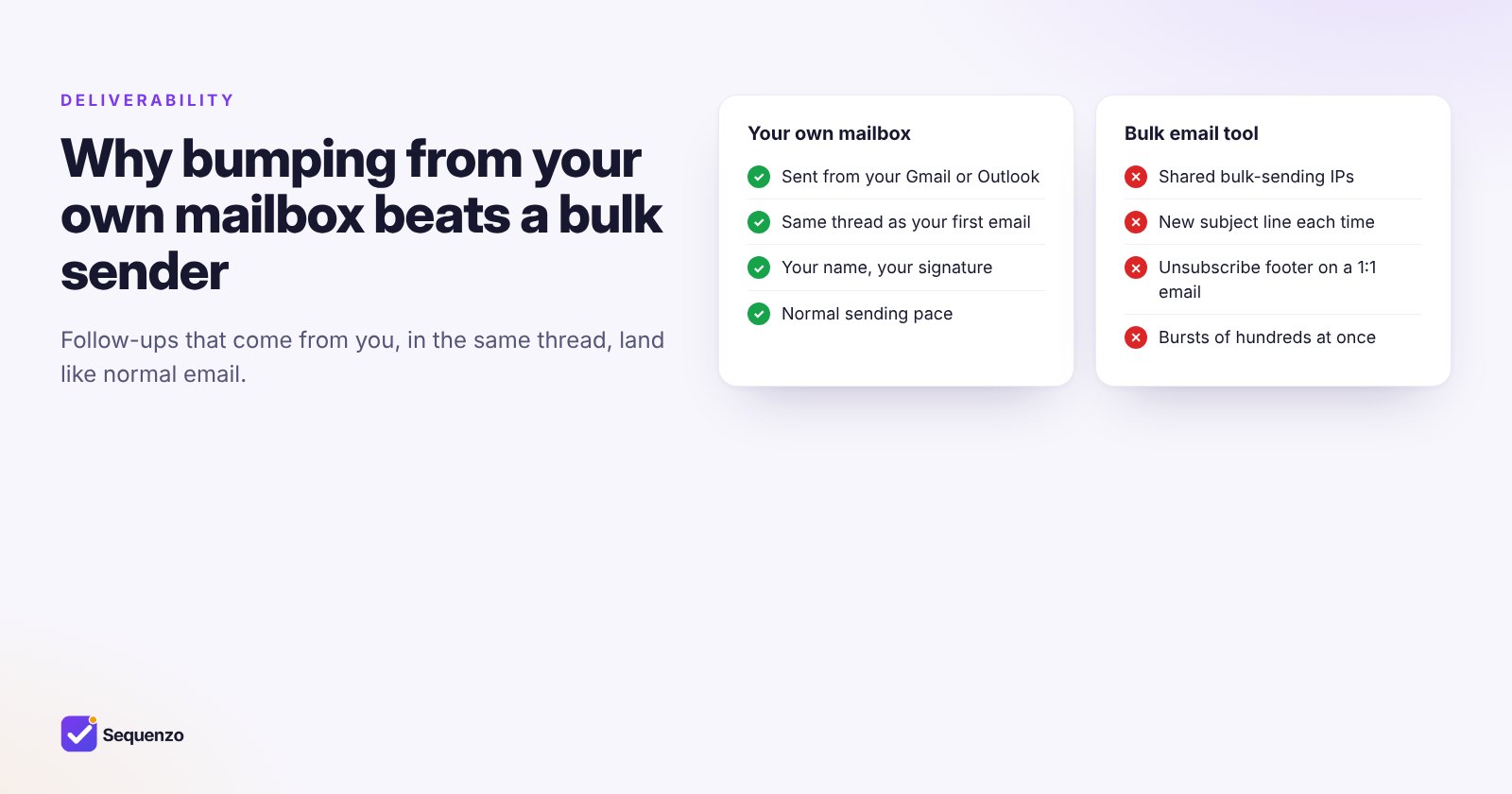
Not if it sends a normal amount of one-to-one email at a normal pace. Restrictions come from volume and complaints: hundreds of near-identical emails, lots of bounces, or people marking you as spam. A follow-up tool that sends from your own mailbox, inside the original thread, stops when people reply and has a daily cap well below Google's is the kind of sending Gmail is built for.
Checking how much you've sent
Gmail doesn't show a running count. To see roughly how much you sent in the last day, search your mailbox for in:sent newer_than:1d. The result counts messages, so remember that an email to several people uses several recipients. Workspace admins can see more detail in the Admin console's reporting and email log search.
Aliases and "Send mail as"
Addresses you send from with "Send mail as" share the limits of the account they belong to. If you send through another provider's SMTP server from Gmail, that provider's limits apply as well.
Google's rules for bulk senders
Google treats anyone sending more than 5,000 messages a day to Gmail addresses as a bulk sender, with extra requirements such as DMARC and one-click unsubscribe for marketing mail. One-to-one follow-ups from a single mailbox are far below that, but the basic rules apply to everyone: authenticate your domain, keep the spam rate low, and send mail people want. See why follow-up emails go to spam.
Limits are not targets
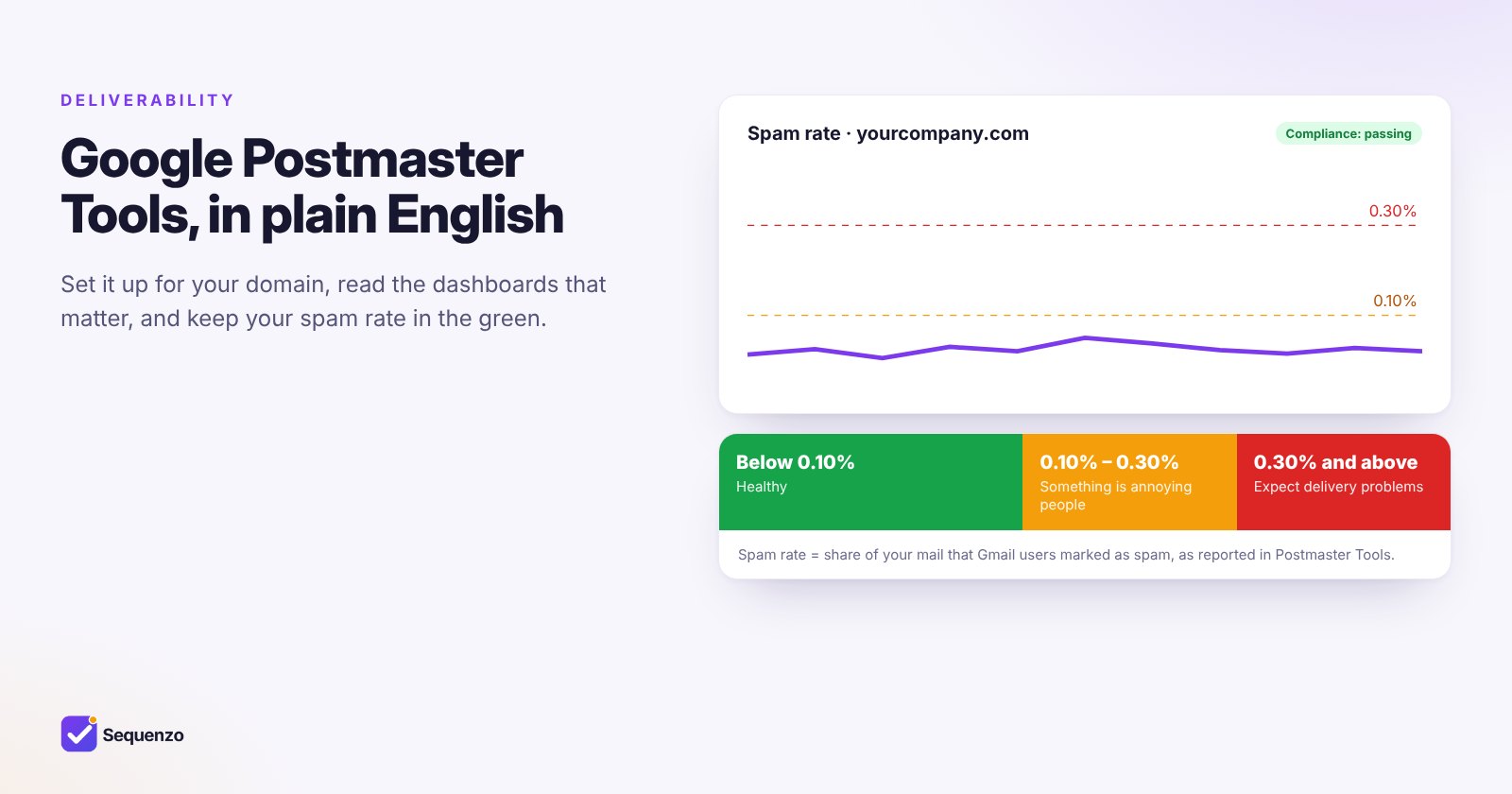
A new Workspace mailbox that suddenly sends hundreds of near-identical messages will run into reputation problems long before it hits 2,000. What matters for inbox placement is how recipients react (replies vs spam complaints) and whether your domain is properly authenticated. Google's email sender guidelines ask all senders to keep the spam rate reported in Postmaster Tools below 0.3%, and recommend staying below 0.10%.
A worked example
Say an agent starts 25 new conversations a day, each with a four-step flow, and about a third of people reply before the flow ends. Once flows overlap, the agent's follow-ups settle at somewhere around 60 to 80 emails a day, plus the 25 first emails and their normal replies. That's comfortably inside a Google Workspace mailbox's 2,000 a day, and inside free Gmail's 500. It's the pattern that matters more than the total: steady sending through the working day looks normal, while 200 identical emails at 9:00 doesn't.
What to do if you really need more volume
If your business sends thousands of emails a day, a personal mailbox is the wrong tool for most of it. Newsletters and announcements belong in an email marketing service, and transactional email such as receipts and password resets belongs in a transactional email service. Keep your own mailbox for conversations. That separation also protects your mailbox's reputation, so the emails that matter most keep landing in the inbox.
Planning follow-ups around the limits
- Follow-ups add up. 20 new conversations a day with a 4-step flow can mean up to 100 emails a day once the flows overlap, fewer as people reply.
- Spread sending across the working day instead of sending everything at 9:00.
- Start low on a new mailbox and increase gradually.
- Stop on reply. Every reply removes the remaining follow-ups for that contact, which keeps volume down without you doing anything.
- Never use Gmail for bulk or cold email. That's what gets mailboxes restricted.
Free Gmail or Google Workspace for business follow-ups?
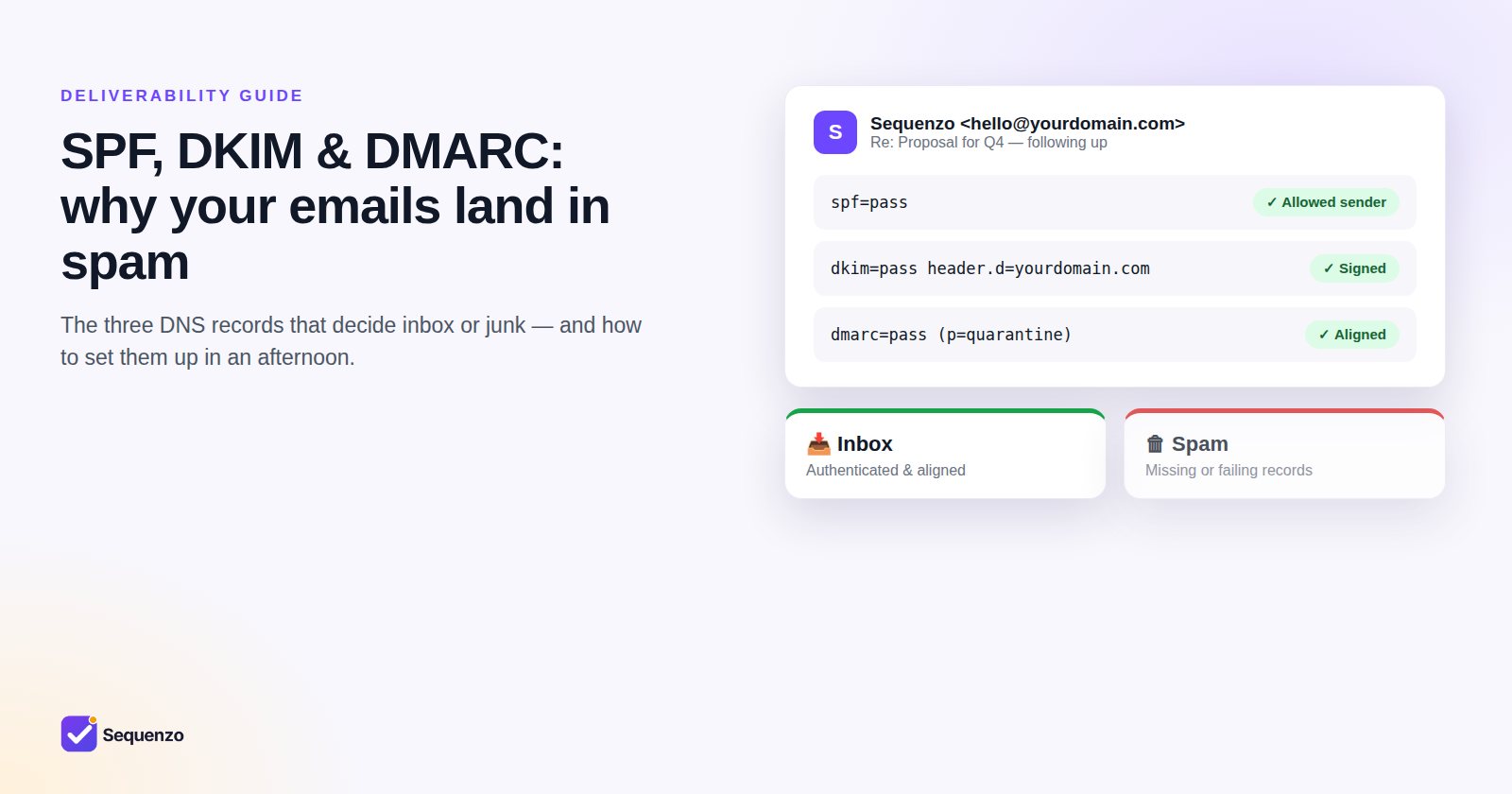
If you follow up with clients for a living, use a Workspace mailbox on your own domain. The limits are higher, and more importantly you can publish SPF, DKIM and DMARC for your domain, which you can't do for gmail.com. Clients also tend to trust an email from your business domain more than one from a personal address. The email health check shows whether your domain is set up correctly.
In Sequenzo, each connected mailbox has its own daily limit, set well below Google's. When it's reached, follow-ups are held until the next day rather than failing, and a recommended warm-up raises the limit gradually on new mailboxes. Sending days and hours keep follow-ups inside the working day. See how to set up your first flow.
Using Outlook? Read Outlook and Microsoft 365 sending limits. And if your emails are reaching people but landing in spam, start with why follow-up emails go to spam.
Frequently asked questions
Q01How many emails can I send per day from Gmail?
For a free @gmail.com account, Google says you may hit a limit if you send more than 500 emails in a day or email more than 500 recipients in one message. Google Workspace accounts can send 2,000 messages a day (500 for trial accounts).
Q02What happens if I exceed Gmail's sending limit?
Gmail temporarily blocks sending and shows an error. You can still receive email, and sending usually resumes within 1 to 24 hours.
Q03Do follow-up emails count toward the Gmail limit?
Yes. Every email you send, including automated follow-ups sent from your mailbox, counts toward your daily limit.
Q04Can I increase my Gmail sending limit?
Not for free Gmail. Google Workspace has higher limits than free Gmail, but neither is designed for bulk email. Use a dedicated email service for newsletters and marketing campaigns.