On this page 8 sections
The best automated follow-up is one the other person doesn't notice was automated. It arrives in the same thread, sounds like you, adds something useful, and stops the second they answer.
The worst one reads like it came from a campaign tool. It turns up as a separate email with a generic subject, repeats itself, and keeps coming after they've already replied. That doesn't just cost you the reply. Recipients hit "report spam", and your future email pays for it.
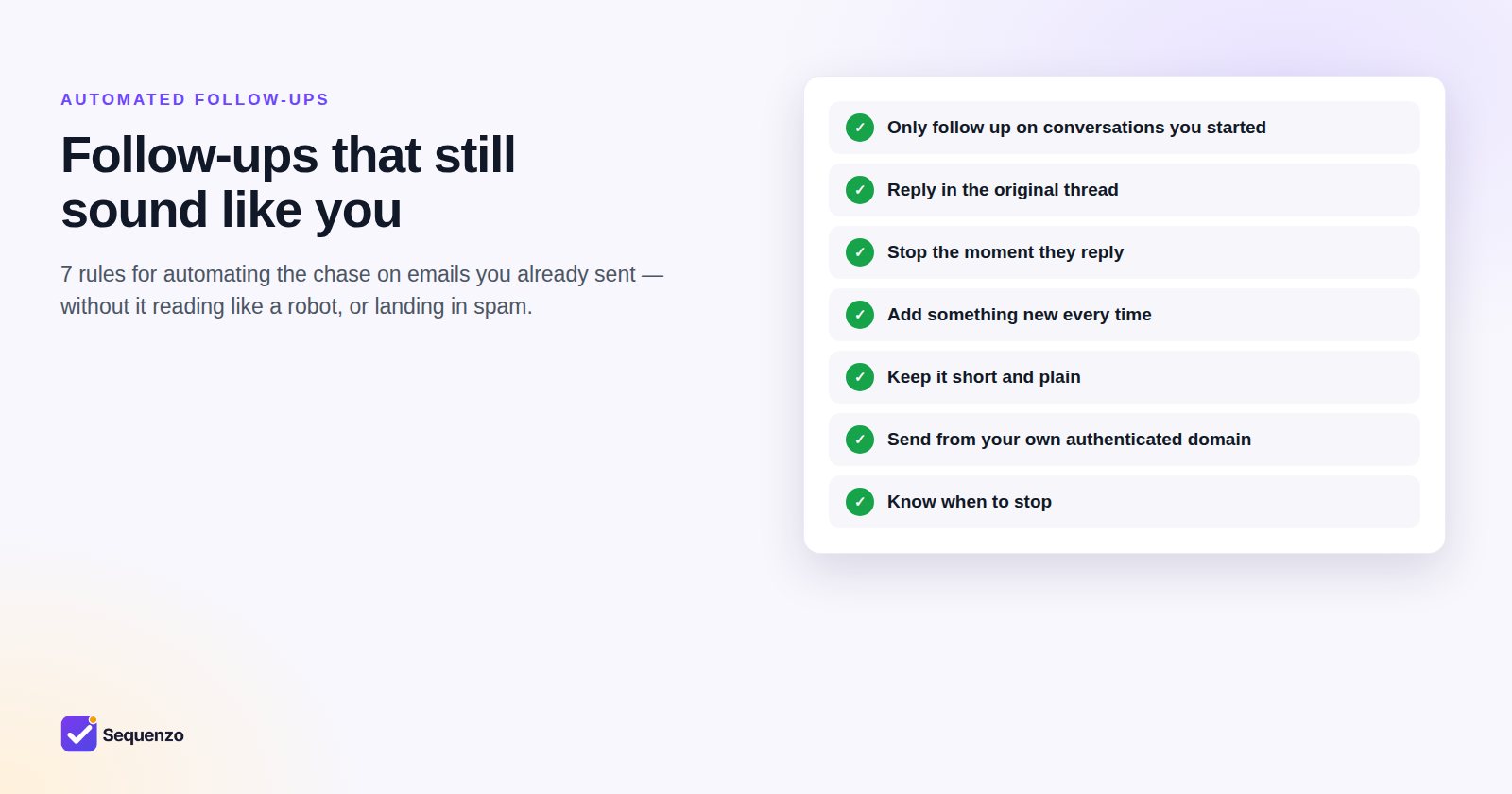
Here are seven rules that keep automation on the right side of that line.
1. Only follow up on conversations you started
A follow-up continues something: a proposal you sent, a quote someone asked for, an interview you arranged, an invoice that's due. The person knows who you are and why you're writing.
Automating messages to people you never emailed isn't following up. It's cold outreach, it's what spam filters are built to catch, and it isn't what Sequenzo is for. You send the first email yourself; Sequenzo only automates the chase.
2. Reply in the original thread
Every follow-up should be a reply to your first email, with the same subject line (Re: …) and the earlier message quoted below. It reads like you picked the conversation back up, and mailbox providers see a normal back-and-forth rather than a fresh blast of new messages.
3. Stop the moment they reply
This is the rule that matters most. A reply, even "not now", ends the sequence. So does an unsubscribe or an "I'm not the right person". Good automation also has to tell a real reply from an out-of-office or an auto-responder. Otherwise an out-of-office notice cancels a follow-up that should still go out, or a real answer gets missed.
4. Add something new every time
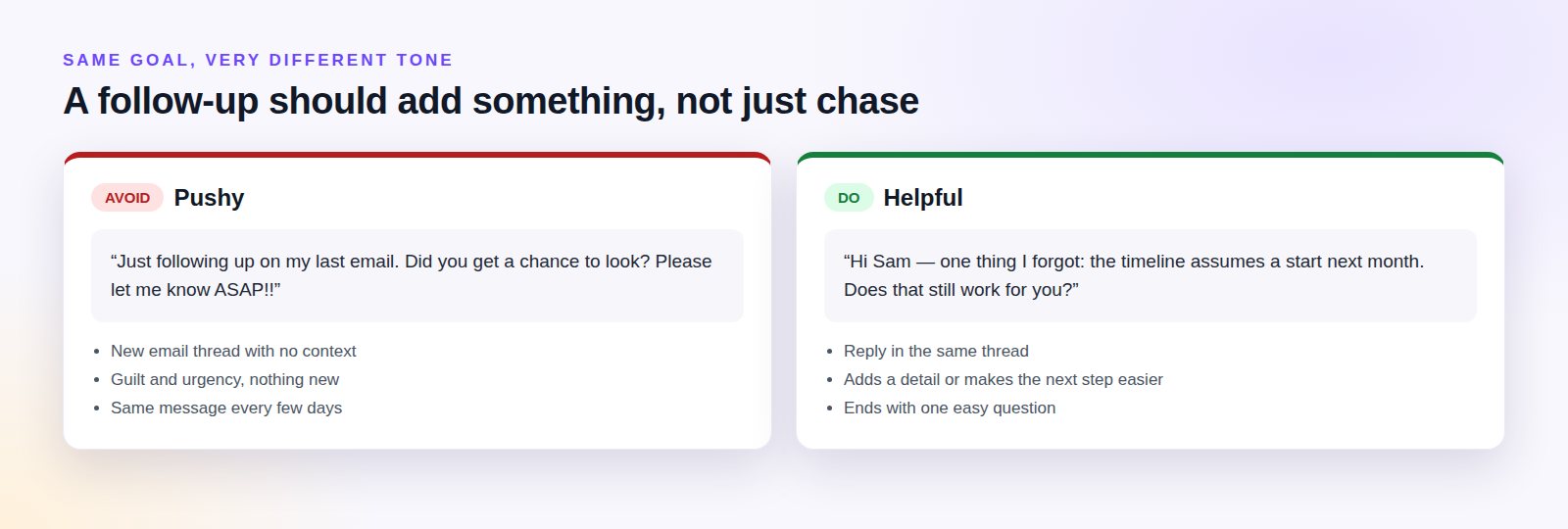
If a follow-up could be replaced by "bump", rewrite it. Each one should bring something: a detail you forgot, a smaller first step, an answer to a question they're likely to have, or an honest reason the timing matters.
5. Keep it short, plain and personal
- Two to four sentences, written the way you would write any email to that person.
- Use their name and a real detail from the conversation. Merge fields should fill in words, not replace thinking.
- Plain text or very light formatting. No banners, big images, tracking-heavy templates or shortened links.
- Your normal signature.
6. Send from your own, authenticated domain
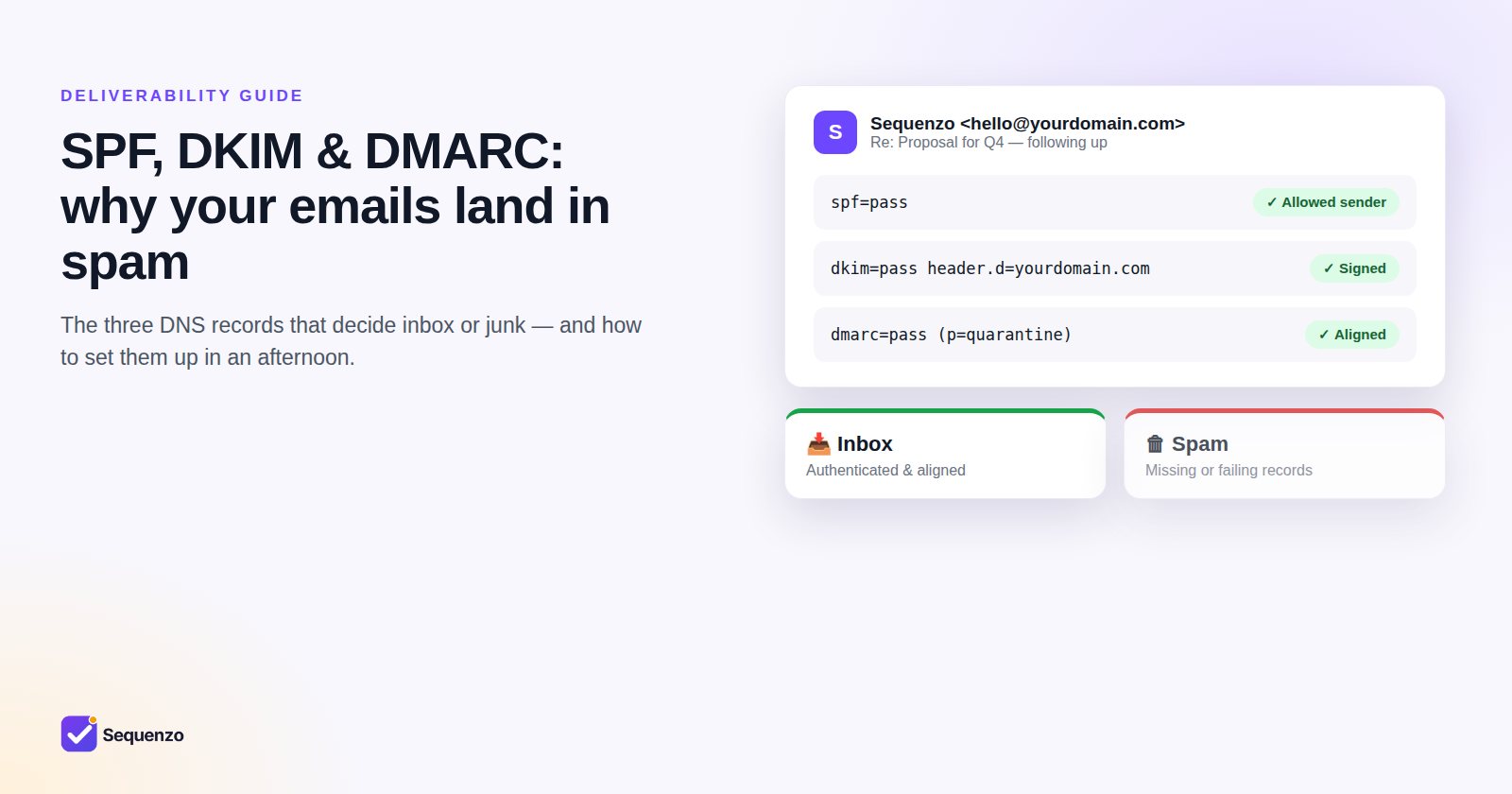
Follow-ups belong in your mailbox, sent from your address, with your domain's SPF, DKIM and DMARC in place. That way they build on the reputation of the conversation you already started, not on a shared sending server you know nothing about. If you haven't set up those records yet, read our guide to SPF, DKIM and DMARC. It's the most useful afternoon you'll spend on email this year.
Keep your sending pattern human, too: send during working hours in the recipient's time zone, and stay within what your mailbox would normally send in a day.
7. Know when to stop
Two or three follow-ups is plenty for most conversations. Make the last one a clear, friendly close ("I'll leave it here. Just reply if the timing changes"). It respects their time, often gets the reply the others didn't, and leaves the door open.
A quick checklist before you switch automation on
- Is every contact someone I've already emailed personally?
- Will each follow-up arrive in the original thread?
- Does the sequence stop on a real reply, and ignore out-of-office messages?
- Does every step add something new?
- Is my domain authenticated (SPF, DKIM, DMARC)?
- Is the last step a graceful close rather than another chase?
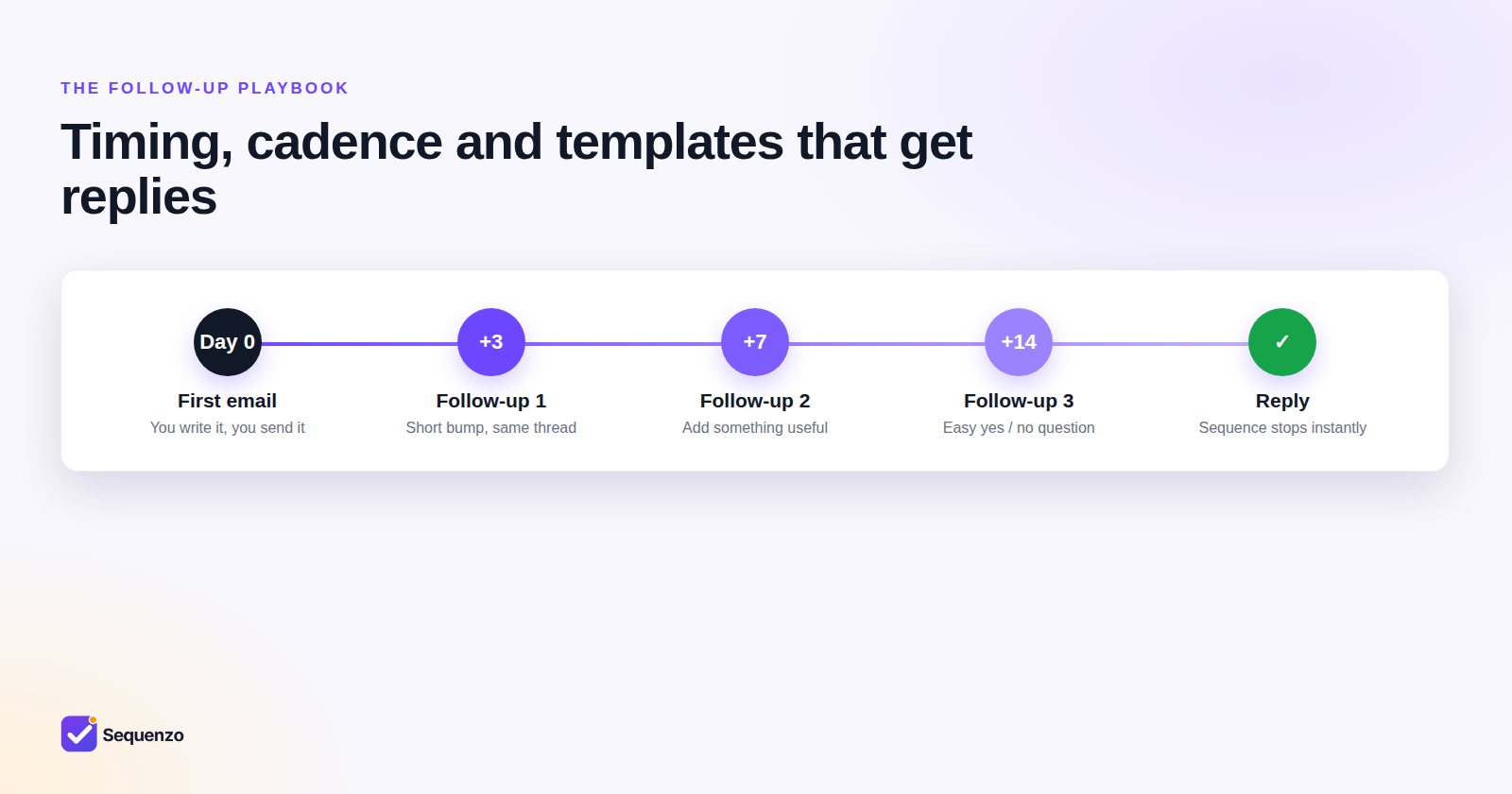
Sequenzo is built around these rules. You connect your own mailbox, send the first email yourself, and choose a cadence. Follow-ups go out from your address in the same thread, during the hours you allow, and stop the moment someone replies.
Frequently asked questions
Q01Will automated follow-ups hurt my email deliverability?
Not if they behave like normal email: sent from your own authenticated domain, as replies in an existing conversation, at a human pace, and stopping as soon as someone replies. Deliverability suffers when automation is used to email people who never heard from you, or keeps sending after a reply.
Q02How does Sequenzo know someone replied?
It watches the thread for a genuine reply from the other person and stops the sequence immediately. Out-of-office notices, auto-responders and your own sent copies are filtered out, so they neither cancel a follow-up by mistake nor count as a reply.
Q03Do the follow-ups look automated to the recipient?
No. They are sent from your mailbox, from your address, as replies in the original thread, with your signature - the same as if you had written them by hand.
Q04Can I use Sequenzo for cold emailing?
No. Sequenzo only automates follow-ups on emails you sent yourself to people you have a reason to contact. It has no bulk sending, no lead database and no mass campaigns, and cold outreach breaks our Acceptable Use Policy.
Q05How many automated follow-ups should a sequence have?
For most conversations, two or three follow-ups after your first email, spaced further apart each time, ending with a friendly close. The sequence should always stop the moment the other person replies.