On this page 2 sections
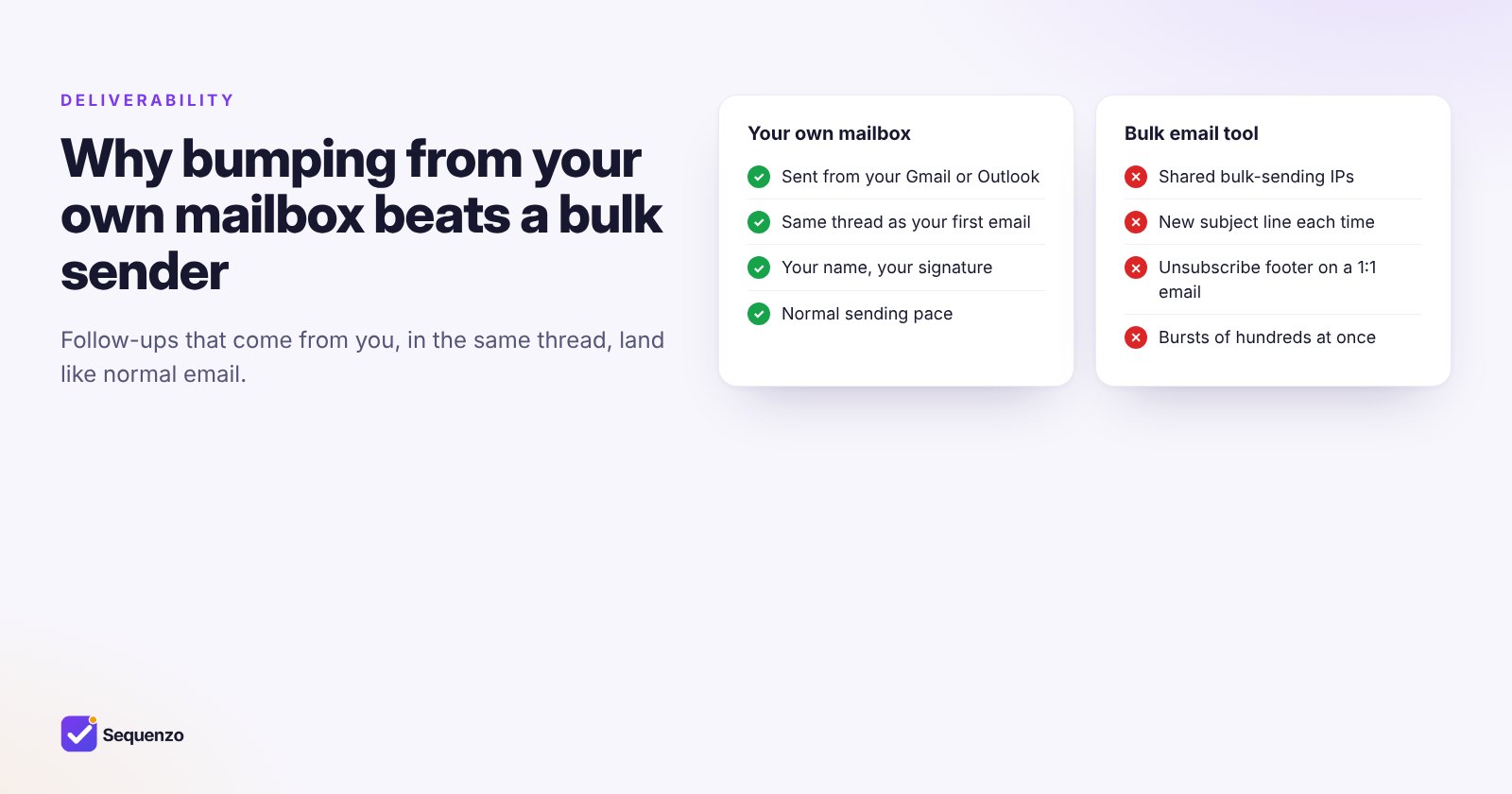
When a follow-up goes out through a shared bulk-sending service, it travels on that service's servers, alongside mail from many other customers, and partly on their reputation. When it goes out from your own mailbox, inside the original thread, it carries your own sending history. To the person receiving it, it also looks like what it is: the next message in a conversation you started.
What changes for the recipient
The follow-up arrives from the address they already know, under the same subject, with your earlier email quoted below it. There's no noreply@ sender, no unfamiliar tracking domain in the From line and no marketing footer. They can answer it the way they would answer any other email.
What changes for deliverability
Mailbox providers look at who is sending, how recipients react and how the mail is sent. One-to-one replies in an existing thread, sent at a normal pace, fit the pattern of ordinary email. That doesn't guarantee the inbox, and your mailbox still has daily sending limits, but it avoids most of the problems that come with bulk tools. There's more in why follow-up emails go to spam.
Frequently asked questions
Q01Why send follow-ups from my own mailbox?
Your own mailbox carries your sending reputation, and a follow-up sent as a reply in the original thread looks and behaves like normal email rather than a marketing campaign.
Q02Do follow-ups from my own mailbox count toward sending limits?
Yes. Gmail, Google Workspace and Microsoft 365 apply daily limits to every mailbox, so keep follow-up volume well below them.
Q03Is this the same as a bulk email tool?
No. Bulk email tools send campaigns from shared infrastructure to lists. Following up from your own mailbox is for one-to-one conversations you started.