Messy contact lists cause bounces, and bounces hurt your sender reputation. Most of the mess is simple: the same person twice in different capitals, typos like gmial.com, addresses copied with names and brackets, and throwaway addresses.
This cleaner pulls every email address out of whatever you paste or upload, then:
- fixes common domain typos (gmial.com → gmail.com, hotmail.con → hotmail.com);
- removes invalid formats and duplicates;
- optionally removes role addresses (info@, sales@) and known disposable domains;
- gives you a clean list to copy or download as CSV, plus a list of what changed and why.
How to use the email list cleaner
- Paste addresses in any format, or drop a CSV or TXT file.
- Choose the clean-up options.
- Click Clean list.
- Copy the clean list or download it as CSV, and review what was removed.
Accuracy and privacy
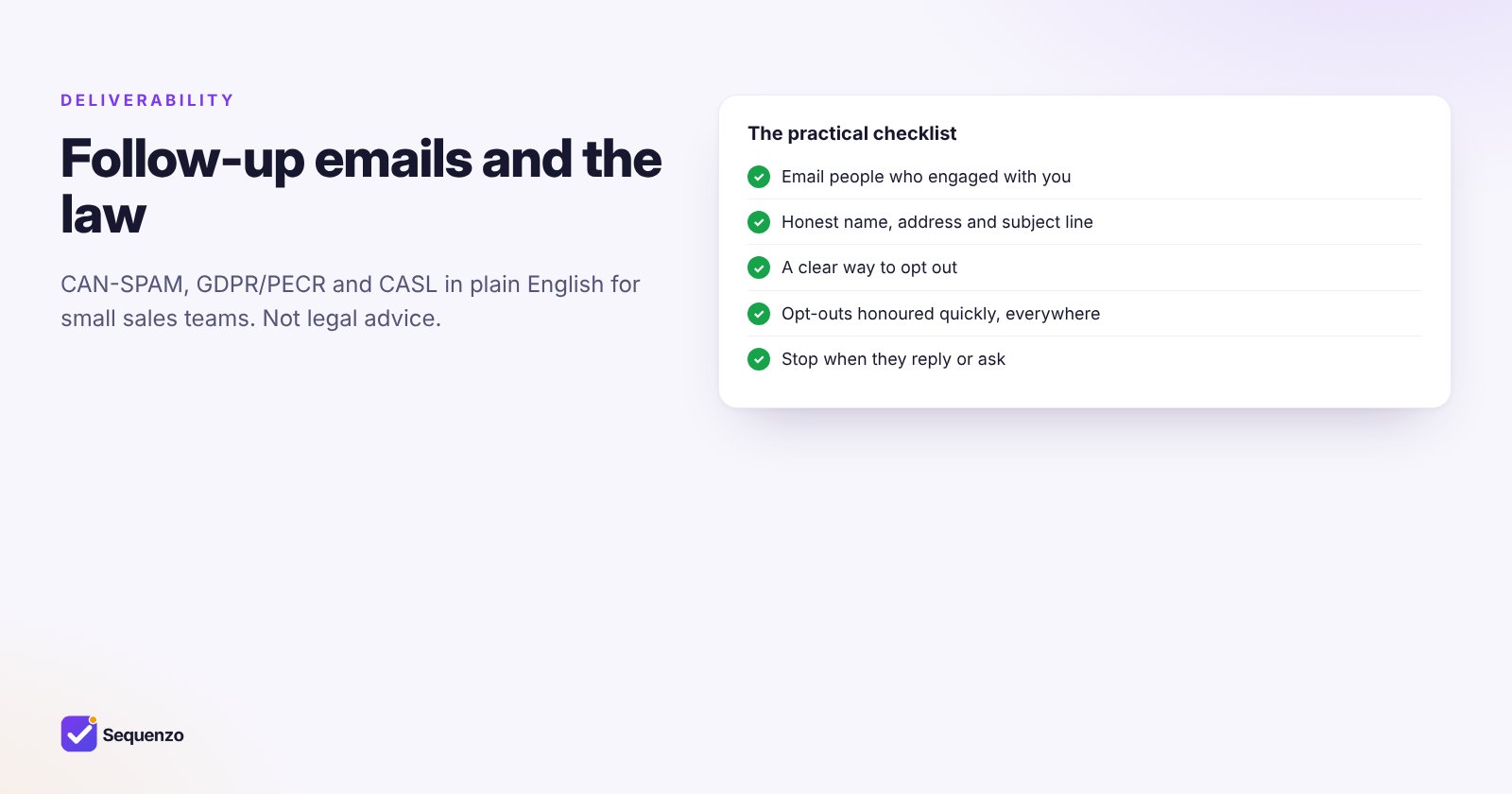
This tool checks the format of each address and known typo and disposable domains. It does not contact mail servers, so it cannot tell whether a mailbox actually exists; that requires a verification service. Everything runs in your browser, and your list never leaves your device. Only email people who have agreed to hear from you or have an existing relationship with you.
Frequently asked questions
Q01Does this verify that email addresses exist?
No. It checks syntax, fixes common typos and removes duplicates, disposable and role addresses. Confirming that a mailbox exists requires contacting the mail server, which this tool deliberately does not do.
Q02What is a role address?
An address for a function rather than a person, such as info@, sales@ or support@. They are often shared inboxes and can have lower engagement, so some teams remove them.
Q03Is my list uploaded anywhere?
No. The cleaning happens entirely in your browser, and the list never leaves your device.
Q04Can I clean a CSV export from my CRM?
Yes. Drop the CSV file and the tool extracts every email address it finds in any column.