On this page 6 sections
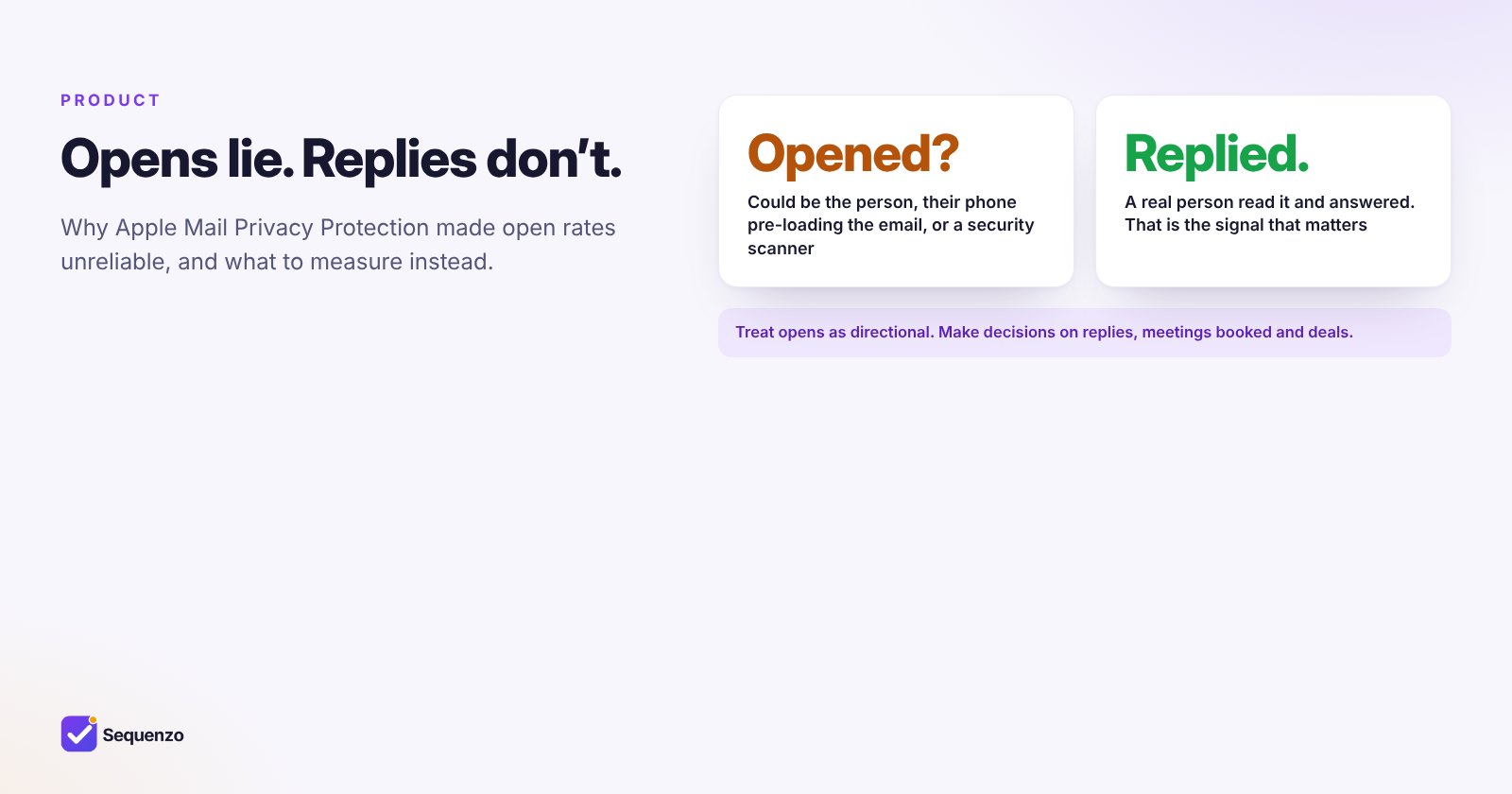
"They opened it three times, so they must be interested." Sales teams have made decisions like that for years. Since 2021, it's no longer a safe assumption. An "open" today might be a real person reading, a phone loading images in the background, or a security scanner checking links. This article explains why, and what to measure instead.
How open tracking works
Open tracking adds a tiny, invisible image to the email. When the image loads, the sender's tool records an "open". It was always an approximation (people with images turned off never registered), but for a long time it was roughly useful.
What Apple Mail Privacy Protection changed
In June 2021 Apple announced Mail Privacy Protection for iOS 15, iPadOS 15 and macOS Monterey. According to Apple's user guide, it "hides your IP address so senders can't link it to your other online activity" and "prevents senders from seeing if you've opened the email message they sent you."
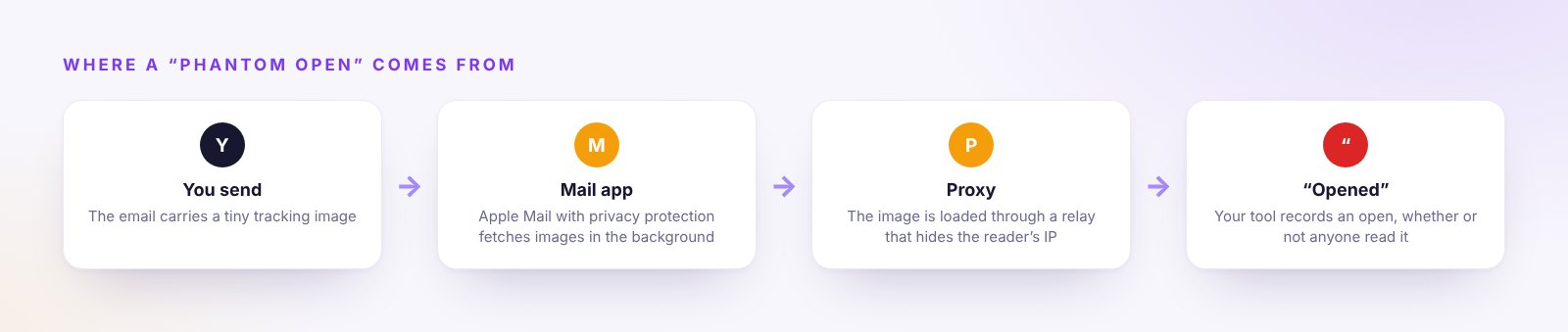
In practice, for people using Apple Mail with the feature turned on, tracking images are loaded in a way that doesn't reflect whether the person actually read the email. Many messages show as "opened" whether they were read or not.
How big is the effect?
Apple Mail is the most common place emails are opened. Litmus's email client market share data shows Apple Mail accounting for the large majority of tracked opens, and Litmus estimates that Mail Privacy Protection now affects roughly 55–60% of all email opens. Add corporate security scanners that "open" emails to check links, and open rates become a noisy signal.
What to measure instead
- Replies. A reply means a real person read your email and cared enough to answer. It's the number that matters most for follow-ups.
- Meetings, viewings or test drives booked.
- Clicks, with care. Security scanners click links too, but clicks are still more meaningful than opens.
- Deals won. In the end, everything else is a stand-in for this.
Don't let opens drive your follow-ups
- "Opened but didn't reply" is not a reason to send more. It might not have been opened at all.
- "Opened five times" may be a scanner, a preview pane, or you looking at your own sent message.
- Skipping follow-ups because someone "opened" can leave real leads unanswered.
How Sequenzo handles opens
Sequenzo still offers open tracking, with a few safeguards. Opens are labelled Recipient or You opened it, so your own views of the sent message don't count as the other person reading it, and opens caused by security scanners are treated as machine opens. Reports focus on replies, meetings booked and A/B test results, and you can turn open tracking off for any flow. Most importantly, follow-ups stop on a reply, never on an open. See how stop-on-reply works.
Turning tracking off can also help deliverability a little, because the email carries no tracking image. See why follow-up emails go to spam.
Frequently asked questions
Q01Are email open rates still accurate?
Not very. Apple Mail Privacy Protection, image proxies and security scanners can register opens that do not reflect a person reading the email. Treat opens as a rough, directional signal.
Q02What does Apple Mail Privacy Protection do?
According to Apple, it hides the reader's IP address and prevents senders from seeing whether the person opened the email.
Q03What should sales teams track instead of opens?
Replies first, then meetings or appointments booked and deals won. Clicks are more meaningful than opens but can also be triggered by security scanners.
Q04Should I turn off open tracking?
If you do not use opens to make decisions, turning tracking off is reasonable and removes the tracking image from your emails. Sequenzo lets you turn it off per flow.