On this page 16 sections
If you send emails that need an answer, such as quotes, proposals, viewing details or job offers, you have probably lost a deal because nobody followed up. There are a lot of tools that try to fix this, and they don't all do the same thing. Some only remind you. Some send one follow-up. Some run whole sales campaigns.
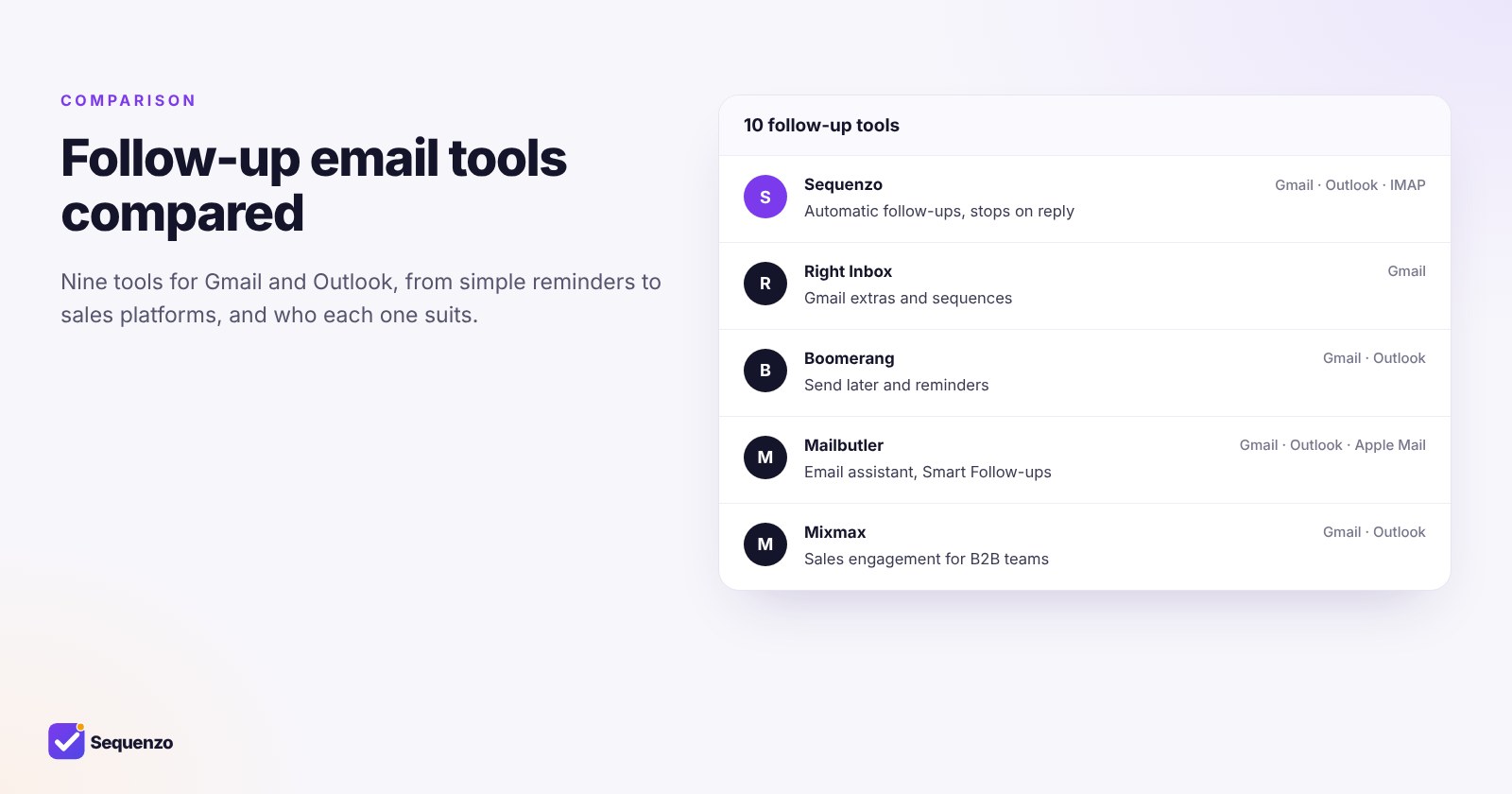
This comparison covers ten of them. We make one of the ten (Sequenzo), so we've tried to be specific about where the others are better, and we link to each vendor's own pricing page. Prices and plans change often. The figures here were checked in November 2026 against vendors' pages and public listings, and where sources disagreed we say so.
Who this comparison is for
It's for people who follow up on conversations they started: estate agents after viewings, car salespeople after test drives, brokers chasing documents, consultants after a proposal, small sales teams after a demo. If that's you, the main questions are which mailbox you use, whether you want reminders or emails that send themselves, and how much you want to pay per person.
It isn't for cold email. If you want to email thousands of people you have never spoken to, you need a dedicated cold-outreach platform with separate sending domains and warm-up, and none of the tools below is built for that. We say more about this near the end.
The short version
| Tool | What it mainly does | Mailboxes | Automatic multi-step follow-ups | Paid plans (listed, Nov 2026) |
|---|---|---|---|---|
| Sequenzo | Automatic follow-ups that stop on a reply, plus send later, reminders and Inbox Pause | Gmail, Outlook, Microsoft 365, Zoho, any IMAP | Yes | Pro $8.99 a month, Business $24.99 |
| Right Inbox | Gmail productivity: tracking, send later, sequences | Gmail | Yes | From about $7.95 a month |
| Boomerang | Send later, reminders, single follow-ups | Gmail; Outlook via a separate add-in | No | From about $4.98 a month |
| Rebump | Automatic follow-ups in Gmail | Gmail | Yes | Free trial; see Rebump |
| Mailbutler | Email assistant: tracking, notes, tasks, AI | Gmail, Outlook, Apple Mail | Yes, on the Smart plan | Smart about $11 to $14 per user |
| Mixmax | Sales engagement for B2B teams | Gmail, Outlook add-in | Yes, on higher plans | Changed in 2025; see Mixmax |
| Yesware | Tracking and campaigns for sales reps | Gmail, Outlook | Yes | Pro about $15 to $19 per user |
| GMass | Mail merge and campaigns inside Gmail | Gmail | Yes | From about $25 to $30 a month |
| Streak | CRM built into Gmail | Gmail | Mail merge follow-ups | Per user; see Streak |
| FollowUpThen | Email reminders to yourself | Any (works by email address) | No | Low monthly plans; see FollowUpThen |
How we compared them
We looked at five things. First, whether the tool sends follow-ups for you or only reminds you. Second, whether it stops when the person replies, because a reminder that lands after someone has answered is worse than no follow-up. Third, which mailboxes it works with, since plenty of teams have a mix of Gmail and Outlook. Fourth, what you pay to get automatic follow-ups specifically, which is often a higher tier than the headline price. Fifth, who the tool is really built for.
1. Sequenzo
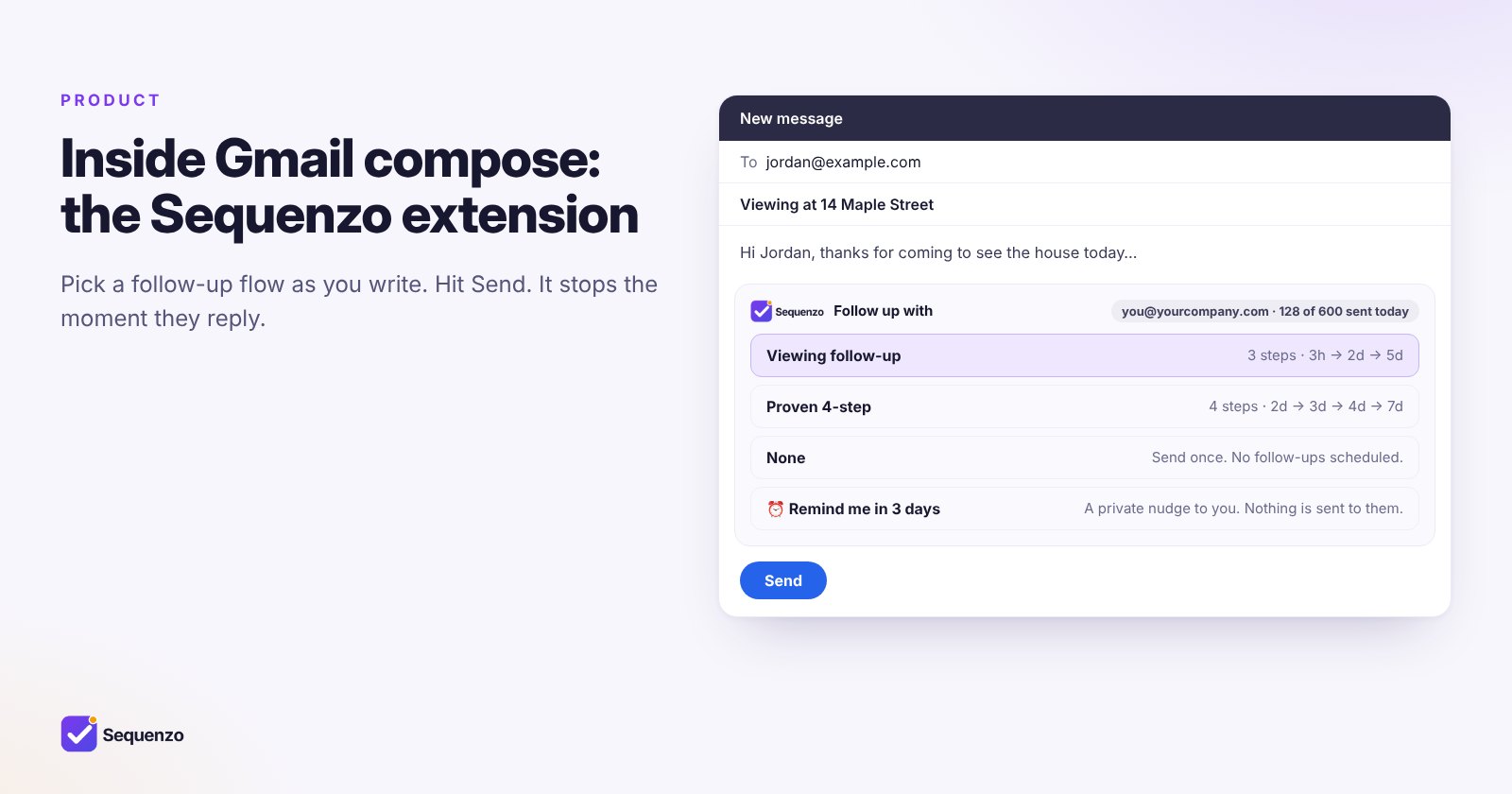
Sequenzo is ours. It does one job: you send the first email yourself, pick a follow-up flow, and Sequenzo sends the follow-ups from your own mailbox in the same thread until the person replies. It checks the thread in the background and again a few seconds before each send, and an out-of-office reply pauses the flow instead of stopping it.
It also covers the everyday tools people often buy Boomerang for. Send later works from the Gmail compose window, up to a year ahead. Private reminders can be set for 1, 3 or 7 days and close themselves if the person replies. There's Inbox Pause too. All three are on every plan, including Free.
It works with Gmail and Google Workspace, Outlook and Microsoft 365 (through Microsoft sign-in), and Zoho, Fastmail or any IMAP mailbox with an app password. There's a Chrome extension for starting flows from Gmail or Outlook on the web.
Good for: agents, dealers, brokers, consultants and small teams who want follow-ups to happen without thinking about them, especially if the team uses more than one kind of mailbox. Not for: cold email, bulk campaigns, or teams that need calls and LinkedIn steps in the same sequence. Pricing: a free plan with 200 emails a month and a sequence of up to five follow-ups, Pro at $8.99 a month and Business at $24.99 a month. See Sequenzo pricing.
2. Right Inbox
Right Inbox is a Chrome extension that adds several features to Gmail: email tracking, send later, recurring emails, private notes, templates and sequences that cancel when someone replies. If you only use Gmail and want those extras in one place, it is a reasonable choice and its entry price is low.
The limit is the mailbox. We couldn't find Outlook support in Right Inbox's documentation, so a team with Outlook users would need something else for them. Its free plan is also small. Third-party listings put it at five scheduled emails a month. More detail in Sequenzo vs Right Inbox, and current prices on Right Inbox's pricing page.
3. Boomerang
Boomerang has been around for years and is best known for send later, reminders that bring an unanswered email back to your inbox, and Inbox Pause. It can also send a single follow-up if nobody replies. It isn't built for a series of follow-ups that run on their own, so if a lead needs three nudges you still write the second and third yourself.
There's a Gmail version and a separate Boomerang for Outlook add-in. Paid plans are listed from about $4.98 a month for Gmail. If you mostly want scheduling and reminders, Boomerang is good at that, though Sequenzo now covers the same basics on its free plan. If you want follow-ups that send themselves, look at the tools that support sequences. See Sequenzo vs Boomerang and Boomerang's plans.
4. Rebump
Rebump is a Gmail add-on built for one thing: automatic follow-ups in the same thread that stop when the person replies. It is the closest tool on this list to Sequenzo in what it does. The main differences are that it only works with Gmail and Google Workspace, and it offers a free trial rather than a permanent free plan. Third-party listings disagree on its prices, so check Rebump's pricing page. More detail in Sequenzo vs Rebump.
5. Mailbutler
Mailbutler is an email assistant for Gmail, Outlook and Apple Mail. It covers tracking, templates, notes, tasks, contact profiles and AI writing, and its Smart Follow-ups can send follow-ups automatically. Those are on the Smart plan, which third-party listings put at roughly $11 to $14 per user a month depending on billing. The cheaper plans don't include them.
It's the strongest option here for Apple Mail users, because it has a native plugin. If follow-ups are the only thing you need, you'll pay for features you won't use. See Sequenzo vs Mailbutler and Mailbutler's pricing.
6. Mixmax
Mixmax is a sales engagement platform for B2B teams: sequences, meeting scheduling, CRM integration and AI assistants. It works in Gmail through a Chrome extension and in Outlook through an add-in. It moved to new plans in 2025, and sequences sit on its higher tiers, so check the current plan before assuming the entry price covers follow-ups.
If you run a sales team with SDRs, rules and Salesforce, Mixmax is built for you. If you are an agent or a three-person team who only wants follow-ups, it is more tool than you need. See Sequenzo vs Mixmax and Mixmax pricing.
7. Yesware
Yesware works in Gmail and Outlook and focuses on email tracking, templates, meeting scheduling and campaigns for sales reps. Capterra lists the Pro plan at about $15 per user a month on annual billing, or $19 monthly. Sources disagree on how many campaign recipients each plan allows, so check the limits if you plan to rely on campaigns. It is a solid choice for B2B reps who want tracking in both Gmail and Outlook. See Sequenzo vs Yesware, and current plans on Yesware's site.
8. GMass
GMass is a mail merge and campaign tool that runs inside Gmail, often driven from a Google Sheet. It has automatic follow-up stages that can trigger on no reply, no open or no click, and it stops when someone replies. It's powerful for sending the same email to a list. For one-to-one follow-ups on a quote you just sent, setting up a campaign is more work than you need, and the plans cost more than the simpler tools. See Sequenzo vs GMass. Current plans are on the GMass site.
9. Streak
Streak is a CRM that lives inside Gmail: pipelines, boxes for each deal, shared contacts, and mail merge with follow-ups. If you want to manage your whole pipeline without leaving Gmail, it is one of the best options. If you only want automatic follow-ups, a full CRM is a lot of extra setup. Pricing is per user; see Streak's site for current plans.
10. FollowUpThen
FollowUpThen works by email address. You BCC something like [email protected], and it emails you a reminder in three days. Because it works by email, it works with any mailbox and any app. It reminds you, though. It doesn't email the other person. It's a good, cheap habit tool for people who are happy to write every follow-up themselves.
Which one should you pick?
- You only want reminders, and you'll write the follow-ups yourself: FollowUpThen, Boomerang, or Sequenzo's free plan.
- You use Gmail only and want a focused follow-up add-on: Rebump or Sequenzo.
- You use Gmail only and want several Gmail extras: Right Inbox.
- You use Apple Mail, or want an all-round email assistant: Mailbutler.
- You want follow-ups that send themselves on Gmail, Outlook or Zoho, at a low price per person: Sequenzo.
- You run a B2B sales team with CRM rules and meeting routing: Mixmax or Yesware.
- You send the same email to a list from a spreadsheet: GMass.
- You want a CRM inside Gmail: Streak.
What about cold email tools?
Platforms such as Instantly, Smartlead and Lemlist are built for outreach to people who haven't heard from you, using separate domains, warm-up and inbox rotation. That's a different job from following up with someone who asked for a quote, and warm follow-ups sent through cold-email infrastructure tend to look like marketing. If cold outreach is what you need, compare those platforms with each other. None of the tools above, Sequenzo included, is the right fit.
Before you choose
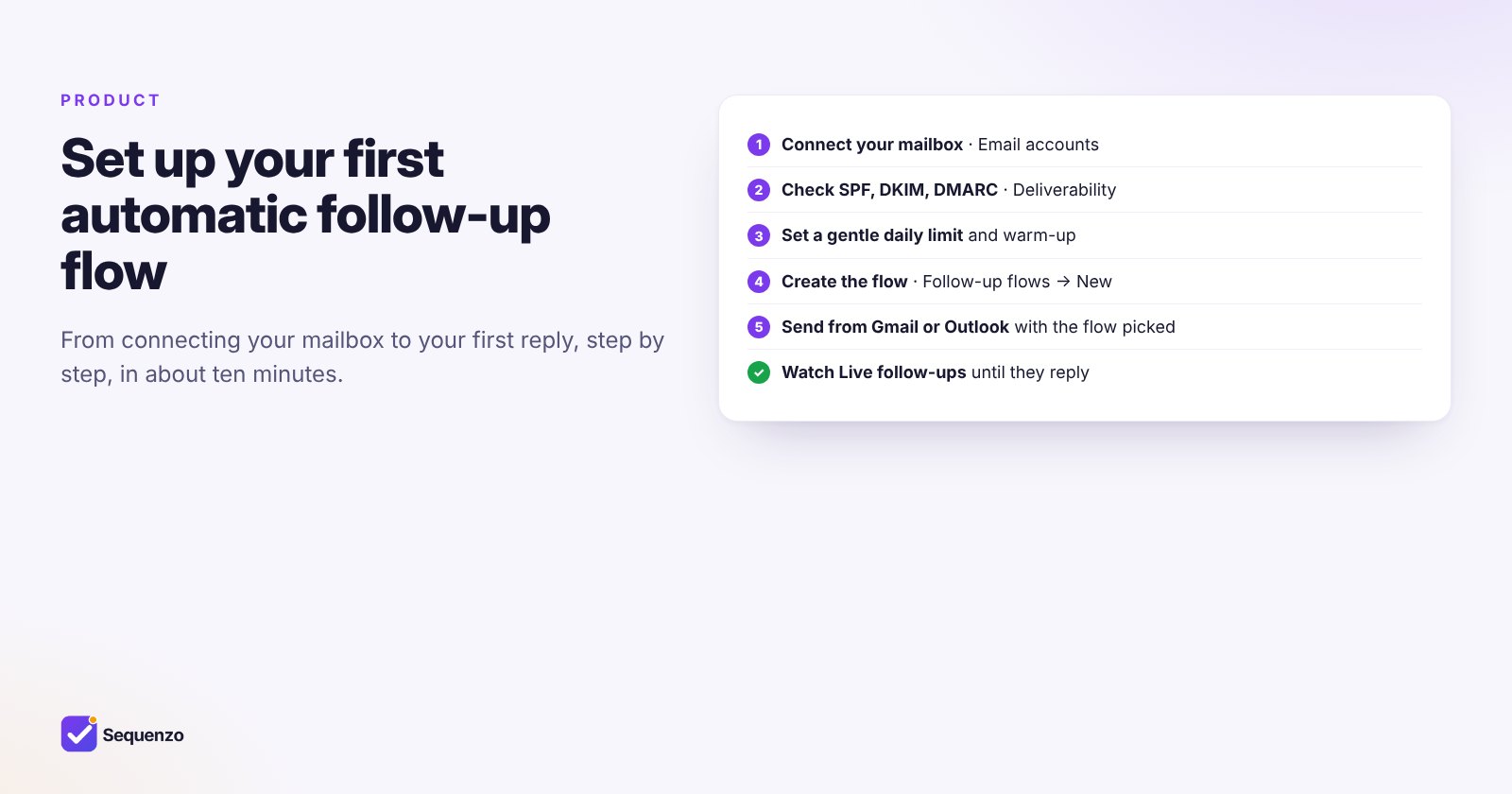
Whichever tool you pick, test it on your own mailbox before you rely on it. Send a follow-up flow to a second address you own, reply to it, and check the remaining steps were cancelled. Then check your domain's authentication with the free email health check, because no follow-up tool can fix mail that fails SPF, DKIM or DMARC. For the writing side, see how to follow up on an email with no response.
Frequently asked questions
Q01What is the best follow-up email tool for Gmail?
It depends on what you need. Right Inbox suits Gmail users who want several extras in one extension. Sequenzo suits people who mainly want follow-ups that send themselves and stop on a reply. Boomerang suits people who want send later and reminders.
Q02Which follow-up tools work with Outlook?
Sequenzo, Mailbutler, Yesware and Mixmax all support Outlook, and Boomerang has a separate Outlook add-in. Right Inbox, Rebump, GMass and Streak are Gmail tools.
Q03Do any free follow-up tools send follow-ups automatically?
Several have free plans with limits. Sequenzo's free plan includes a sequence of up to five follow-ups and 200 emails a month. Check each vendor's free plan, because some only include reminders.
Q04Are these tools suitable for cold email?
Not really. Cold outreach at volume needs separate sending domains and warm-up, which cold-email platforms provide. The tools in this comparison are built for following up on conversations you started.