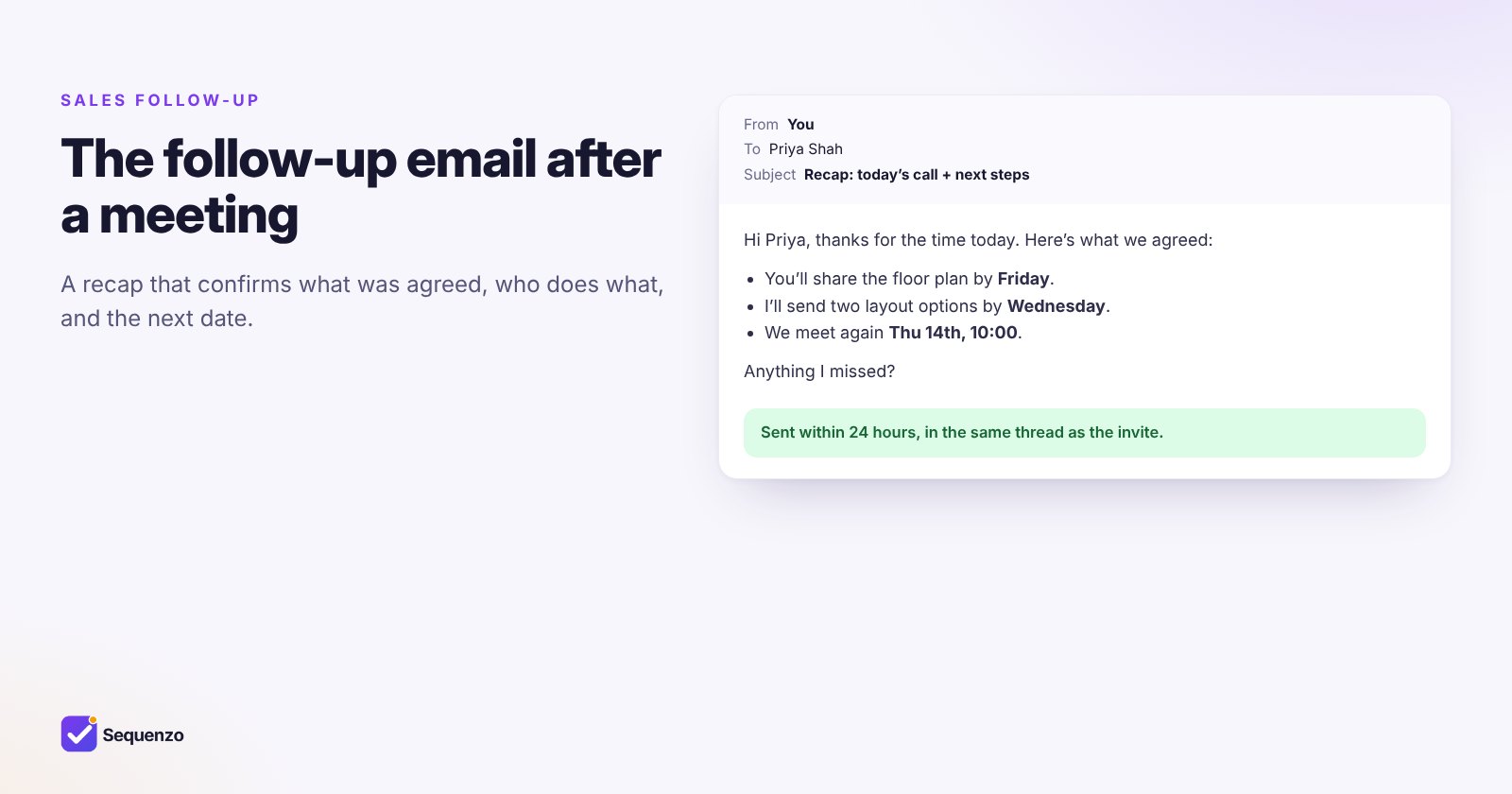
Most people speak three times faster than they type. Dictation is a quick way to draft follow-up emails, notes after a call or meeting, and replies on the go.
Live dictation uses the speech recognition built into Chrome, Edge and Safari. Text appears as you speak, and you can say "comma", "period", "question mark" or "new line" to punctuate. File transcription turns a recording (MP3, M4A, WAV, WebM, OGG, FLAC or MP4) into text with an AI speech model, with automatic language detection.
For the best accuracy
- Use a headset or speak close to the microphone in a quiet room.
- Speak in full sentences at a natural pace, and pause briefly between them.
- Check names, numbers and email addresses afterwards; they are the most common errors.
How to use the speech to text
- Choose Live dictation and select your language.
- Click Start dictation and allow microphone access.
- Speak naturally. Say "comma", "period" or "new line" to punctuate.
- Edit the text in the box, then copy it or download it as .txt.
- For a recording, open Transcribe a file, drop the file and click Transcribe.
Accuracy and privacy
Live dictation is processed by your browser's speech service (in Chrome, audio is sent to Google's speech servers; Safari and Edge use Apple and Microsoft services), so it needs an internet connection; this site never receives your audio. Live dictation is not available in Firefox. File transcription uploads the file to this site, which sends it to an AI speech-recognition provider and does not keep it; size and daily limits apply. Transcripts are not stored.
Frequently asked questions
Q01Which browsers support live dictation?
Chrome and Edge on desktop and Android, and Safari on Mac and iPhone. Firefox does not support the Web Speech API yet; use file transcription there instead.
Q02Is my audio recorded or stored?
This site does not record or store live dictation; it is handled by your browser's speech service. Uploaded files are sent for transcription and then discarded.
Q03How accurate is the transcription?
With clear audio, modern speech recognition is very accurate. Background noise, crosstalk and accents can reduce accuracy, and names and numbers need checking.
Q04How long can an uploaded recording be?
Up to the file size limit shown on the page (typically 25 MB, which is roughly 25 minutes of MP3 at 128 kbps). Compress or split longer recordings.